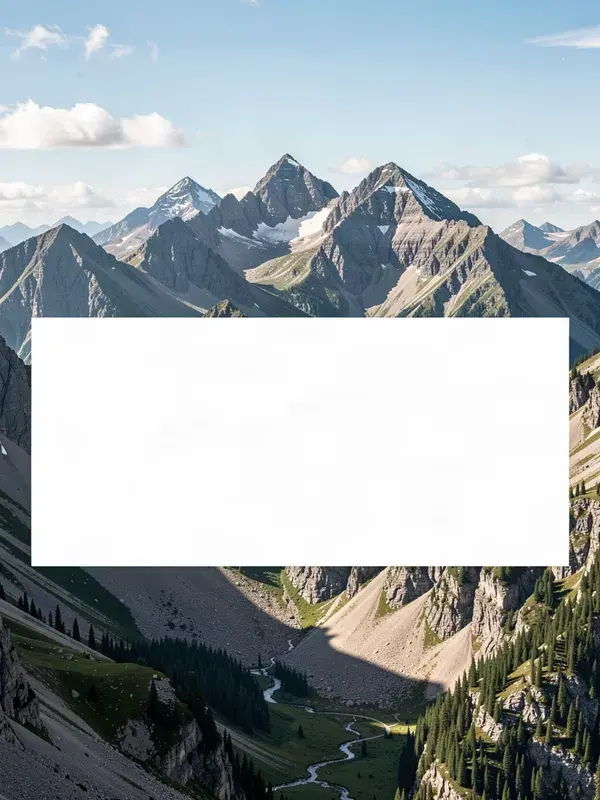
Put readable text on any image. Quote cards, meme captions, thumbnail overlays.
- 1
Drop in a background image, or start from a solid colour.
- 2
Type the text. Short lines beat long ones on every platform.
- 3
Set size, position and weight, then add a scrim or an outline so it stays readable over busy areas.
- 4
Export at full resolution.
- Text controls
- Full type control
- Readability
- Scrim, stroke, shadow
- Output
- PNG or JPG
- Account
- Not required
What is quote & meme card maker?
A quote and meme card maker draws text over an image at the size and contrast needed for it to stay readable on a phone. APImage's version runs in the browser with control over font size, weight, position, colour, a contrast scrim behind the text and a stroke outline, which are the settings that decide whether a caption survives being viewed at thumbnail scale.
Why is text the thing AI image tools get wrong?
Because generative models draw letter shapes rather than typesetting them, so long strings distort. Drawing text with real type on top of a generated background gives you both: the image from a model, the typography from a font that renders correctly every time.
How do I keep text readable over a busy photo?
Add a scrim, which is a semi-transparent panel behind the text, or a stroke outline around the letters. Both are here. A drop shadow alone is usually not enough over a high-contrast background.
Which fonts can I use?
The tool uses the fonts already available to your browser, so it renders with common system faces. For a specific brand typeface, export the background here and set the type in your own design tool.