Faceless YouTube Automation: Famous.
Go viral on a channel that never shows your face.
 Narrated b-roll
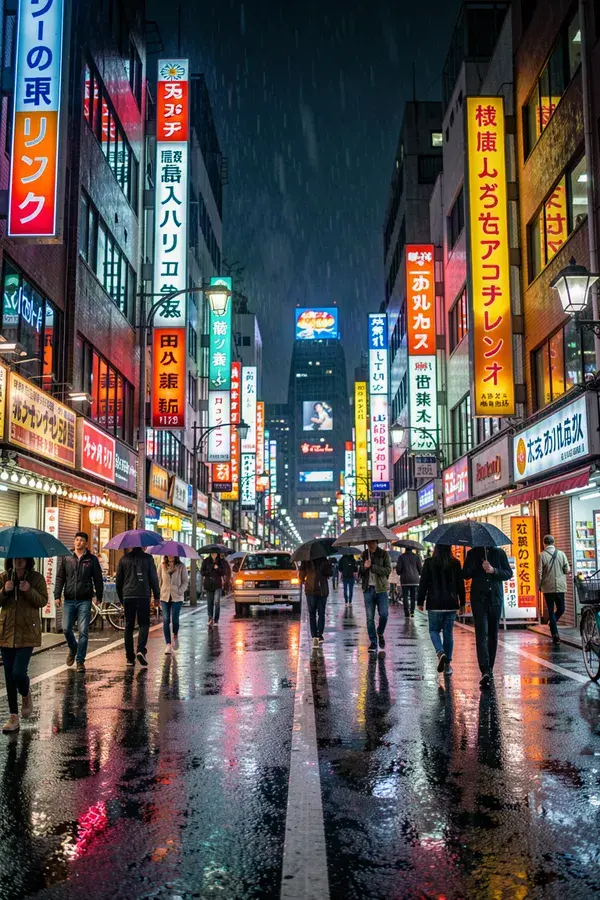
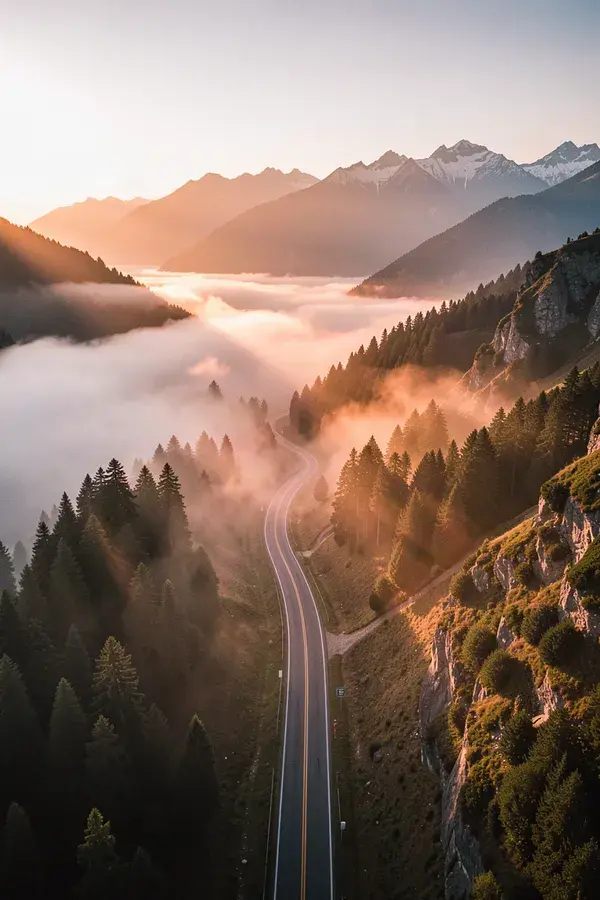
The shots that carry the voiceover. Cities, interiors, hands, weather, machinery, whatever the script needs.
 Recurring character scenes
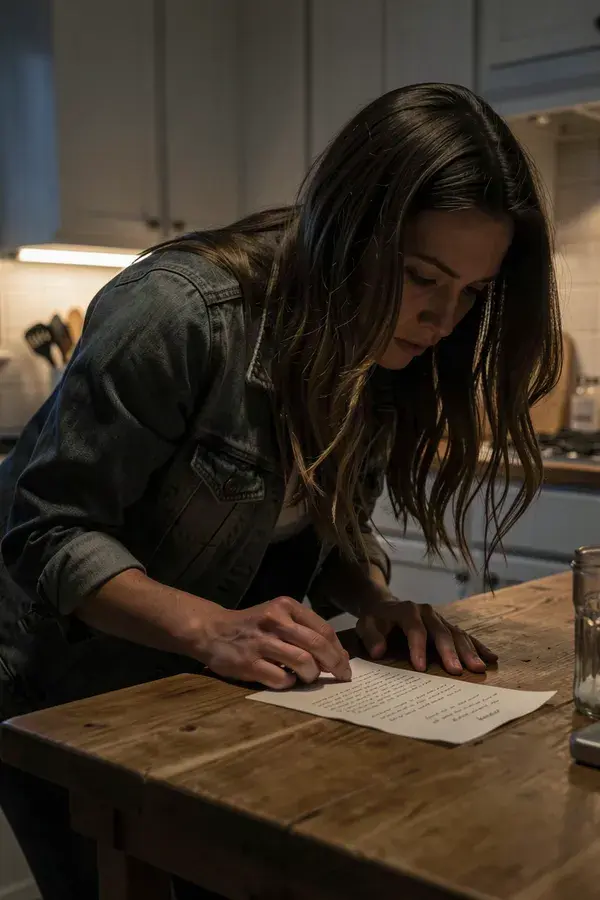
One face across the whole channel, doing something different in every episode.
 Talking segments
A face delivering your recorded narration, for the parts where a voice over stock footage is not enough.
 Thumbnails and end cards
Covers built to be clicked at 320 pixels wide, which is the only size that matters.
- 1
Lock the niche and the look
Pick the visual language before you generate anything. Save the palette, the recurring character and the product as Brand Assets so episode 40 looks like episode 1.
- 2
Generate the visuals for the script
Feed each beat of the script a prompt. Establishing shots, close-ups, the character reacting. Everything comes back in the aspect ratio you asked for, so nothing gets cropped to death later.
- 3
Bring your own voice track
FLUX 3 Video generates a synchronized audio track with the clip. When the narration has to be a specific script in a specific voice, record it yourself and lip sync it to a face with Seedance 2.0, up to 30 seconds of audio per clip.
- 4
Make the thumbnail last
The thumbnail decides whether any of the work gets seen. Generate covers with text that renders as actual letters, test two, keep the winner.
What is faceless youtube automation?
Faceless YouTube automation is running a monetized YouTube channel where no one appears on camera and the visuals are produced rather than filmed. APImage is the visual half of that stack: it generates the b-roll, the establishing shots, the character scenes and the thumbnails from text prompts or reference images, in clips of 4 to 30 seconds at up to Full HD, so a single operator can fill a daily upload schedule without a studio.
Will a faceless channel still get monetized?
YouTube monetizes faceless channels, but its policy on repetitious and inauthentic content is what catches lazy automation. The channels that survive add real editorial value: an original script, a point of view, and visuals made for that episode rather than the same stock clip reused forty times. Generated footage is fine. Generated footage with nothing on top of it is what gets demonetized.
Do I need to disclose that the video is AI generated?
Yes, where the platform asks. YouTube requires you to flag altered or synthetic content that could be mistaken for real people, places or events, and there is a checkbox in the upload flow for it. Label it and move on. It costs nothing and skipping it risks the channel.
Can APImage write the script and the voiceover too?
It does not write the script. FLUX 3 Video does generate a synchronized audio track with the clip, but there is no text-to-speech for a script you wrote, so narration in a particular voice still comes from your own recording or a voice tool. You can drive APImage from Claude or Cursor through the MCP server, so the script and the shot list can at least come from the same conversation that triggers the generation.
How long can each clip be?
It depends on the model. Seedance 2.0 gives you 4 to 15 seconds at up to 1080p. Seedance 2.5 gives you up to 30 seconds at up to 720p. FLUX 3 Video gives you 5 to 20 seconds at up to Full HD, with a synchronized audio track. For a ten minute episode you generate the shots you need and cut them together in your editor. That is how b-roll works anyway.
What does it cost to run a daily channel?
Video generation starts on the paid plans at USD 19/mo, and credits are consumed by GPU seconds rather than by upload. The free plan covers 3 watermarked images, which is enough to judge quality before you commit.