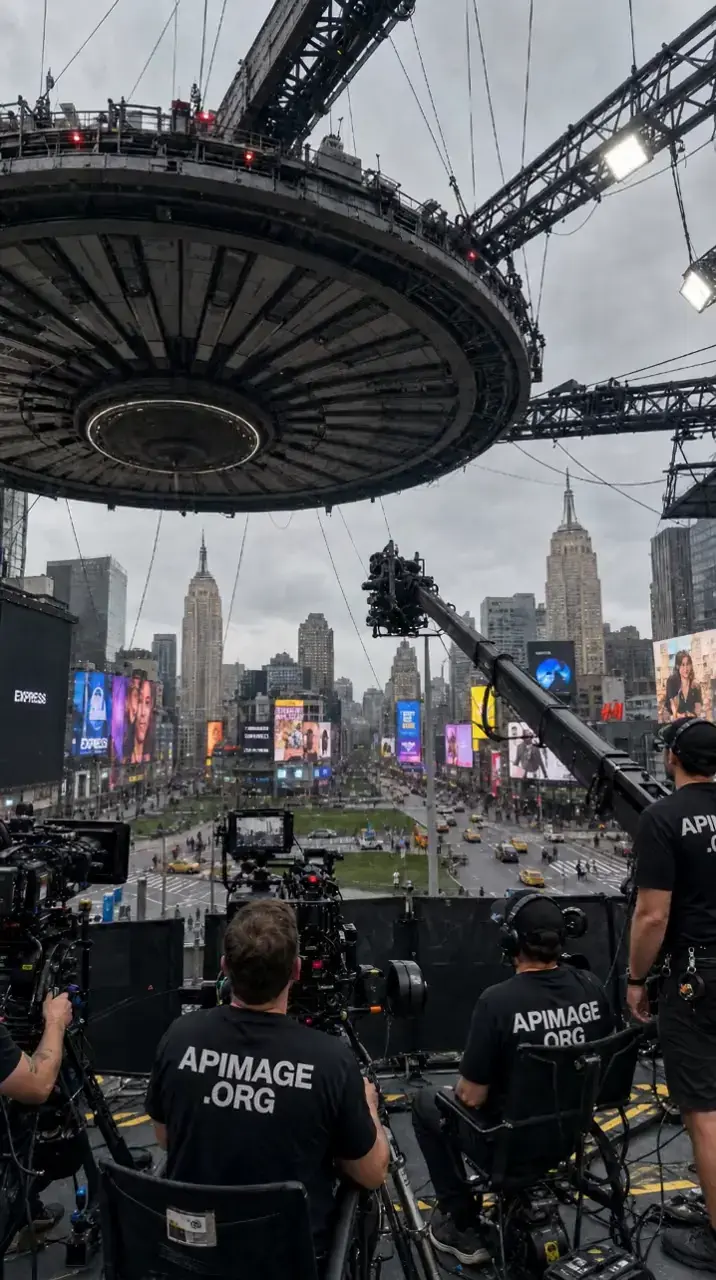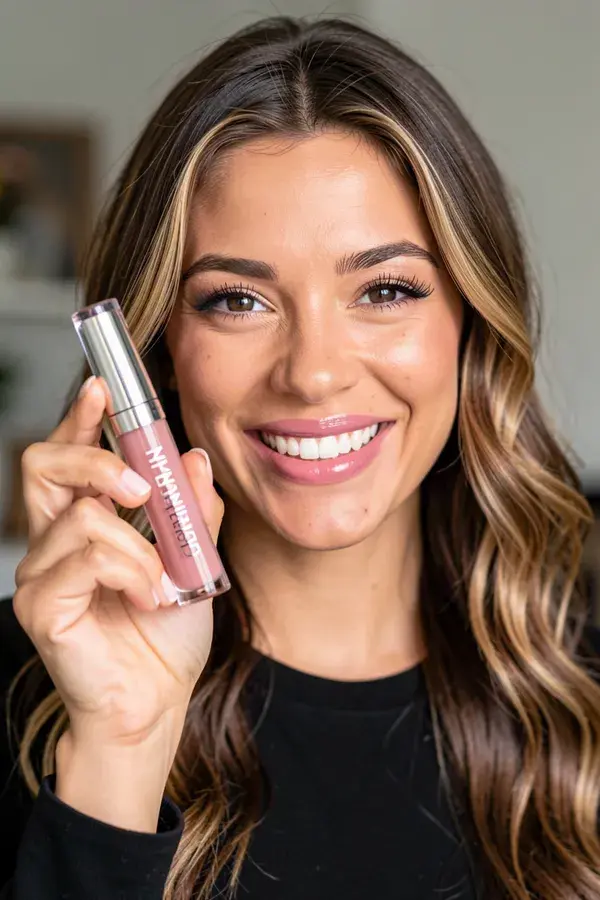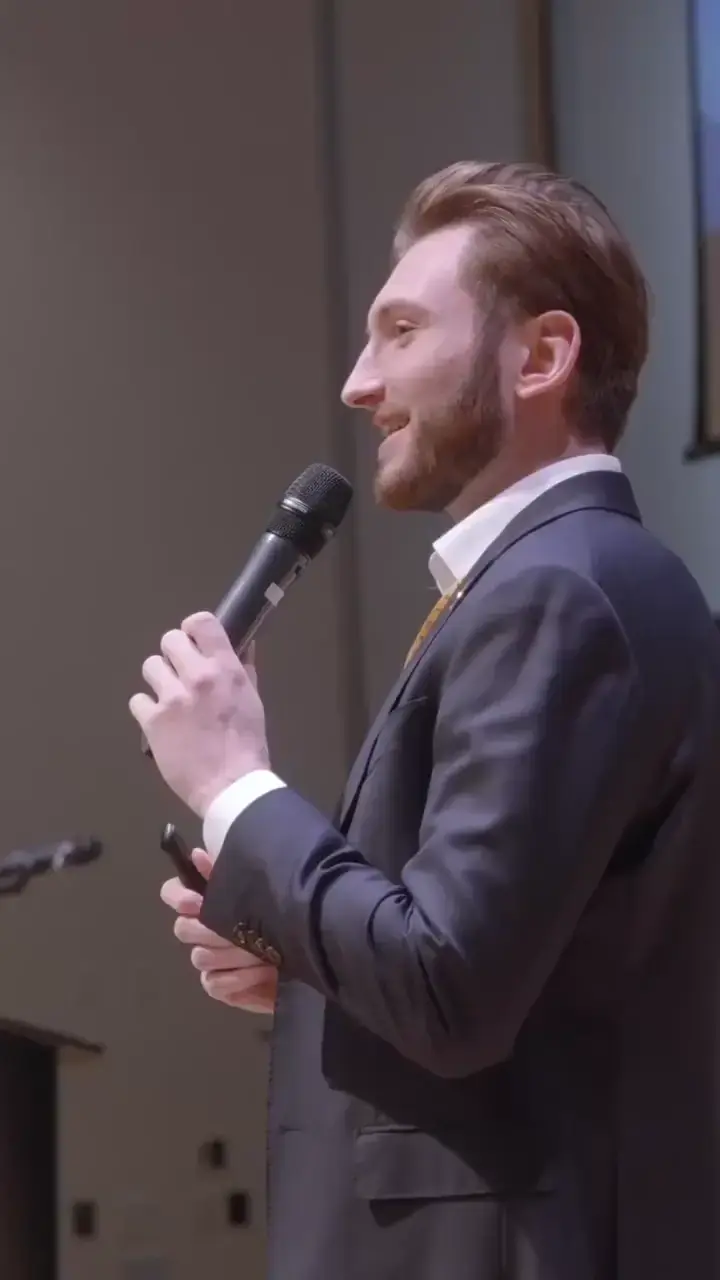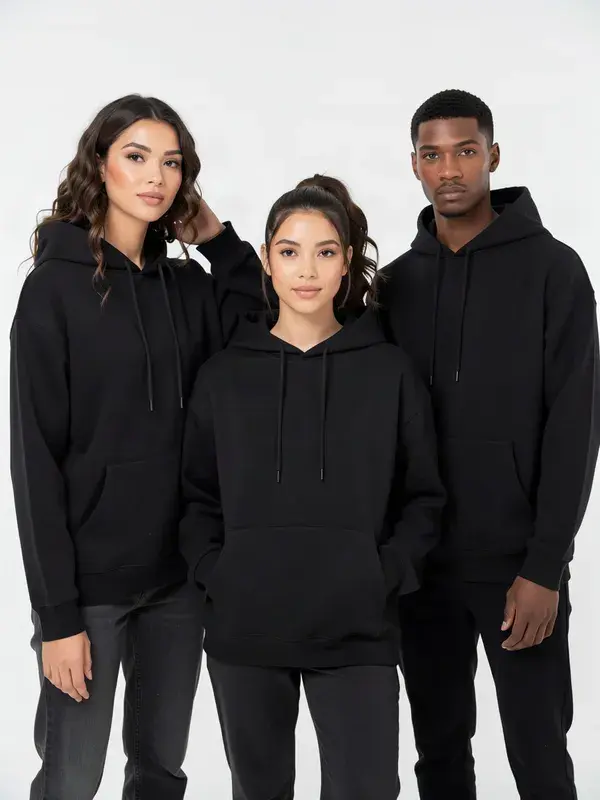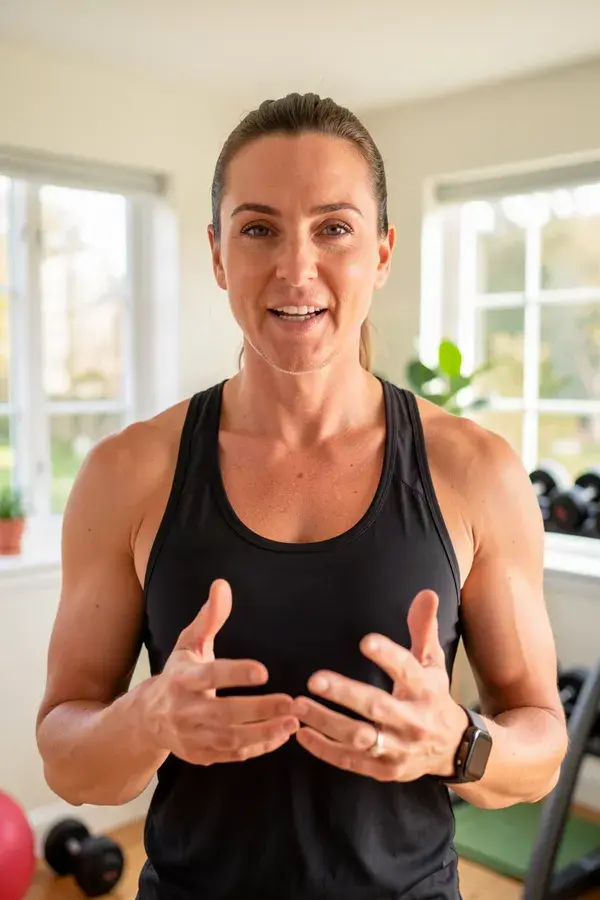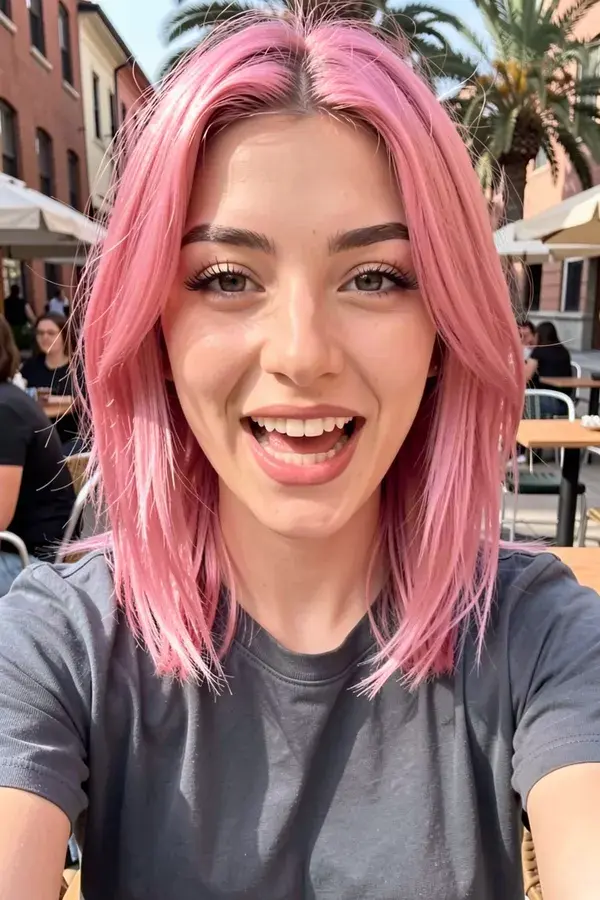
Give any face your audio and it delivers the script, up to 30 seconds.
FLUX 3 Video from 114 credits per 5s.
Lip sync runs on paid plans. Cost scales with audio length and resolution.
- 1
Upload one clear, front-facing face image.
- 2
Upload the speech track, up to 30 seconds. MP3 or WAV.
- 3
Pick a resolution and generate.
- 4
For longer scripts, split the audio and generate several clips, then cut them together.
- Inputs
- Face image plus audio file
- Audio limit
- 30 seconds per clip
- Model
- Seedance 2.0
- Voice generation
- Bring your own
What is talking avatar?
A talking avatar is a video of a face delivering speech, synchronised to an audio track rather than filmed. APImage generates it from two inputs, a front-facing face image and a speech file of up to 30 seconds, using Seedance 2.0, which is the model that handles lip sync. APImage does not synthesise the voice, so the audio is your own recording or an export from a voice tool.
How long can a clip be?
It depends on the model. Seedance 2.0 runs 4 to 15 seconds at up to 1080p, Seedance 2.5 runs up to 30 seconds at up to 720p, and FLUX 3 Video runs 5 to 20 seconds at up to Full HD. That covers the range short-form and paid social actually live in. For anything longer, generate a few clips and cut them together.
Which aspect ratios can I get?
9:16 for TikTok, Reels and Shorts, 16:9 for YouTube, 1:1 for feed, plus 4:3, 3:4 and 21:9. You pick the ratio before you generate, so nothing gets cropped to death afterwards.
Can it speak my script?
Two ways, with one gap. FLUX 3 Video generates a synchronized audio track with the clip. Seedance 2.0 can lip sync a face to an audio file you upload, up to 30 seconds. What there is no text-to-speech for is a specific script in a specific voice, so that recording comes from you or from a voice tool you already use.
Can I use the videos commercially?
Yes. Every paid plan includes full commercial rights, so you can run the output as paid ads, organic posts or client work.
Do I need a paid plan?
For video, yes. The free plan covers 3 watermarked images so you can judge quality first. Video is real GPU time by the second, so generation starts on the paid tiers.