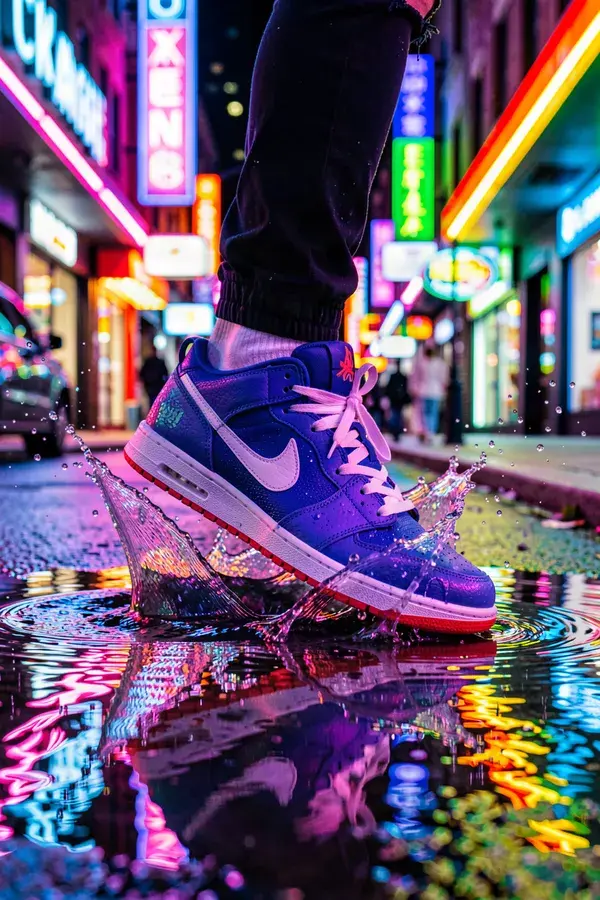
SaaS & App Marketing Video: launch video.
Launch creative that turns trials into paid seats.
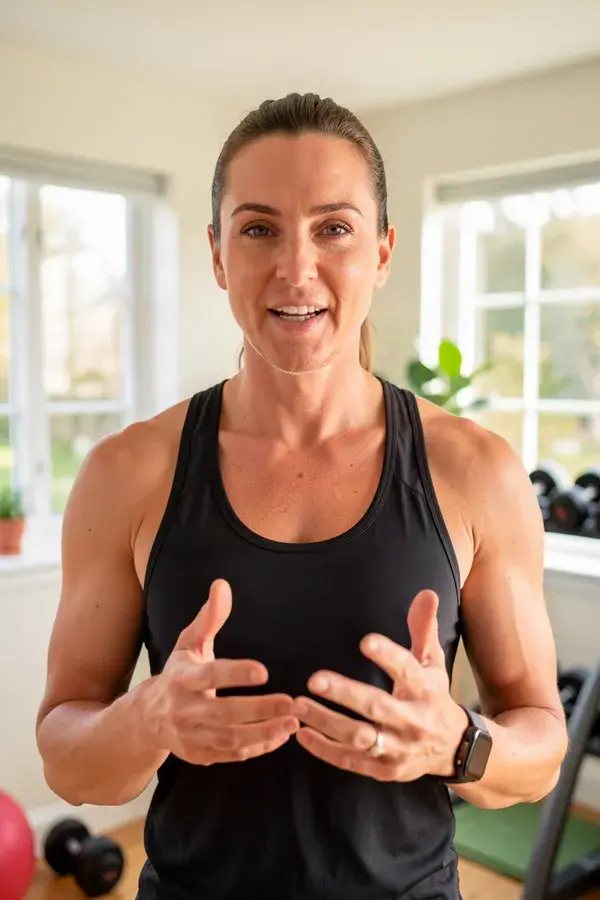
 Spokesperson clips
A presenter delivering the pitch you recorded.
 Paid social variants
The creator-style ad format, which works for software more often than founders expect.
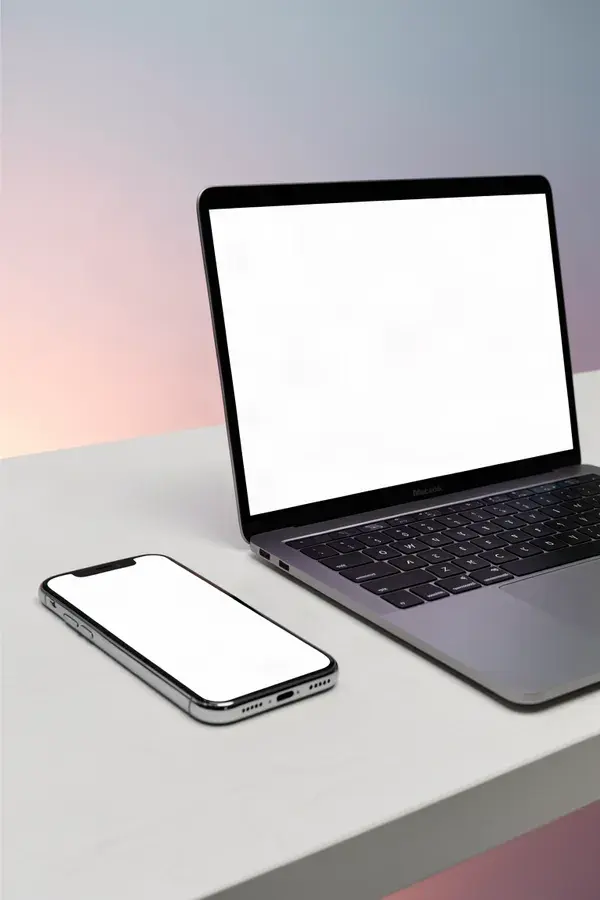 Store and site imagery
Device context shots and feature stills for the app store and the landing page.
 Launch and changelog visuals
A consistent visual for every release post.
- 1
Decide what the video has to prove
One claim per asset. Software video fails when it tries to explain the whole product in thirty seconds.
- 2
Generate the human layer
A presenter, a person at a desk, hands on a laptop. Software is abstract, and a face is what makes it land.
- 3
Keep the screen honest
Record the actual product UI and cut it against generated footage. Do not generate a fake interface, because a screen that does not match the product is the fastest way to lose trust.
- 4
Cut for every placement
Generate for the aspect ratio each channel needs rather than cropping one master into three bad versions.
What is saas & app marketing video?
SaaS and app marketing creative is the launch video, app store imagery, paid social ads and spokesperson content a software product needs before it has a marketing team. APImage generates the visual layer of that: presenters delivering a script, lifestyle and context scenes around the product, and ad creative in every placement ratio, so a founder or a two-person growth team can ship a launch without commissioning an agency.
Can I generate my product's interface?
You can, and you should not. A generated UI will not match the shipped product, and app stores treat screenshots that misrepresent the app as grounds for rejection. Record the real interface and use generation for everything around it.
Does the creator-style ad format work for B2B software?
More often than teams expect on cold traffic, because a person explaining a problem outperforms a product tour. It works less well further down the funnel, where a real demo and real proof are what convert.
Can we drive this from our own codebase?
Yes. There is a REST API with webhooks and automatic credit refunds on failure, and an MCP server exposing the tools to agents in Claude, Cursor or ChatGPT. Most technical teams wire it into an existing content pipeline rather than using the dashboard.
What about app store screenshot sizes?
Generate the artwork at the largest ratio you need and compose the store frames from it. Both stores enforce exact pixel dimensions per device class, so the final resize belongs in a template, not in a prompt.