Keep everything else.
Reshoot nothing. Point at the part you want gone, swapped or extended, describe it in a sentence, and get the same image back with only that bit different.
Works on your uploads, not just AI images.
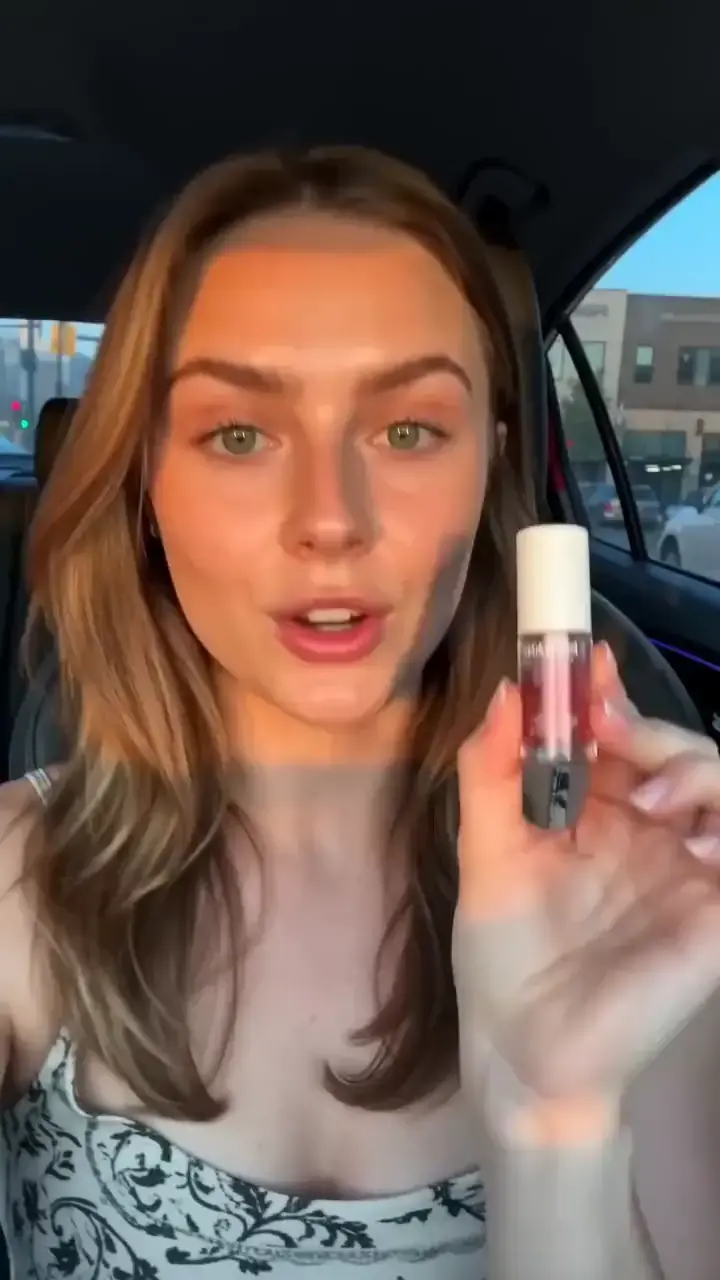
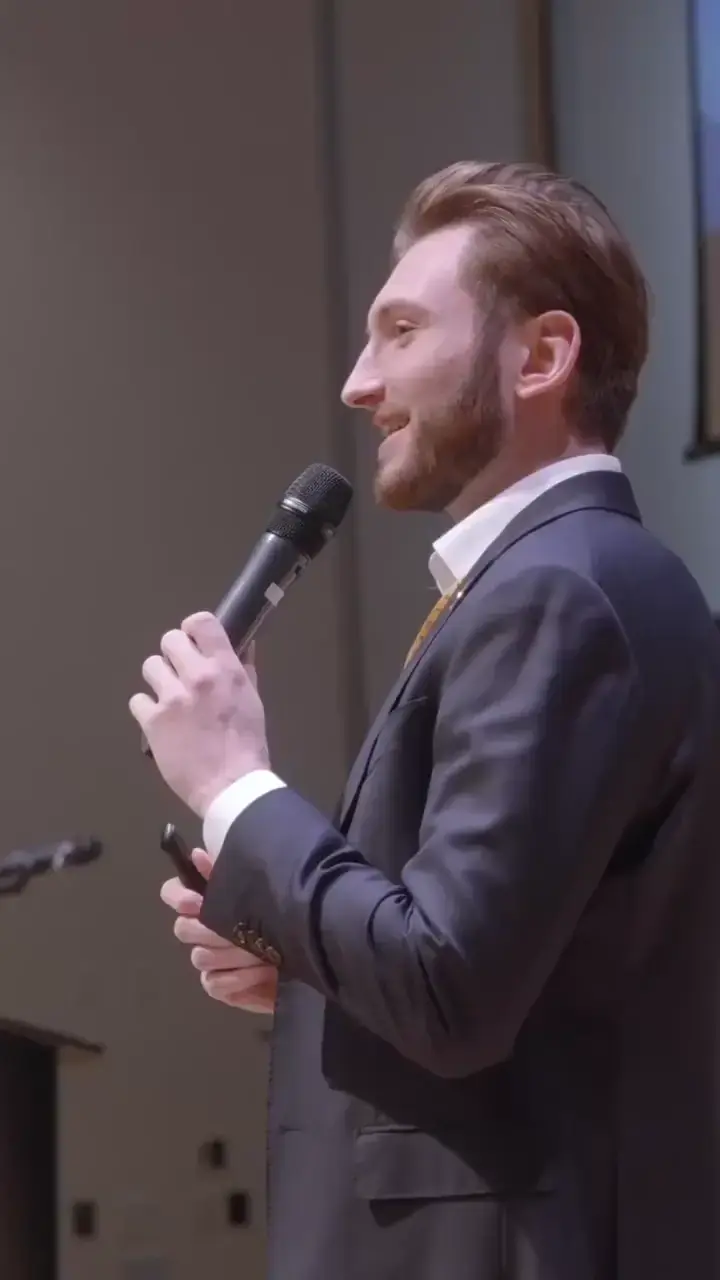
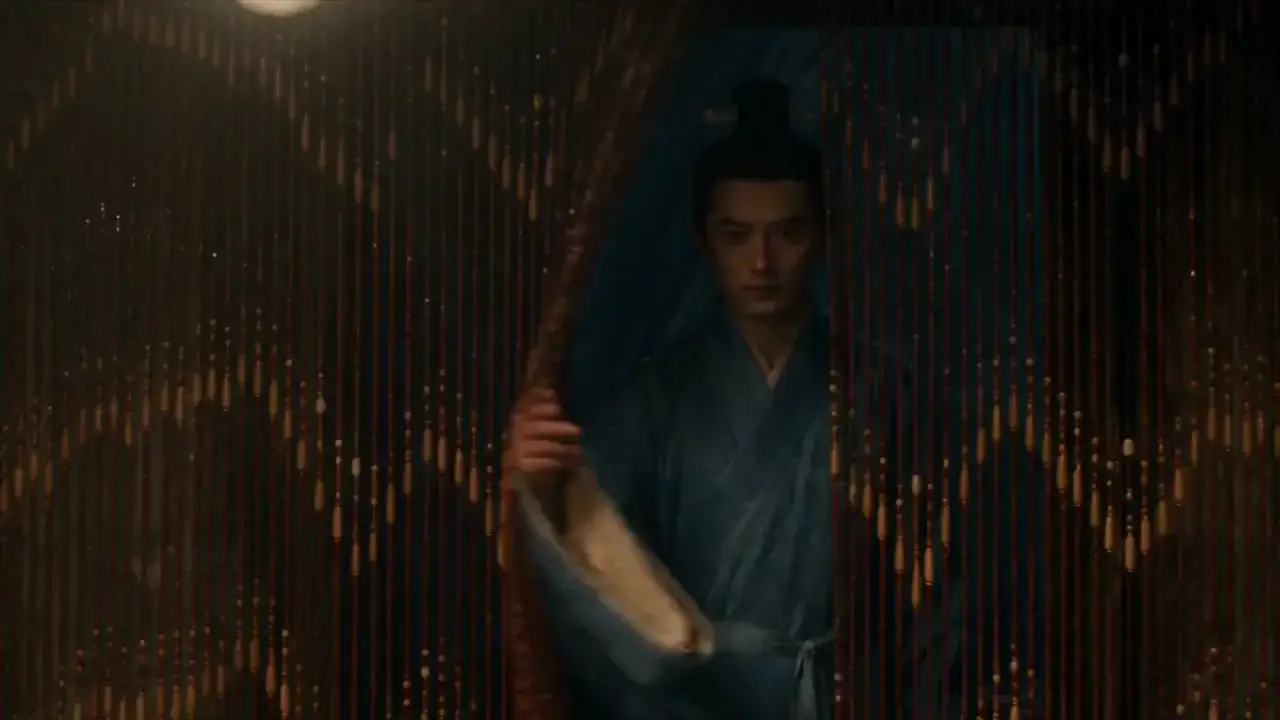
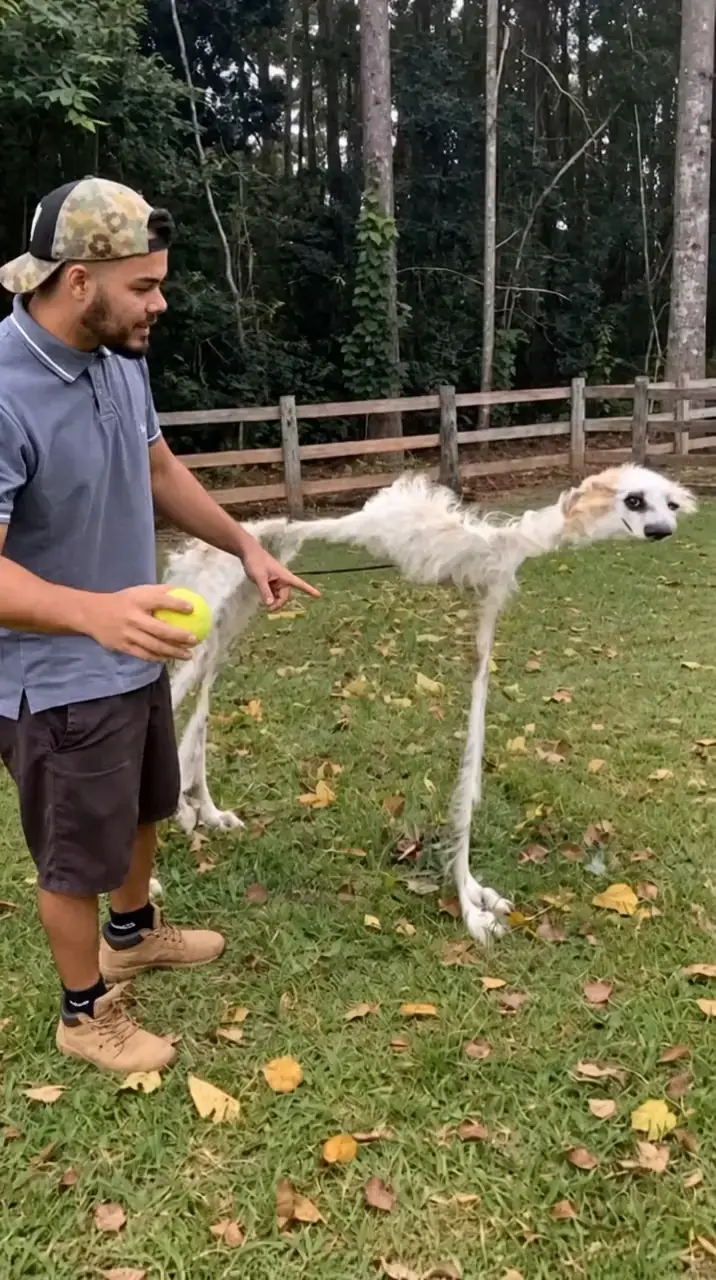
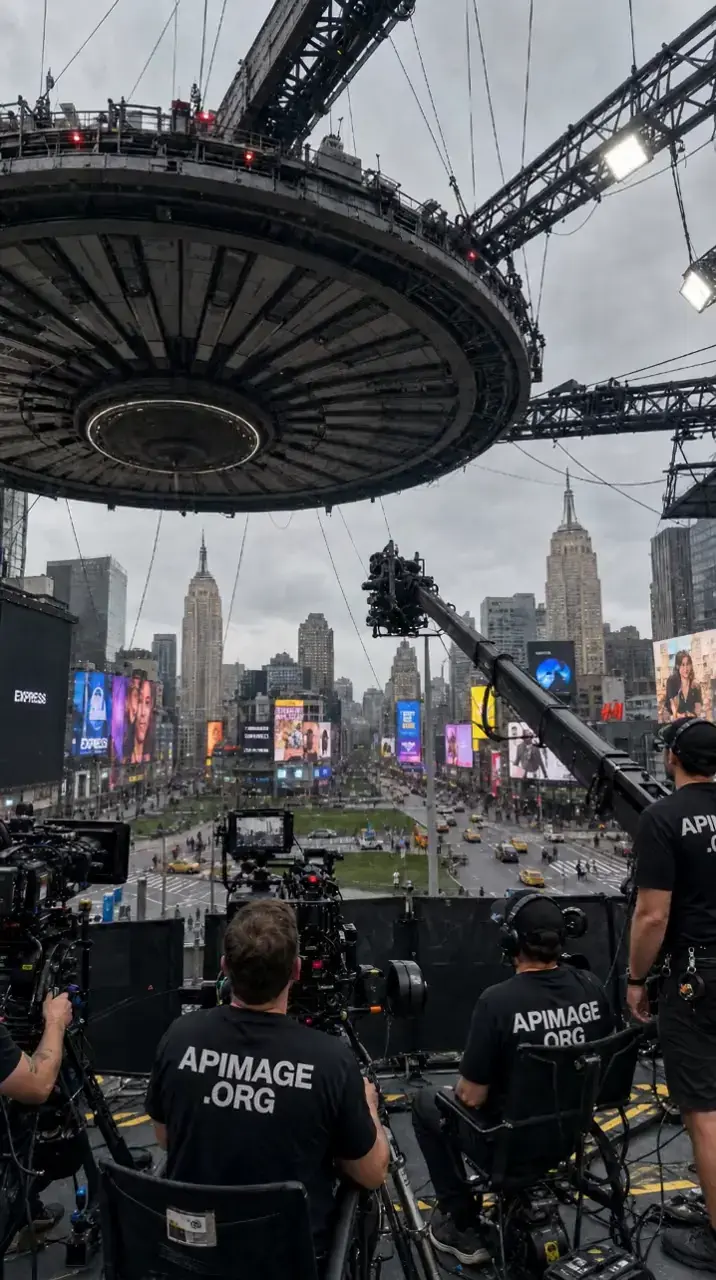
Three steps, and none of them involve a selection tool.
Bring the image
Upload your own or start from something you generated. Both land in the same editor.
Say what changes
Describe it in a sentence and the mask follows your words. No lasso tool, no feathering, no pixel-nudging at 400% zoom.
Keep the good version
Only the region you named is regenerated. Everything else comes back untouched, at full resolution.
Most of these used to be a half-hour in Photoshop and a favour from a designer.
Remove anything
The passer-by, the cable, the logo, the ex. Gone, with the background filled in.
Swap the background
Same subject, new setting. A studio, a kitchen, a beach, a seasonal set.
Extend the frame
Turn a square into a 9:16 without cropping the subject out of its own photo.
Change the details
Colourways, materials, labels. One shoot, an entire product range.
Fix the text
Regenerate a label or headline with GPT Image 2, which renders type cleanly.
Clean the plate
Strip the clutter out of a shot before it becomes a listing or a thumbnail.
Editing bills in the same credits as generation. No separate seat, no separate tool.
For first-time AI content creators
300 credits/mo
= 150 premium image generations
~ 2 AI videos
No difference compared to monthly
Image models
Video & lip sync
For consistent and easy AI content creation
1,200 credits/mo
= 600 premium image generations
~ 11 AI videos
Save $144 compared to monthly
Image models
Video & lip sync
Or fix it in a sentence
One of those costs a day. The other costs a couple of credits.
Start editing free