 GoogleImage model
Photoreal, precisely edited.
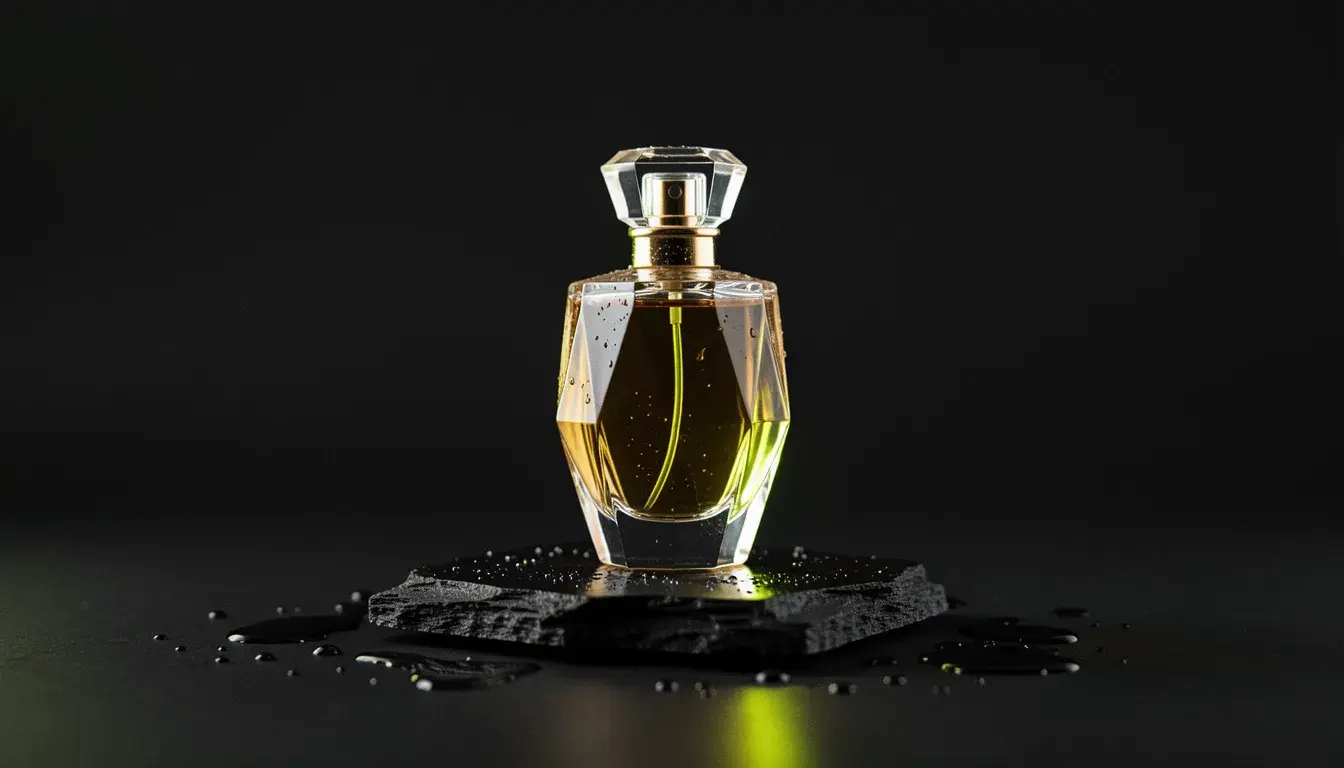
Skin, materials and light that pass for photography, which is the bar for product and lifestyle imagery.
Product photography
Studio and lifestyle shots from one product photo.
Infographics
Charts, diagrams and labelled layouts with readable text.
Composite scenes
Several references merged into one believable photograph.
Precise retouching
Instruction edits that leave the rest of the image alone.
- Provider
- Resolution
- 1K, 2K, 4K
- Reference images
- Up to 8
- Aspect ratios
- Auto, 1:1, 16:9, 9:16, 4:3, 3:4, 3:2, 2:3, 4:5, 21:9
- Grounding
- Optional web search before generating
- Modes
- Text to image, instruction editing, multi-image composition
- Formats
- PNG, JPEG, WebP
- Prices
- 25 credits at 1K or 2K, 50 at 4K, +3 with web search
- Plans
- Hobby and up
- Cost
- 25 to 50 credits per image
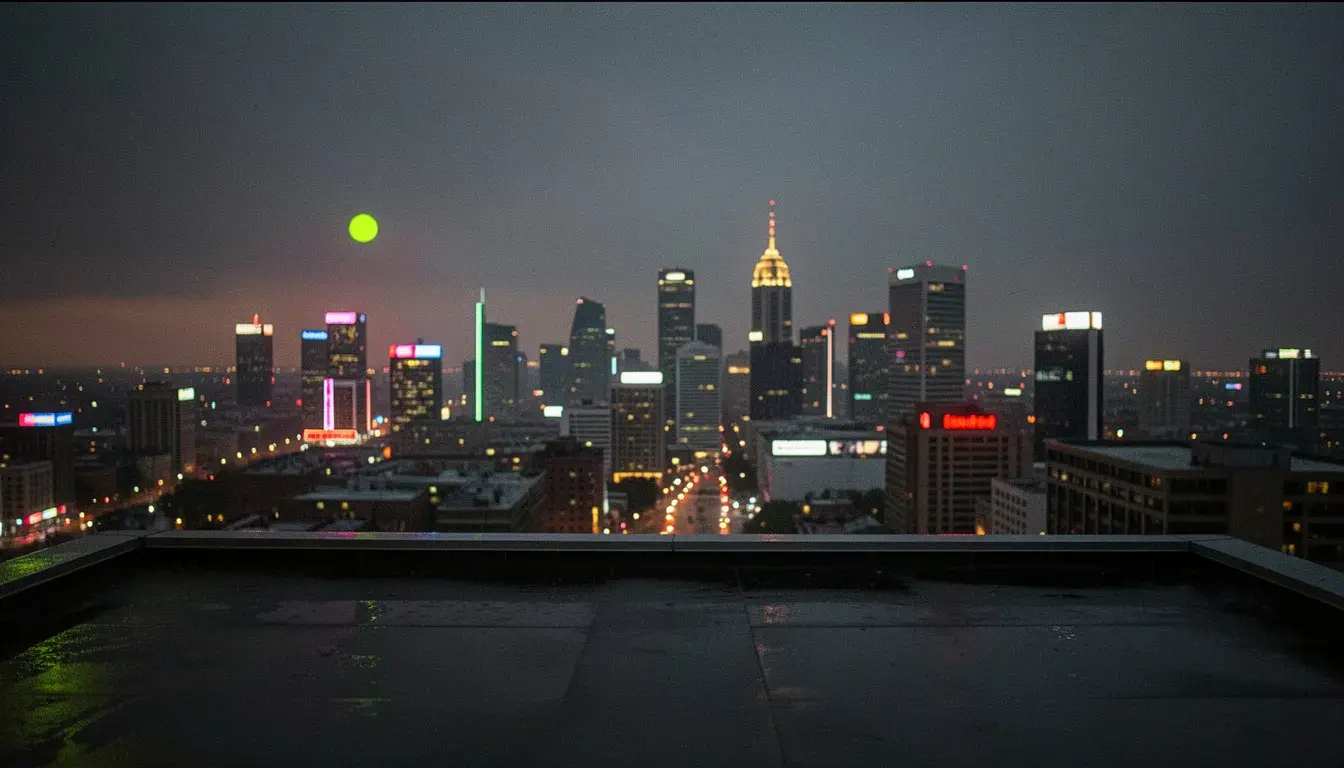
Nano Banana 2
You want the faster Gemini model for less, or an extreme format like 8:1.
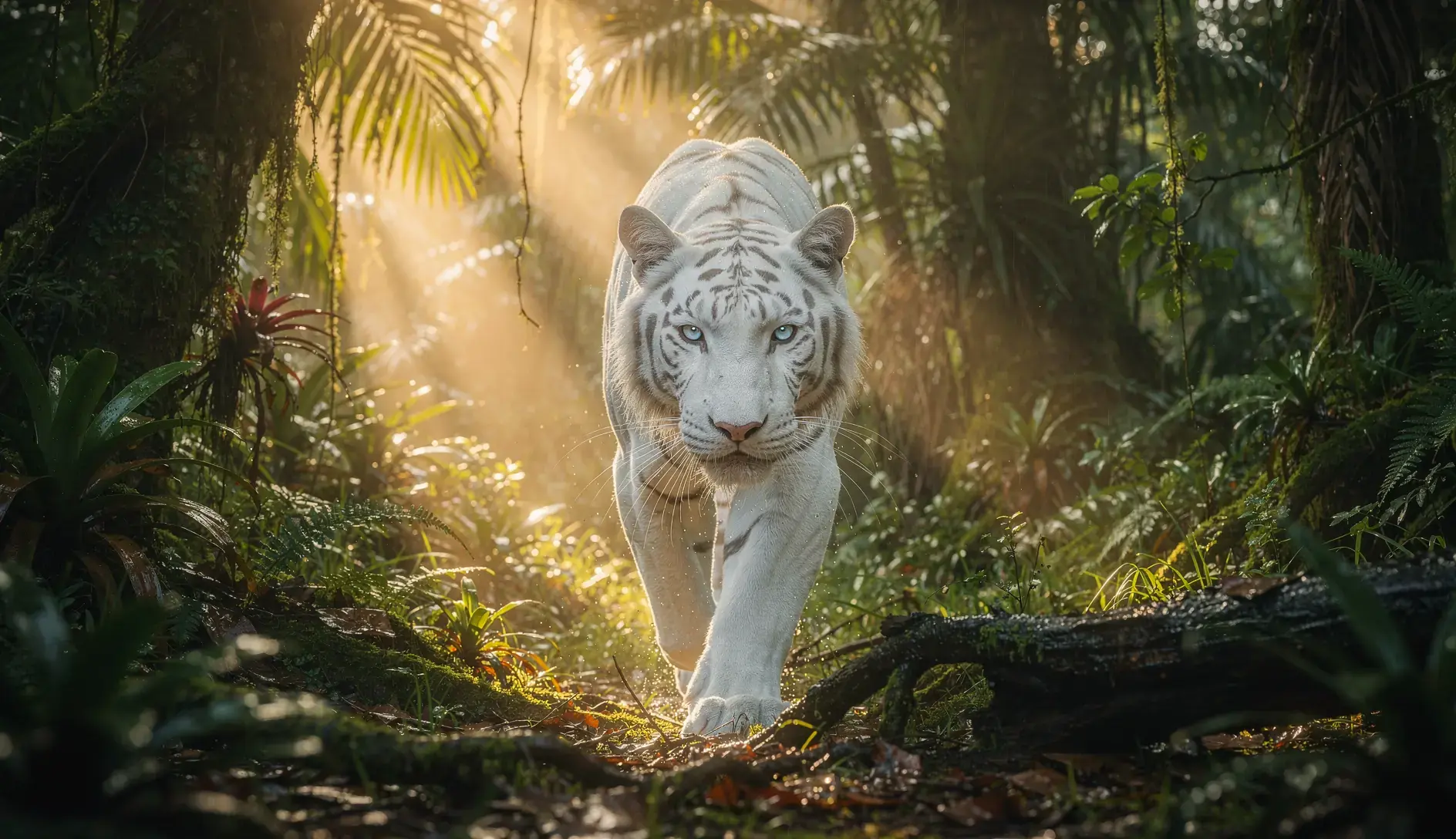
GPT Image 2.5 Flare
 GPT Image 2.5 Flare
Text is the hardest part of the frame and you want it for 3 to 14 credits at HD.
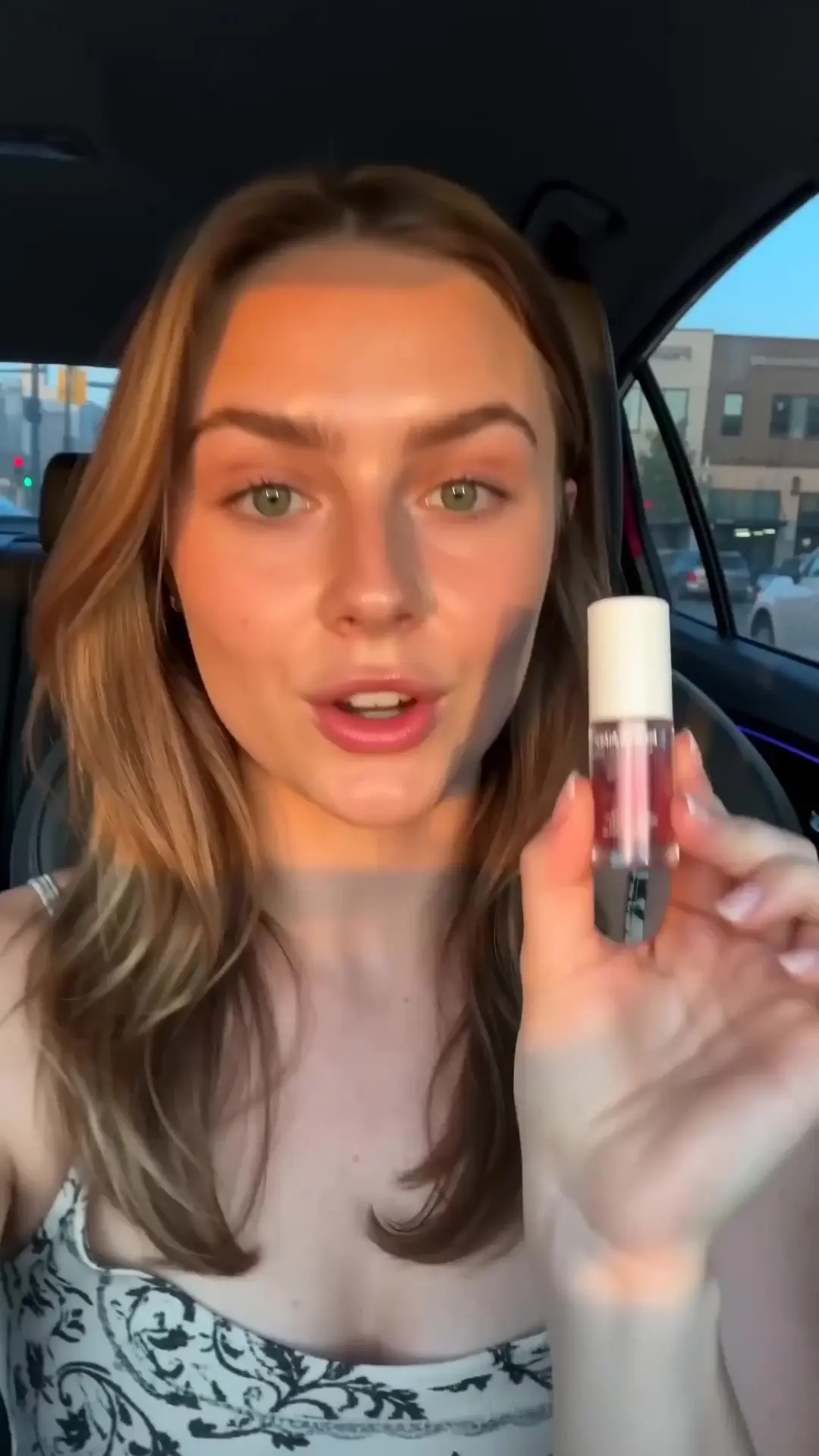
FLUX 3 Image
 FLUX 3 Image
You need ten references, or a still that matches FLUX 3 Video.
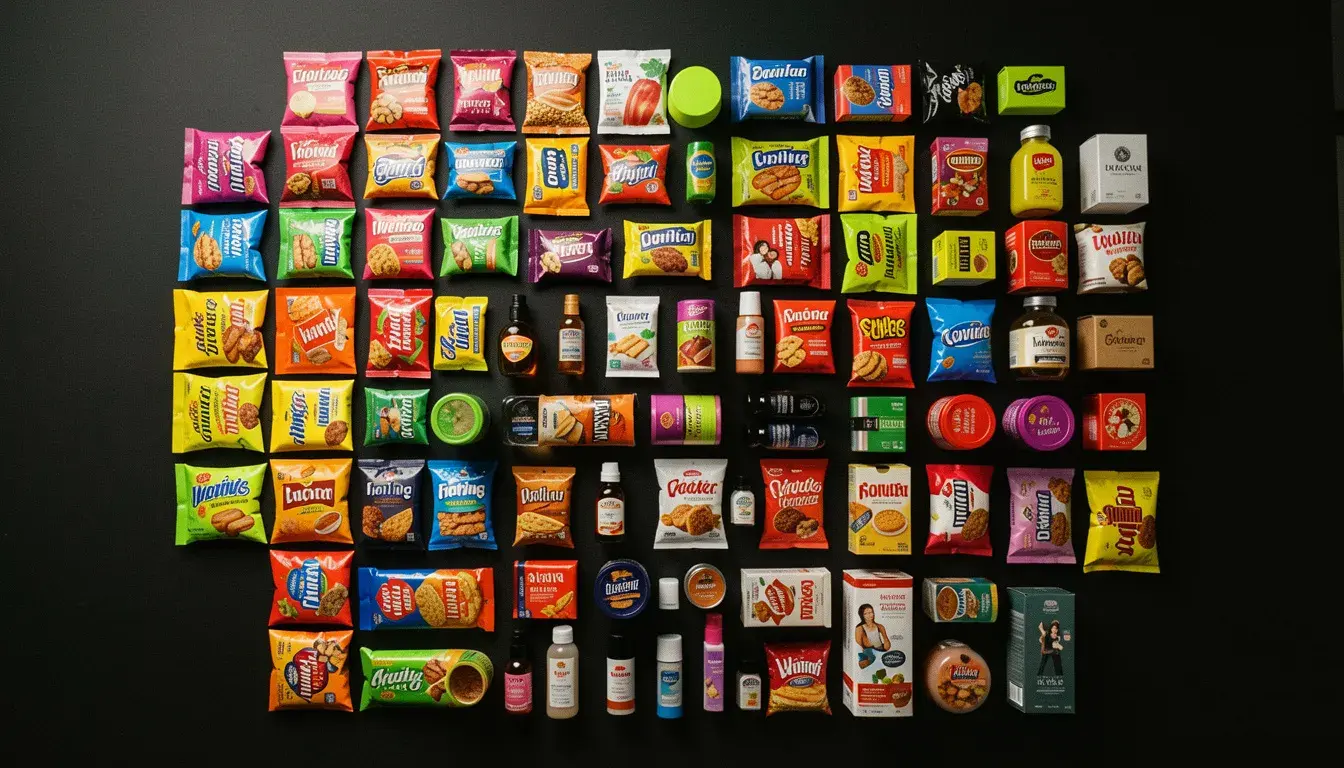
Seedream 5 Lite
 Seedream 5 Lite
You want 4K for 6 credits.
Side by side with the models people weigh it against. Both run on the same plan.
GPT Image 2.5 Flare vs Nano Banana Pro
OpenAI's text-perfect default against Google's photoreal compositor.
Read the comparisonNano Banana 2 vs Nano Banana Pro
Google's fast image model against its best one.
Read the comparisonFLUX 3 Image vs Nano Banana Pro
Two multi-reference models. One takes ten references for a sixth of the price.
Read the comparisonWhat is Nano Banana Pro?
Nano Banana Pro is Google's top image generation and editing model. It produces photoreal images with legible text at 1K, 2K or 4K, edits precisely from an instruction, and composes from up to eight reference images in one request. An optional web search grounds the prompt in what a real place, product or event looks like before it draws. Output comes in ten aspect ratios including auto and 21:9, as PNG, JPEG or WebP. On APImage it costs 25 credits at 1K or 2K, 50 at 4K, and 3 more with web search.
How much does Nano Banana Pro cost on APImage?
25 credits per image at 1K or 2K and 50 at 4K. Web search adds 3 credits.
How many reference images can it use?
Up to eight per generation.
Nano Banana Pro or Nano Banana 2?
Pro for the best photorealism and the most precise edits. Nano Banana 2 for speed, lower prices from 10 credits, and extreme aspect ratios like 4:1 and 8:1.
Which plan includes it?
Hobby and up, out of the same credit pool as every other model.
How do I use it?
Open the image studio and pick Nano Banana Pro. Describe the image or the edit, and add up to eight references. Pick resolution and aspect ratio, and switch web search on for real-world subjects. Generate.