 GoogleImage model
Fast, and very wide.
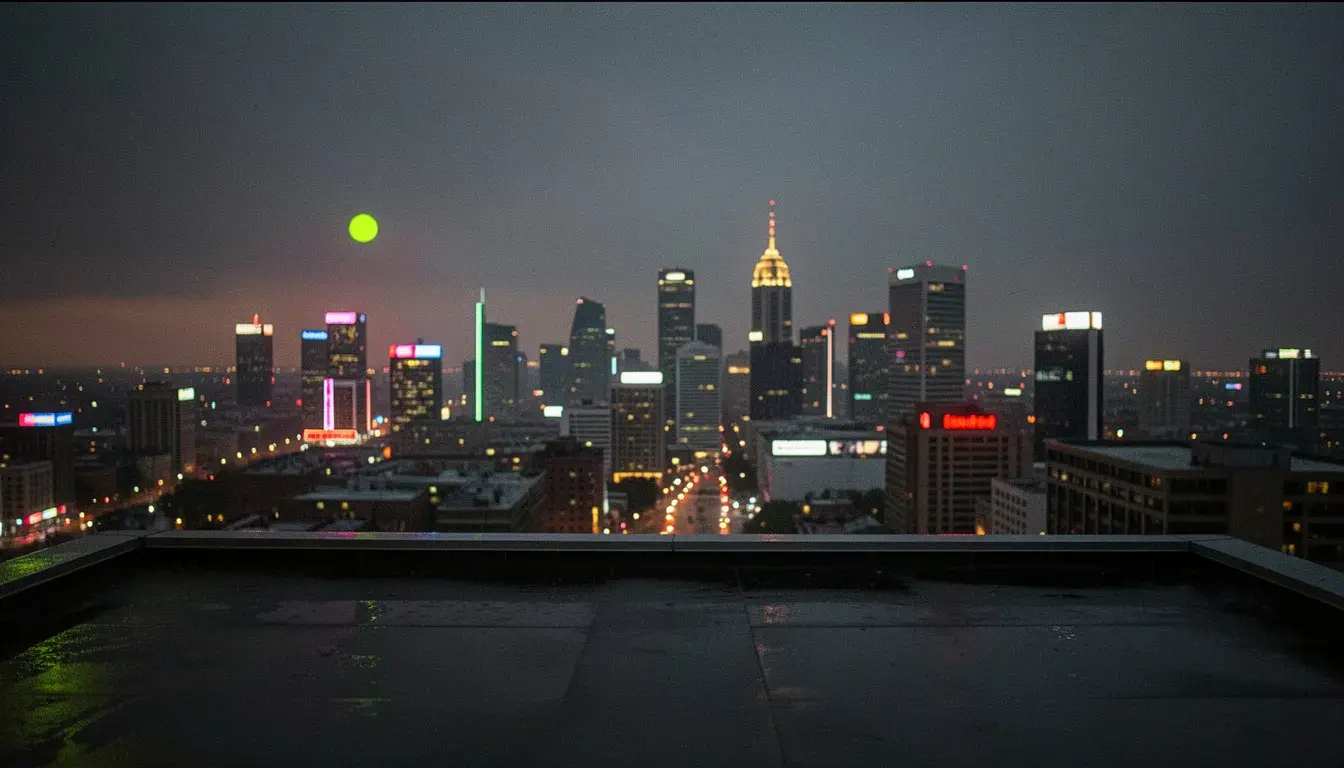 Illustration
Banners at 8:1 and strips at 1:8, plus 4:1 and 1:4. Shapes most models refuse, rendered natively.
Web banners
Ultra-wide hero and header images at their real shape.
Quick edits
Fast instruction edits on existing images.
Multi-reference scenes
Eight references at a lower price than Pro.
- Provider
- Resolution
- 0.5K, 1K, 2K, 4K
- Reference images
- Up to 8
- Aspect ratios
- 14, from 8:1 to 1:8, or auto
- Grounding
- Optional web search
- Thinking
- Minimal or high
- Formats
- PNG, JPEG, WebP
- Prices
- 10, 14, 20 or 27 credits from 0.5K to 4K
- Plans
- Hobby and up
- Cost
- 10 to 27 credits per image

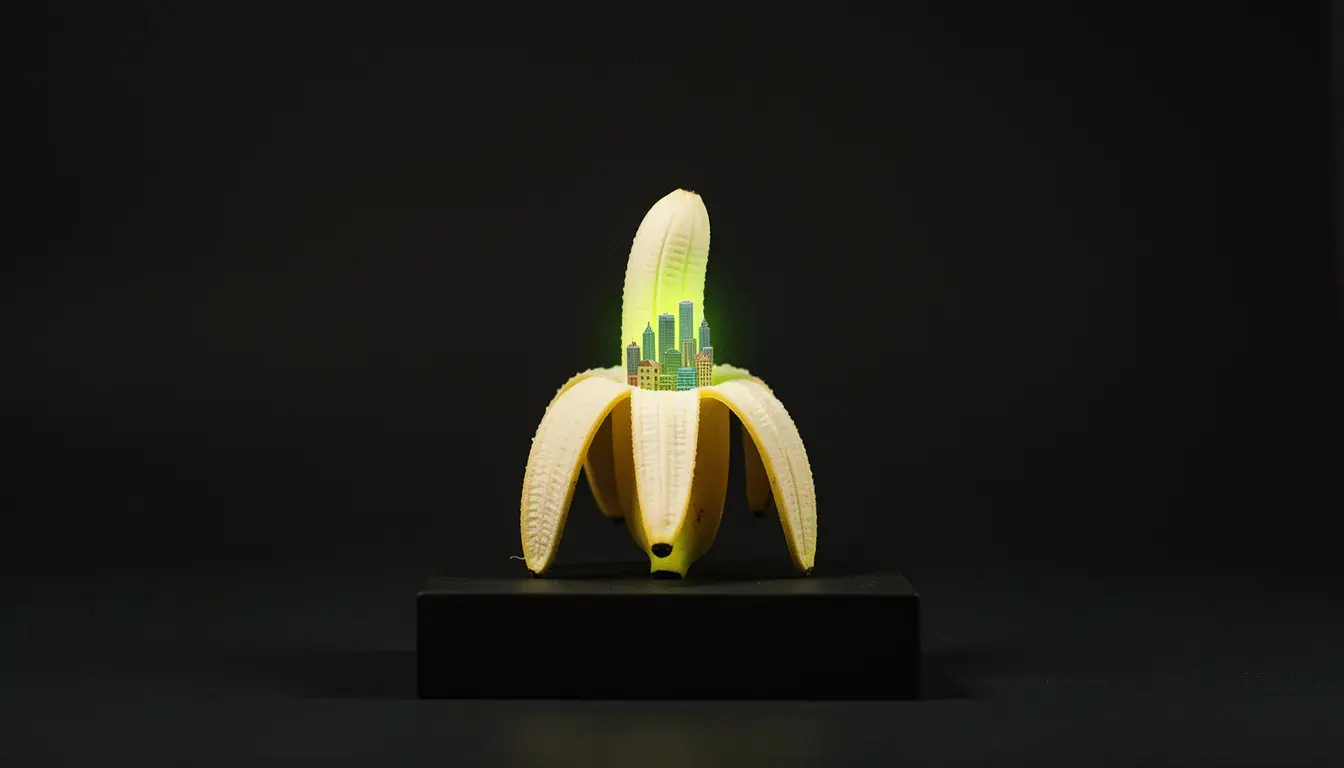
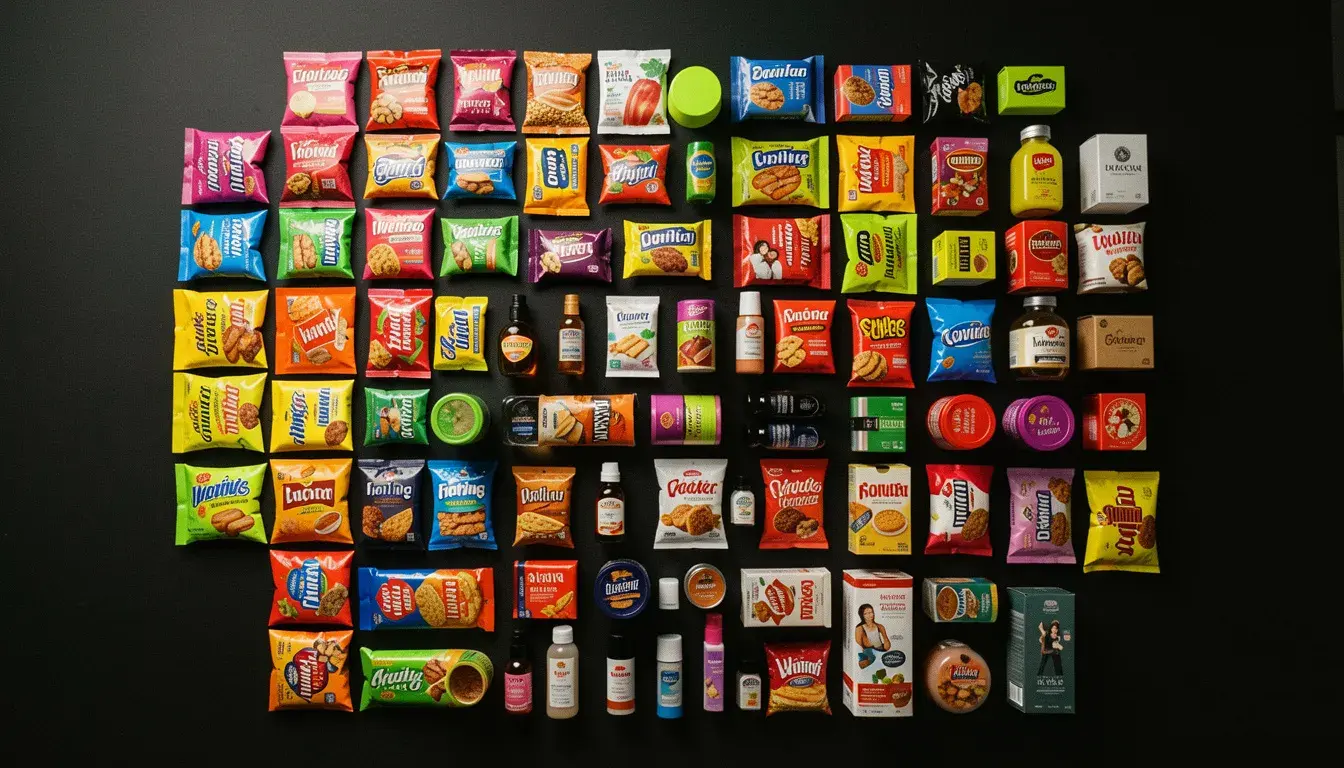
 Seedream 5 Lite
Side by side with the models people weigh it against. Both run on the same plan.
What is Nano Banana 2?
Nano Banana 2 is Google's fast Gemini image model. It generates and edits images at 0.5K, 1K, 2K or 4K from text and up to eight reference images, in fourteen aspect ratios that include extreme formats like 4:1, 1:4, 8:1 and 1:8. An optional web search grounds the prompt in real-world references, and a thinking setting lets it plan a complex image before drawing. On APImage it costs 10 credits at 0.5K, 14 at 1K, 20 at 2K and 27 at 4K.
How much does Nano Banana 2 cost?
10 credits at 0.5K, 14 at 1K, 20 at 2K and 27 at 4K.
What aspect ratios does it support?
Auto, 1:1, 16:9, 9:16, 4:3, 3:4, 3:2, 2:3, 4:5, 21:9, 4:1, 1:4, 8:1 and 1:8.
Which plan includes it?
Hobby and up.
How do I use it?
Open the image studio and pick Nano Banana 2. Describe the image or edit, and add references if you have them. Pick the size and aspect ratio, and set thinking and web search. Generate.