Fifteen seconds of cinema.
Dollies, orbits and push-ins that read as directed. Kling's motion is why it became the default for cinematic shots.
Cinematic ads
Camera moves that sell the product, at 1080p, up to 15 seconds.
Short narrative
A scene with a cut or two inside it, from one prompt.
Product transitions
Start frame, end frame, and the move between them.
Square feed posts
1:1 output for feeds that still favour it.
- Provider
- Kuaishou
- Resolution
- 720p, 1080p, same price
- Duration
- 3 to 15 seconds
- Aspect ratios
- 16:9, 9:16, 1:1
- Audio
- Native, on or off
- Frames
- Start and end frames
- Shots
- Single shot, or automatic multi-shot
- Control
- Prompt adherence slider
- With sound
- 140 credits per 5s, 280 per 10s, 420 per 15s
- Plans
- Starter and up
- Cost
- From 117 credits per 5 seconds
 Veo 3.1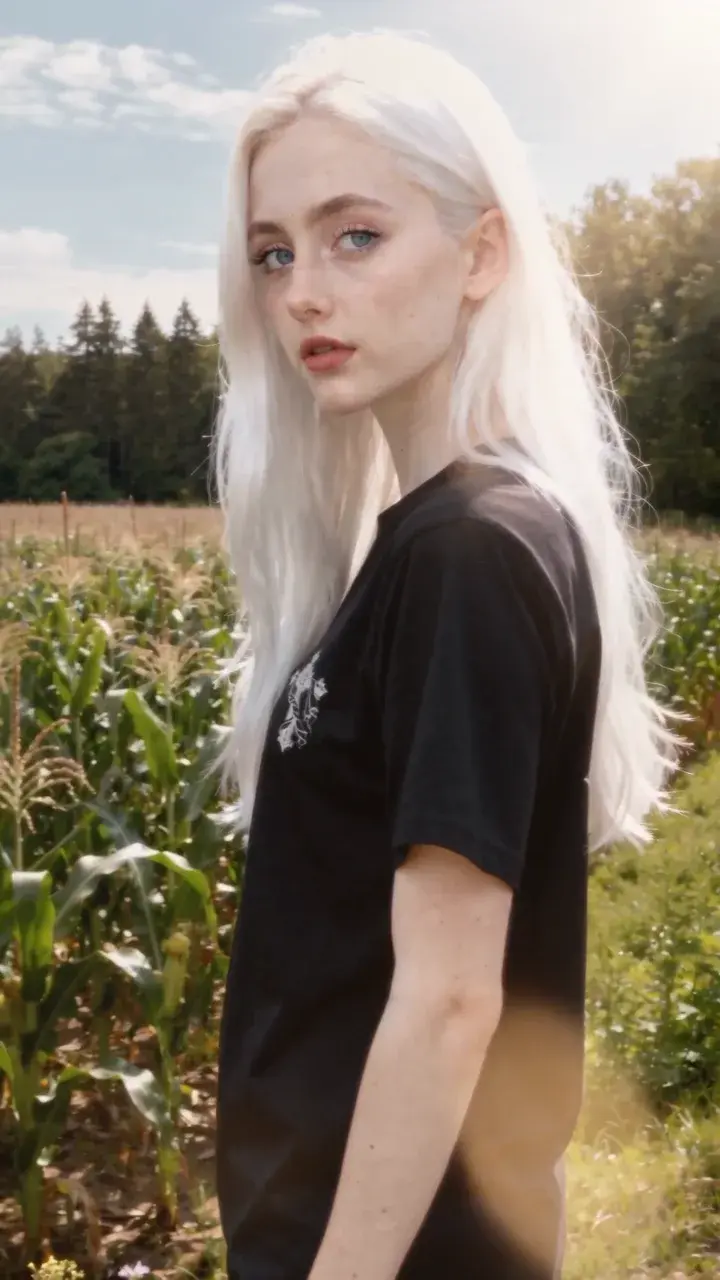
Side by side with the models people weigh it against. Both run on the same plan.
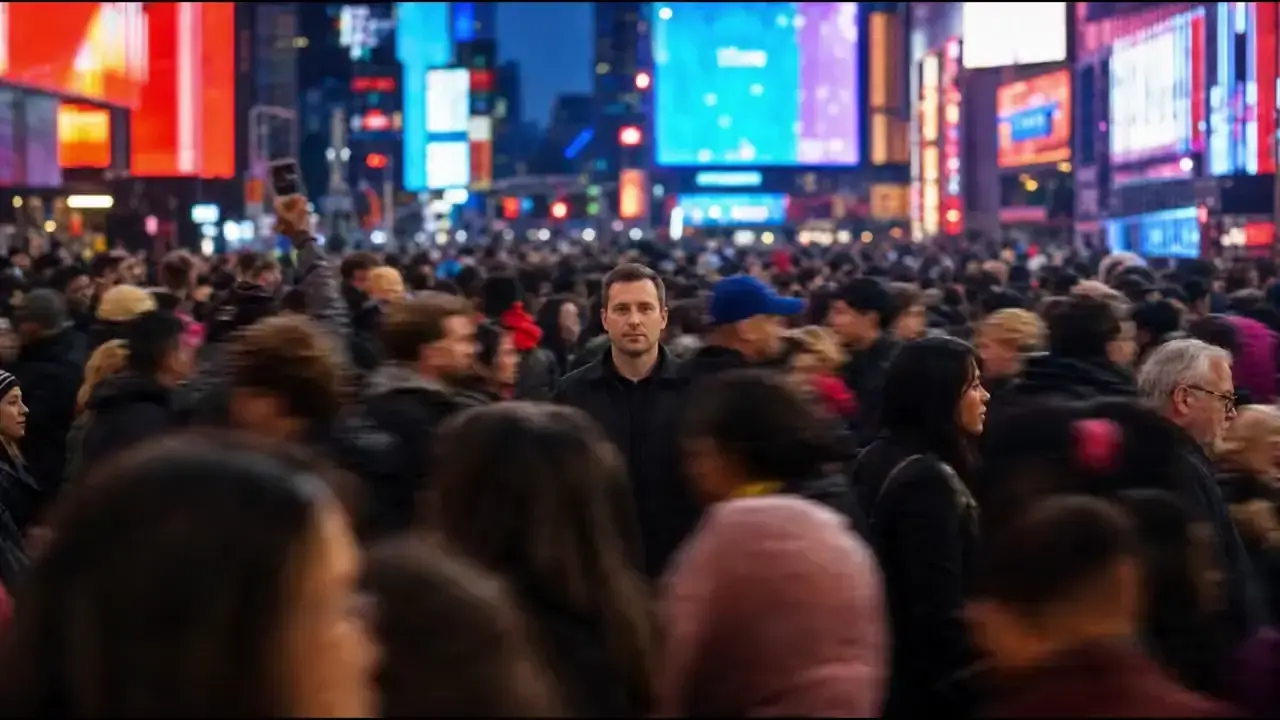
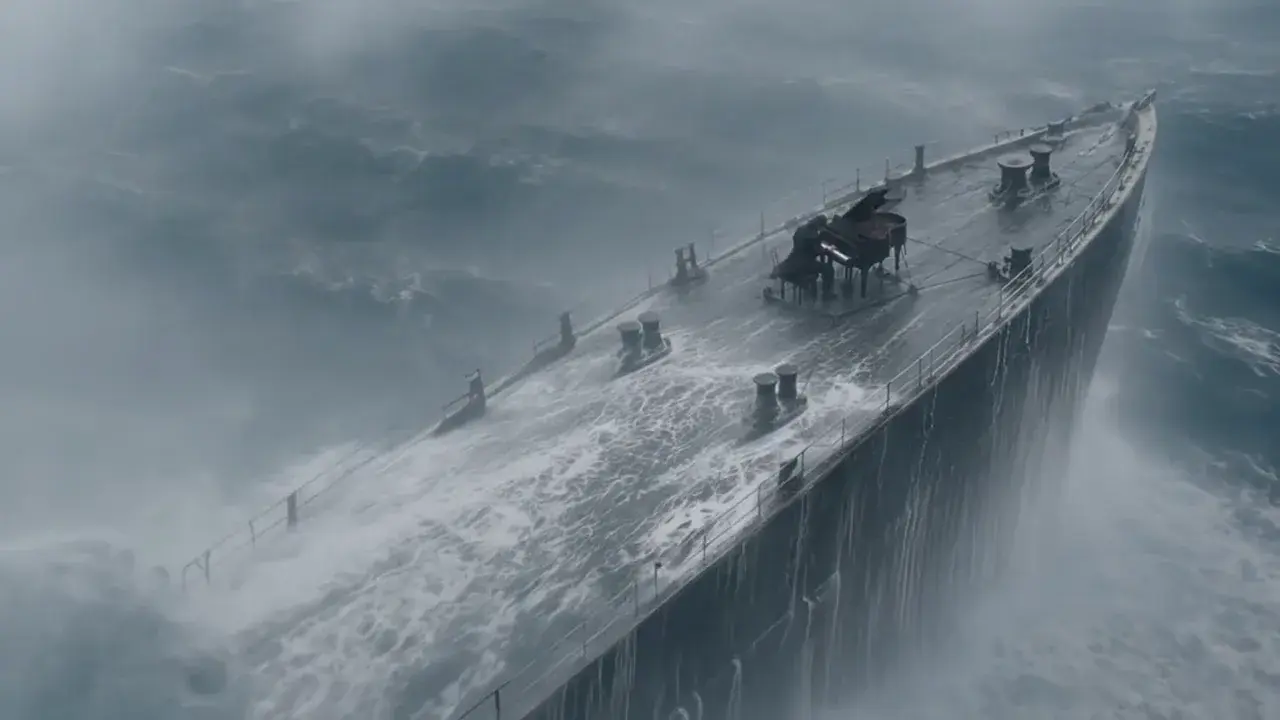 Video: Kling AI
Veo 3.1 vs Kling 3.0
Google's realism against Kuaishou's cinema. One stops at 8 seconds, the other runs to 15.
Read the comparison Video: Kling AI
Seedance 2.0 vs Kling 3.0
Two cinematic models, both to 15 seconds. One is a quarter of the price at 1080p.
Read the comparison Video: Kling AI
Wan 3.0 vs Kling 3.0
Alibaba's reference machine against Kuaishou's camera. One runs to 30 seconds.
Read the comparisonWhat is Kling 3.0?
Kling 3.0 is Kuaishou's flagship video generation model. It produces clips of 3 to 15 seconds at 720p or 1080p, in 16:9, 9:16 or 1:1, from a text prompt or a start and end frame, with an optional native soundtrack. A multi-shot setting lets it cut between angles inside one generation, and a prompt adherence control decides how literally it follows the words. On APImage 1080p costs the same as 720p: 117 credits per 5 seconds silent, 140 with sound, and 420 for a full 15 seconds with sound.
How much does Kling 3.0 cost on APImage?
117 credits per 5 seconds silent or 140 with sound, at 720p or 1080p. A full 15 seconds is 350 silent or 420 with sound.
How long can a Kling 3.0 clip be?
Any length from 3 to 15 seconds, in one second steps.
What is multi-shot?
With shots set to auto, Kling 3.0 can cut between camera angles within one generation, so the clip arrives as a short edited sequence.
Does Kling 3.0 support start and end frames?
Yes. Pin either or both. With a start frame, the output takes the image's aspect ratio.
Which plan includes Kling 3.0?
Starter and up, out of the same credit pool as every other model on APImage.
How do I use it?
Open the video studio and pick Kling 3.0. Describe the shot, the camera move and what we hear. Add a start frame, and an end frame if the move has a destination. With a start frame the clip takes the image's shape. Set the length up to 15 seconds, choose single or multi-shot, and generate.