
Call them by name.
A presenter, a product, a second character and a prop, each from its own photo, in the same scene.
Product in hand
Your presenter, your product, one believable moment between them.
Brand mascots
A character that has to look exactly like the one on the packaging.
Multi-character scenes
Two or three named people interacting in one shot.
Fashion
A model and a garment, each from its own photo, together in motion.
- Provider
- Kuaishou
- Reference images
- 1 to 4, addressed as @img1 to @img4
- Resolution
- 720p, 1080p
- Duration
- 3 to 15 seconds
- Aspect ratios
- 16:9, 9:16, 1:1
- Audio
- Native, on or off
- Frames
- Optional start and end frames
- Shots
- Single shot, or automatic multi-shot
- Plans
- Starter and up
- Cost
- From 117 credits per 5 seconds
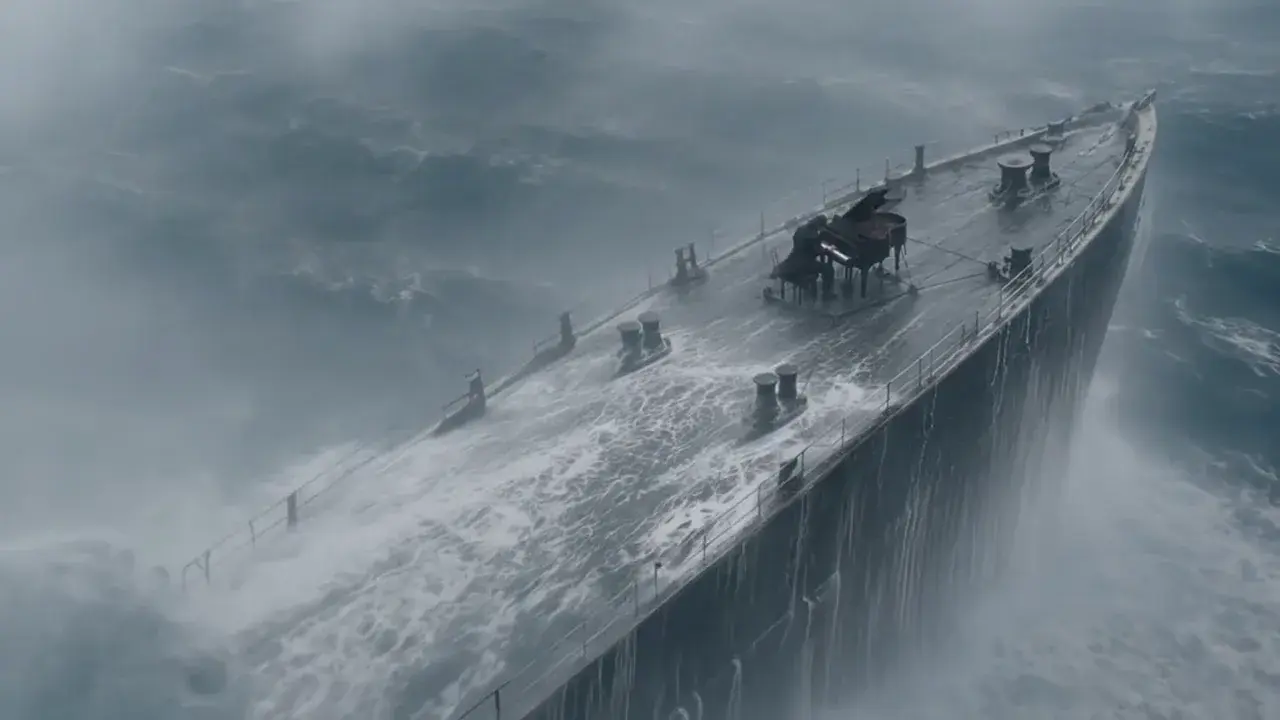
 Seedance 2.0
What is Kling O3 Reference?
Kling O3 Reference is Kuaishou's reference-to-video model. It takes one to four reference images, people, products, outfits or objects, and generates a 3 to 15 second clip in which they appear together, addressed from the prompt as @img1 to @img4. Start and end frames are optional, output is 720p or 1080p in 16:9, 9:16 or 1:1, and native sound can be switched on. On APImage it costs from 117 credits per 5 seconds. It is the model to use when the brief names a specific person or product rather than a type of one.
How many references can Kling O3 take?
One to four images per generation. At least one is required.
How do I tell it which reference is which?
Refer to them in the prompt as @img1, @img2, @img3 and @img4, in upload order.
How much does it cost?
From 117 credits per 5 seconds, scaling with length and with sound switched on.
Can I combine references with a start frame?
Yes. Start and end frames are optional alongside the references.
How do I use it?
Open the video studio and pick Kling O3 Reference. Upload one to four reference images. Write the shot and refer to each image as @img1, @img2 and so on. Set the length and resolution, switch sound on or off, and generate.