Images, clips and sound in.
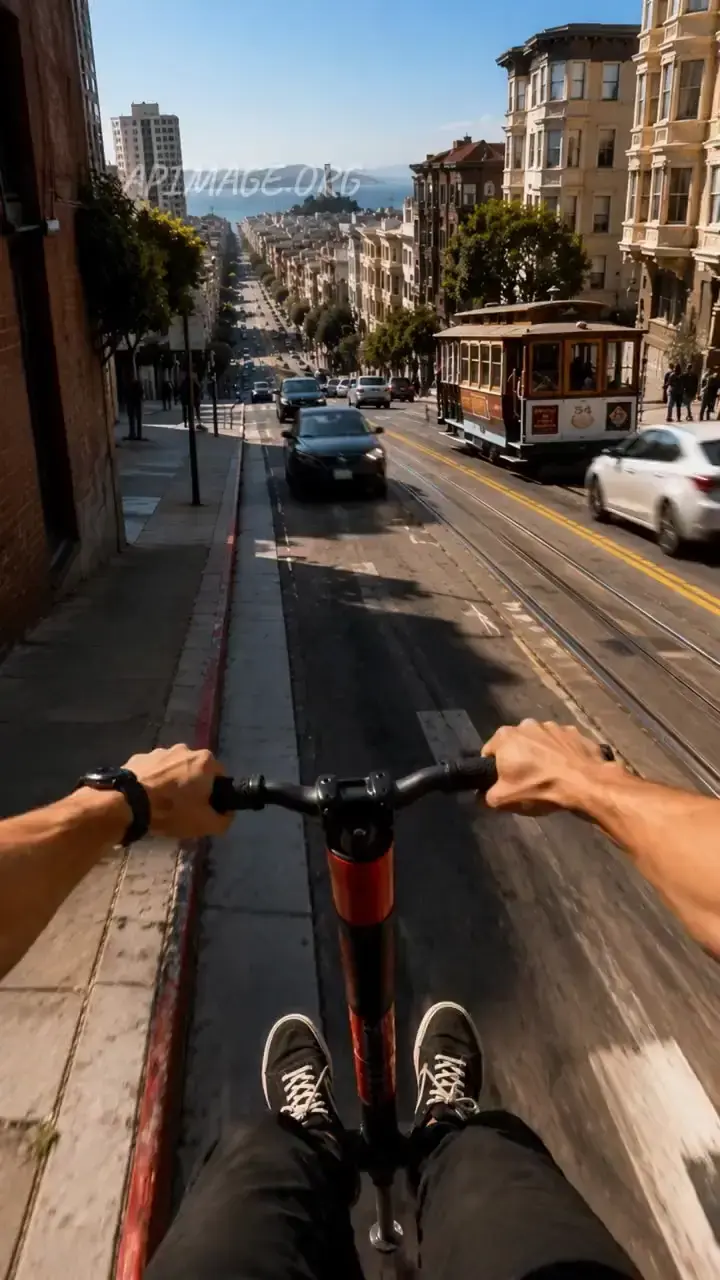
Images for faces and products, clips for motion and camera, audio for voice and music. All addressable from the prompt, all in one generation.
Reference-led ads
Your product, your presenter and a clip for the camera move, combined into one shot.
Recasting footage
Keep the scene and the moves, change who is in it.
Long drafts
Thirty seconds at 480p for a few hundred credits.
Music-driven clips
Give it the track as @Audio1 and let the picture follow.
- Provider
- Alibaba
- Resolution
- 480p, 720p, 1080p
- Duration
- 2 to 30 seconds
- Aspect ratios
- Auto, 16:9, 9:16, 1:1, 4:3, 3:4
- Reference images
- Up to 9, as @img1 to @img9
- Reference clips
- Up to 5, 15 seconds combined, at least 16 fps
- Reference audio
- Up to 5 tracks, 15 seconds combined
- Audio
- Native, on or off, same price
- Speed
- Standard, or Prime for a faster render
- Prices
- 42, 84 or 167 per 5s at 480p, 720p, 1080p
- Plans
- Starter and up
- Cost
- From 42 credits per 5 seconds
 Seedance 2.5
Side by side with the models people weigh it against. Both run on the same plan.
What is Wan 3.0?
Wan 3.0 is Alibaba's newest Wan video model, and it ranks at the top of public video edit leaderboards. It generates 2 to 30 second clips at 480p, 720p or 1080p from a prompt plus references: up to nine images, five video clips and five audio tracks, called from the prompt as @img1, @Video1 and @Audio1. That makes one model do three jobs: a new shot built from references, an edit of an existing clip, or a recast that puts a new lead into footage. Sound is generated with the picture at no extra cost. On APImage it costs 42 credits per 5 seconds at 480p, 84 at 720p and 167 at 1080p, with reference clip seconds billed on top.
How much does Wan 3.0 cost?
42 credits per 5 seconds at 480p, 84 at 720p and 167 at 1080p, with sound included. Reference clips are billed on top of the output by their length. Prime speed costs more.
How long can a Wan 3.0 clip be?
From 2 to 30 seconds per generation.
What can I use as references?
Up to nine images, up to five video clips totalling 15 seconds at 16 fps or more, and up to five audio tracks totalling 15 seconds.
Can Wan 3.0 edit an existing video?
Yes. Add the clip as a reference and describe the change, or use it in the Recast tool to replace the lead while keeping the moves.
Which plan includes Wan 3.0?
Starter and up, out of the same credit pool as every other model.
How do I use it?
Open the video studio and pick Wan 3.0. Upload references: images, clips and audio. Write the shot and call each reference as @img1, @Video1 or @Audio1. Pick resolution, aspect ratio, length and speed, then generate.