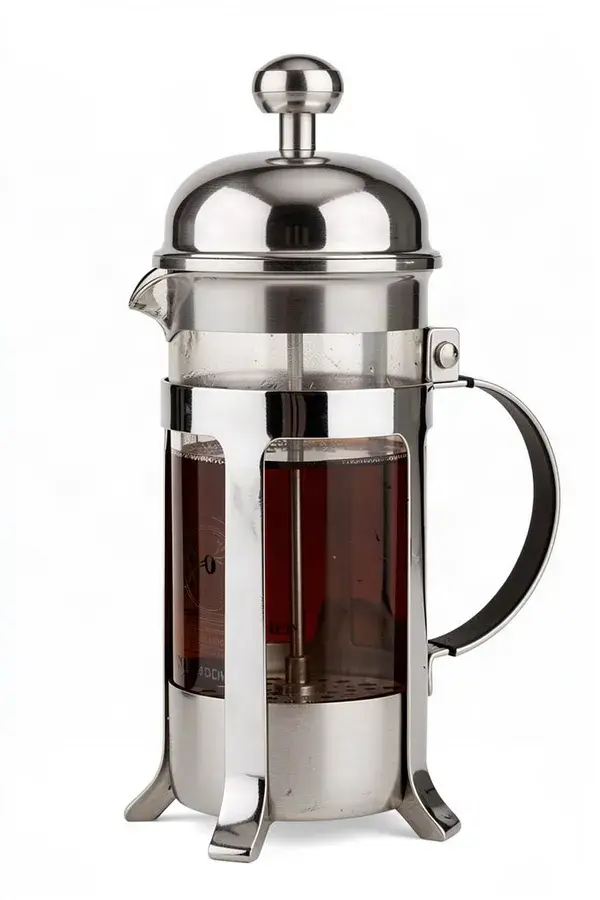
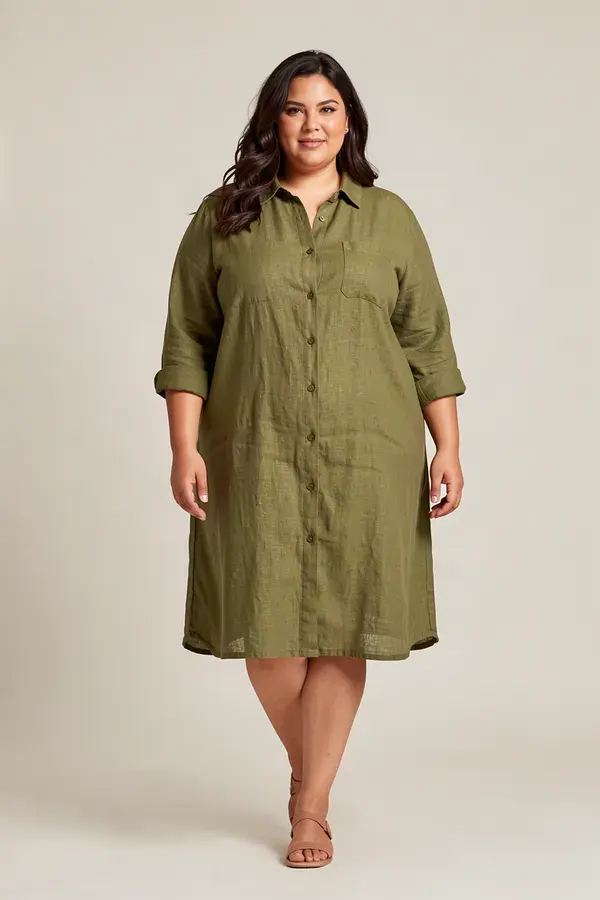
Shopify Product Videos: move.
Sell more from the PDP with video the day the stock lands.
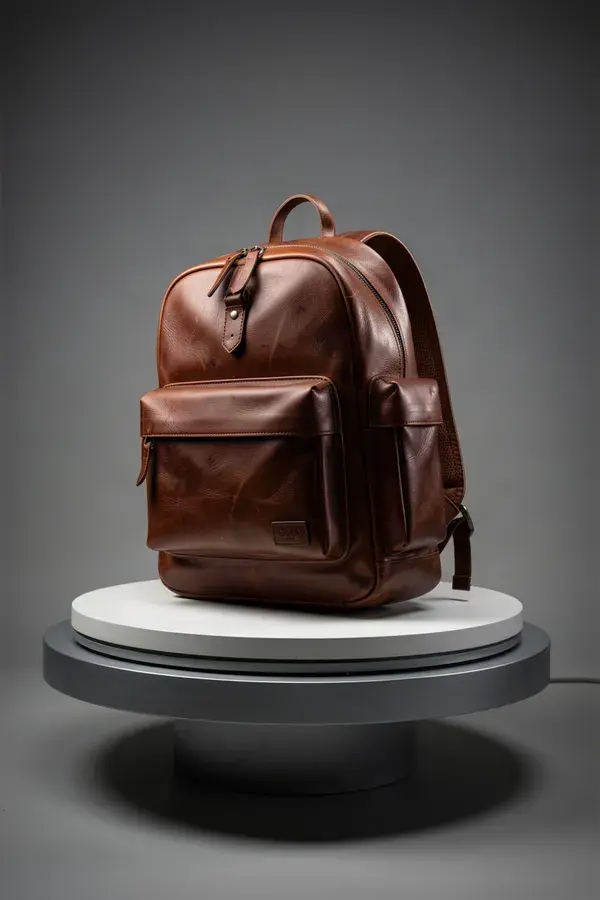 Hero product clip
The moving shot for the top of the product page.
 Creator-style ad
Someone holding the thing and saying why. The highest converting paid format.
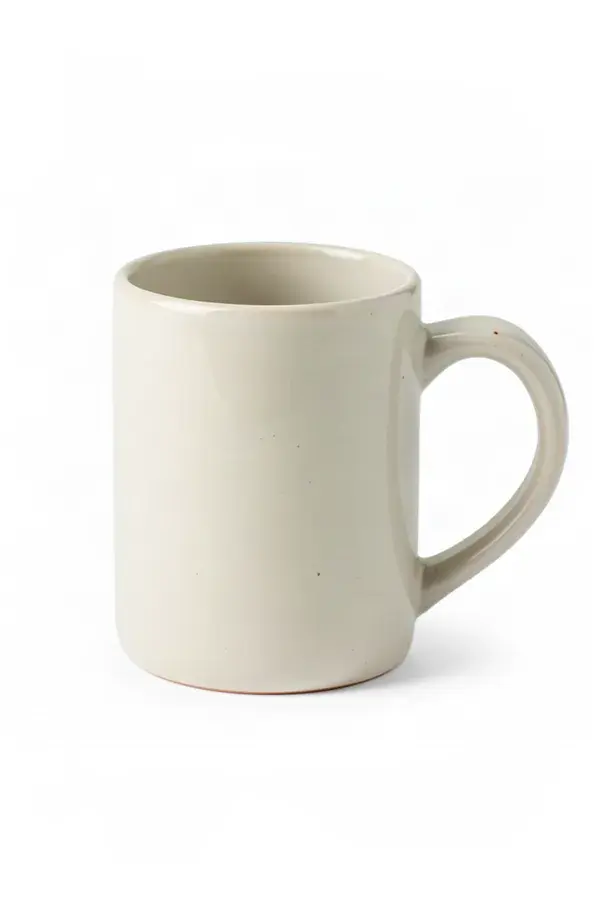 Clean listing images
Transparent cutouts and consistent white-background shots across the catalogue.
 Lifestyle stills
The product in a room, on a table, in a hand. Context is what makes it desirable.
- 1
Fix the source image first
Everything downstream inherits the quality of the input. Cut the background, relight it, upscale it if the original is a 900 pixel supplier photo.
- 2
Generate the hero clip
The product moving, lit like a campaign. This is the one that goes above the fold on the product page.
- 3
Add the human angle
A creator-style clip holding or using the product does the job a studio shot cannot, and it is the format paid social actually rewards.
- 4
Keep the set consistent
Save the product and the palette as Brand Assets so every SKU on the site looks like it came from the same brand.
What is shopify product videos?
Shopify product video is short video placed on the product detail page and in paid social to show an item in use rather than as a static photo. APImage generates it from the images a store already has: upload one flat catalogue shot and get back a lit, moving clip of 4 to 30 seconds in the aspect ratio the placement needs, which means video can ship the same day the product does instead of waiting on a studio booking.
Can I put generated video on my product pages?
Yes. Paid plans include full commercial rights, so the output can run on the storefront, in email, and as paid ads. Show the product accurately: a generated clip that implies a feature the item does not have is a consumer-protection problem regardless of how it was made.
What kind of source photo works best?
Sharp, evenly lit, product filling most of the frame, ideally on a plain background. If the only asset is a supplier photo, run it through background removal and upscaling first. Bad input is the single most common cause of a disappointing result.
Will the product still look like my product?
Generation follows the reference image, and saving the product as a Brand Asset is what holds it consistent across a whole catalogue. Check labels and fine text on the output, since small typography is the first thing to distort. Regenerate or inpaint if it does.
Is there a Shopify app?
There is no Shopify app. There is a REST API with webhooks and an MCP server, plus Zapier, Pipedream and n8n integrations, so a store can wire generation into its own product-creation flow.