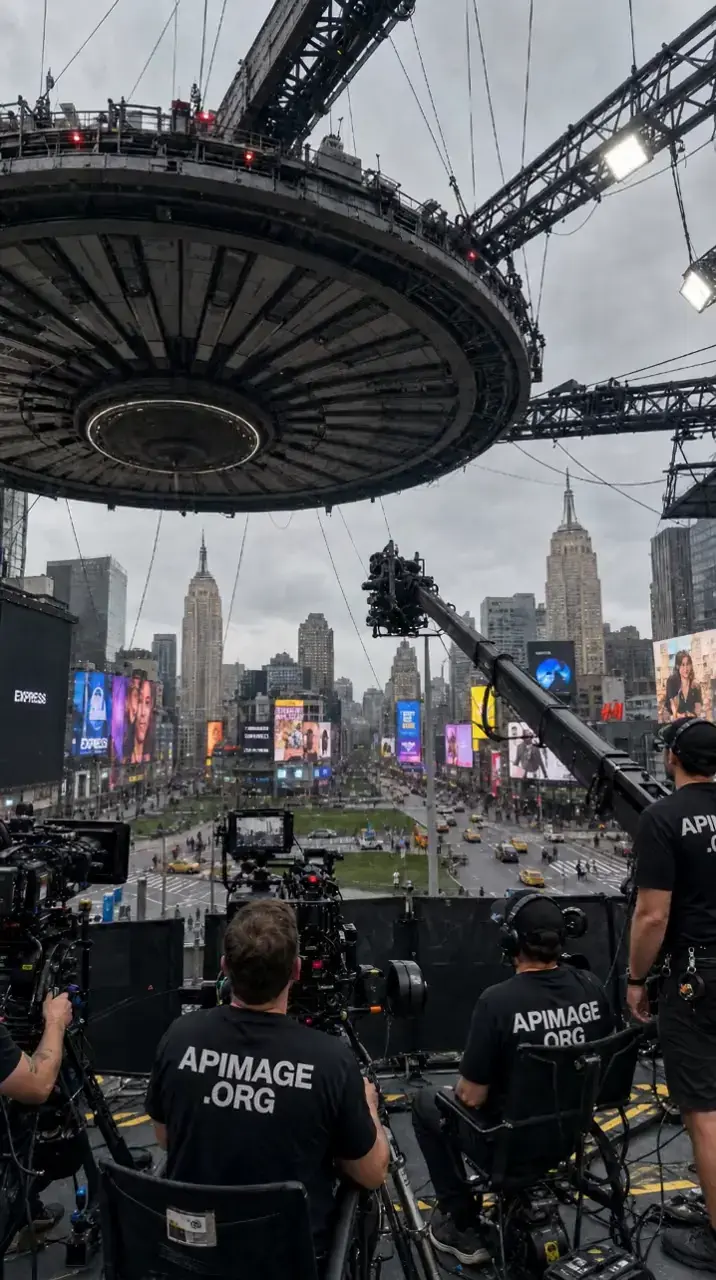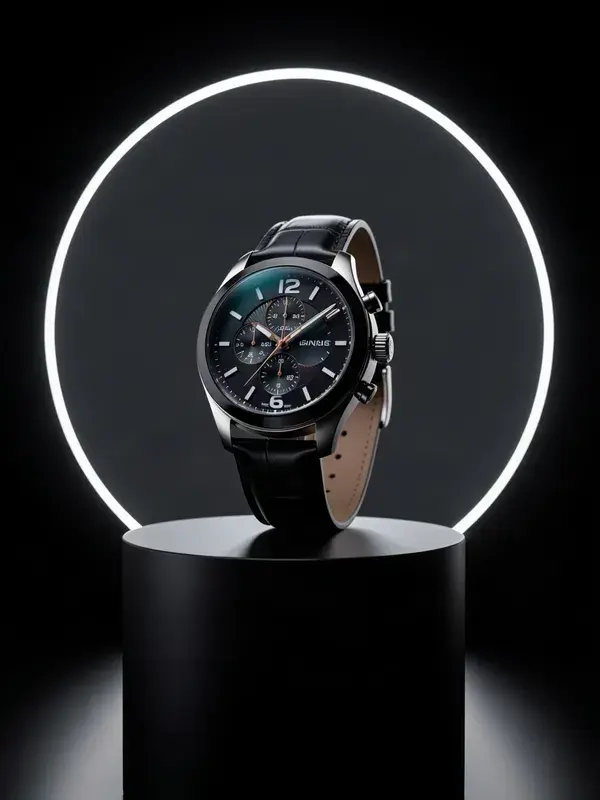
One flat product photo in. A lit, moving, campaign-grade clip out.
FLUX 3 Video from 114 credits per 5s.
Video runs on paid plans. Credits scale with clip length and resolution.
- 1
Upload one clean product photo. Cut the background first if the original is cluttered.
- 2
Describe the setting and the camera move. Slow orbit, push in, hands entering frame.
- 3
Pick the ratio per placement: 9:16 for social, 16:9 or 1:1 for the product page.
- 4
Check the label and fine text on the output before you publish it.
- Input
- One product photo
- Ratio
- 7 ratios
- Duration
- 4–30s
- Resolution
- Up to Full HD
What is product video maker?
A product video maker turns a flat catalogue photograph into a lit, moving clip of the same product. APImage does this from a single image: it relights the product, adds camera movement and a believable setting, and returns 4 to 30 seconds of video in the aspect ratio the placement needs, which is what puts video on a product page without a studio booking.
How long can a clip be?
It depends on the model. Seedance 2.0 runs 4 to 15 seconds at up to 1080p, Seedance 2.5 runs up to 30 seconds at up to 720p, and FLUX 3 Video runs 5 to 20 seconds at up to Full HD. That covers the range short-form and paid social actually live in. For anything longer, generate a few clips and cut them together.
Which aspect ratios can I get?
9:16 for TikTok, Reels and Shorts, 16:9 for YouTube, 1:1 for feed, plus 4:3, 3:4 and 21:9. You pick the ratio before you generate, so nothing gets cropped to death afterwards.
Can it speak my script?
Two ways, with one gap. FLUX 3 Video generates a synchronized audio track with the clip. Seedance 2.0 can lip sync a face to an audio file you upload, up to 30 seconds. What there is no text-to-speech for is a specific script in a specific voice, so that recording comes from you or from a voice tool you already use.
Can I use the videos commercially?
Yes. Every paid plan includes full commercial rights, so you can run the output as paid ads, organic posts or client work.
Do I need a paid plan?
For video, yes. The free plan covers 3 watermarked images so you can judge quality first. Video is real GPU time by the second, so generation starts on the paid tiers.