Thirty seconds, with sound.
Twice Kling 3.0's ceiling. A scene can set up, turn and land without stitching clips together.
30-second spots
A whole ad in one generation, sound included.
Dialogue scenes
Characters speak the lines you write, in sync.
Trailers
21:9 frames at 1080p for a widescreen feel.
Product moves
Start frame, end frame, and the move between them.
- Provider
- Kuaishou
- Resolution
- 720p or 1080p
- Duration
- 3 to 30 seconds
- Aspect ratios
- 16:9, 9:16, 1:1, 21:9
- Audio
- Stereo sound and dialogue, always on
- Frames
- Start and end frames
- Prompt
- Up to 26,000 characters
- At 1080p
- 196 credits per 5s, 392 per 10s, 1,175 per 30s
- Plans
- Starter and up
- Cost
- From 131 credits per 5 seconds
 Seedance 2.5
 Veo 3.1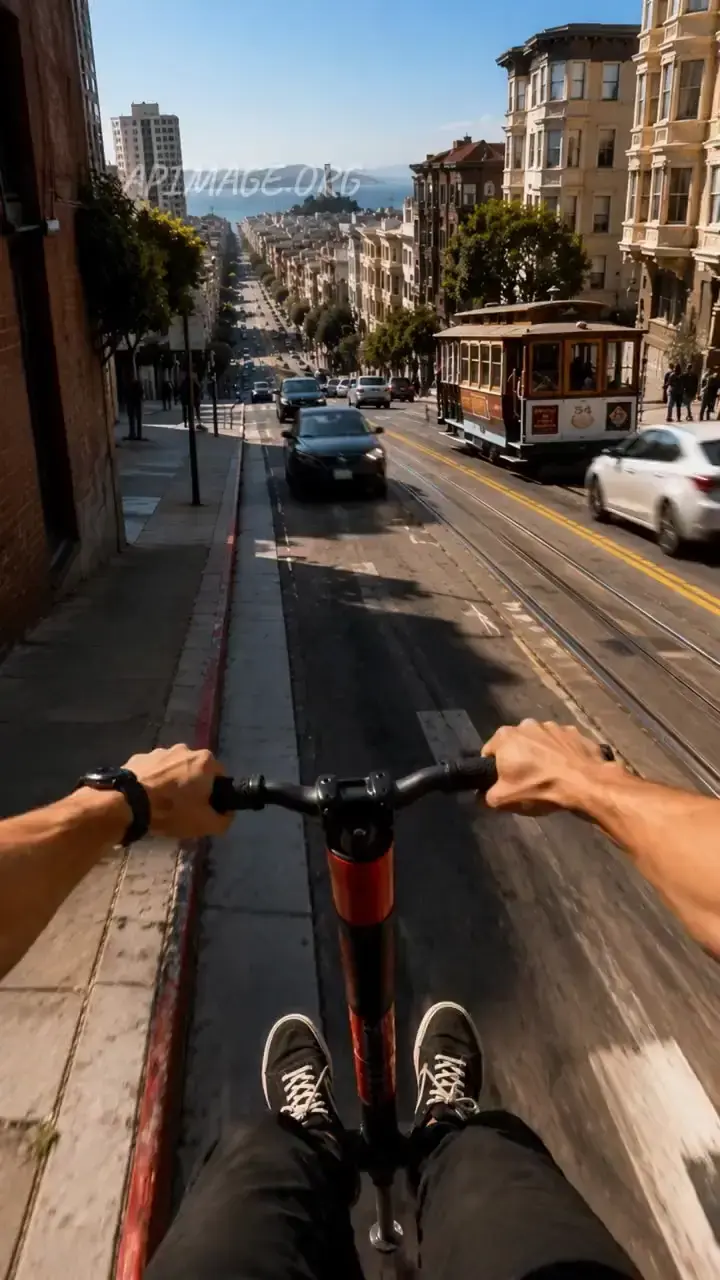
Side by side with the models people weigh it against. Both run on the same plan.
 Video: fal
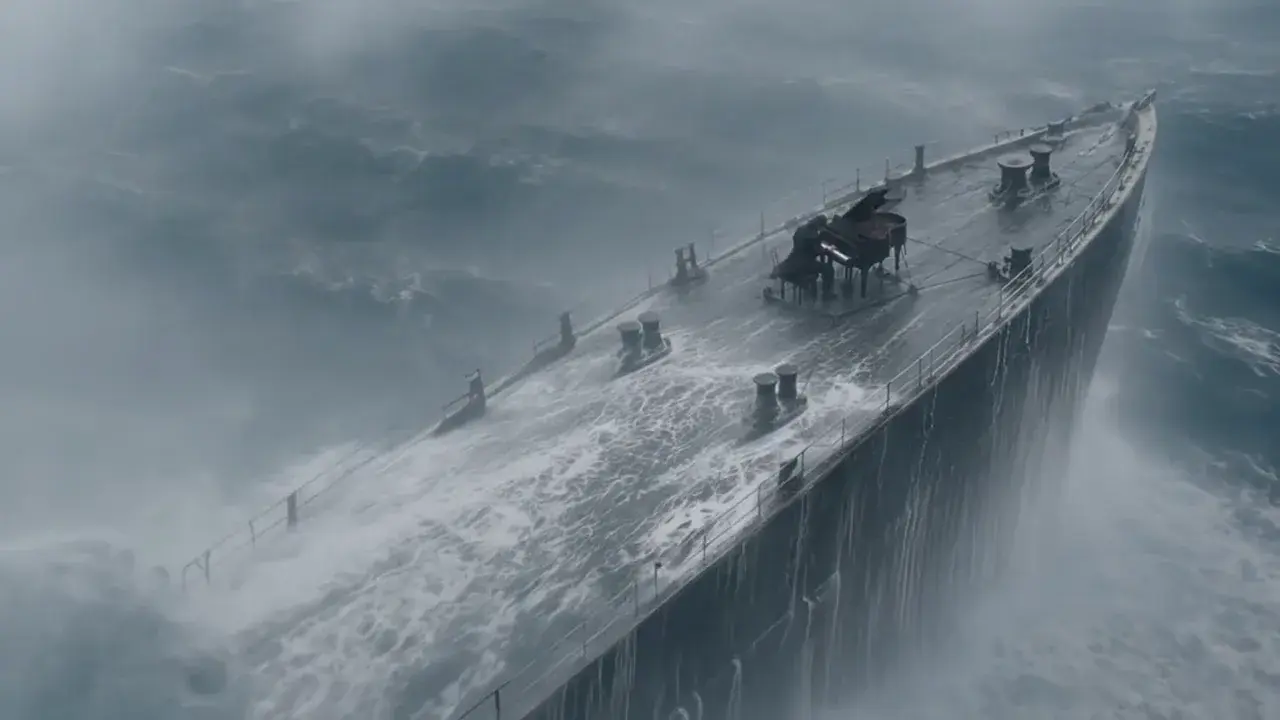 Video: Kling AI
Kling 4.0 vs Kling 3.0
Kuaishou's new model against its workhorse. One runs to 30 seconds, the other has every switch.
Read the comparisonVideo: fal
Kling 4.0 vs Seedance 2.5
Two 30 second takes. One costs a fifth, the other takes thirty references.
Read the comparisonVideo: fal
Kling 4.0 vs Veo 3.1
Kuaishou's 30 second take against Google's 8 second close-up.
Read the comparisonWhat is Kling 4.0?
Kling 4.0 is Kuaishou's newest video generation model. It makes clips of 3 to 30 seconds at 720p or 1080p, in 16:9, 9:16, 1:1 or 21:9, from a text prompt or a start and end frame, and every clip comes with a stereo soundtrack: the effects, ambience, music and dialogue written in the prompt. On APImage it costs 131 credits per 5 seconds at 720p and 196 at 1080p, sound included, up to 1,175 credits for a full 30 seconds at 1080p.
How much does Kling 4.0 cost on APImage?
131 credits per 5 seconds at 720p and 196 at 1080p, sound included. A full 30 seconds is 785 at 720p or 1,175 at 1080p.
How long can a Kling 4.0 clip be?
Any length from 3 to 30 seconds, in one second steps.
Can I turn the sound off?
No. Kling 4.0 always renders a stereo soundtrack, and the price includes it. For silent clips, Kling 3.0 is cheaper.
What changed from Kling 3.0?
Twice the length, 30 seconds against 15, a 21:9 frame and stereo sound in every clip. Kling 3.0 keeps a silent option, automatic multi-shot and a prompt adherence control, and costs less per second.
Which plan includes Kling 4.0?
Starter and up, out of the same credit pool as every other model on APImage.
How do I use it?
Open the video studio and pick Kling 4.0. Write the shot like a brief: the action, the camera move, what we hear and any lines spoken. Add a start frame, and an end frame if the move has a destination. With a start frame the clip takes the image's shape. Pick 720p or 1080p, set the length up to 30 seconds, and generate.