Zero excuses.
12 of them free, right in your browser.
 Free
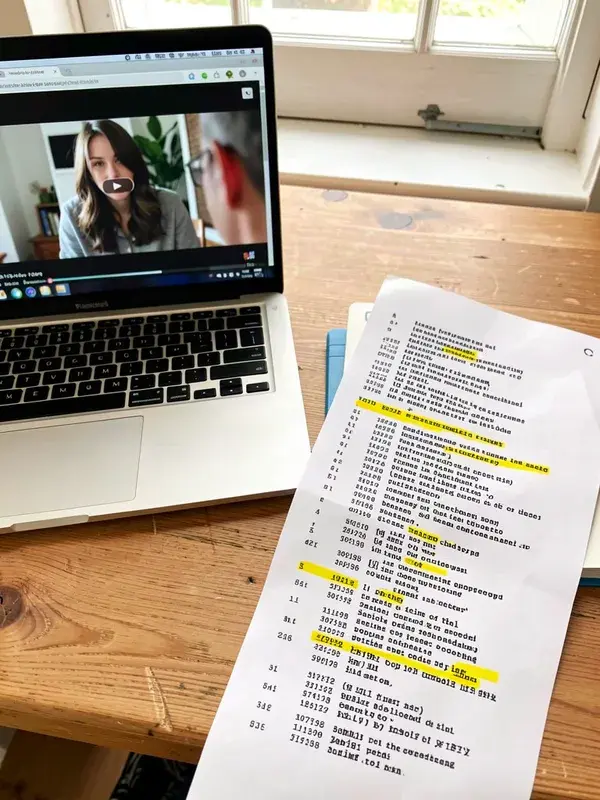
YouTube Transcript to Text & SRT
Paste a video's transcript from YouTube: clean text, clickable timestamps that play the video, TXT and SRT.
 Free
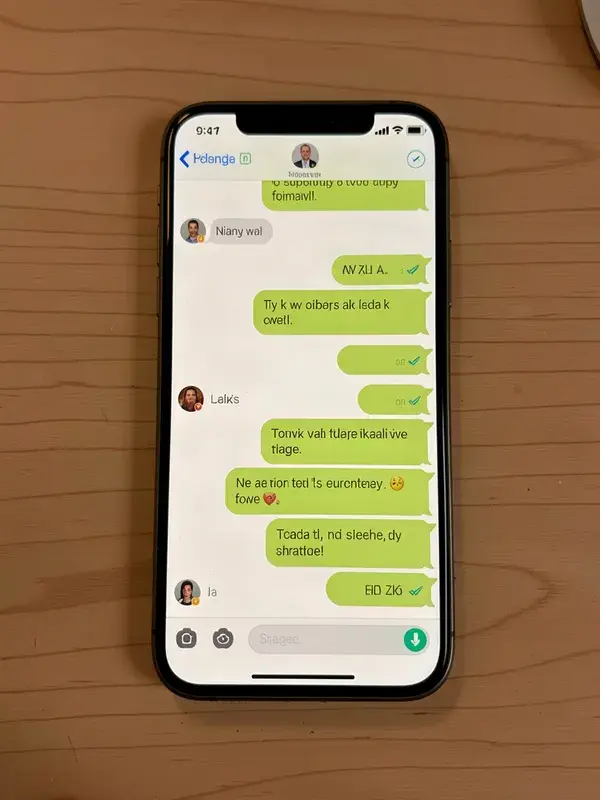
Instagram Comment-to-DM Generator
Write the keyword and both DMs, check them against Instagram's limits, see the chat.
 Free
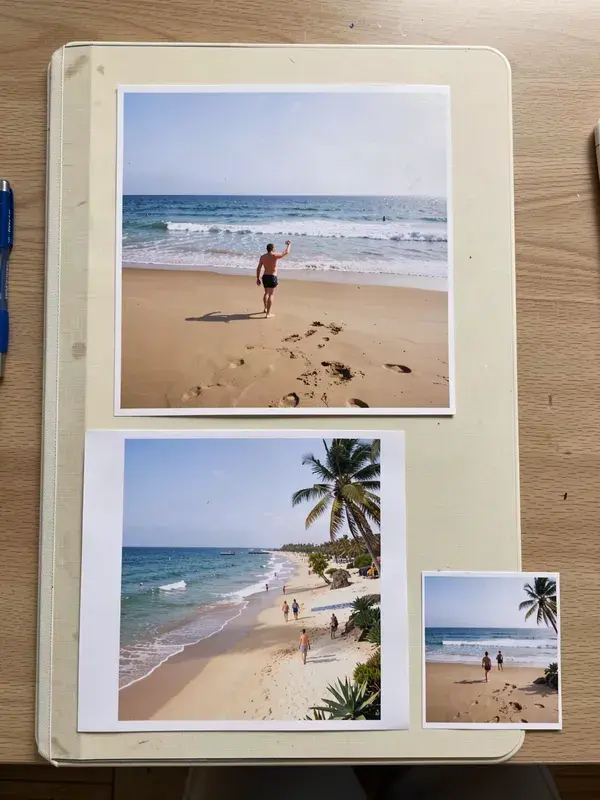
Social Media Image Resizer
Resize one image to every platform size at once. Feed, story, thumbnail, banner, profile.
 Free
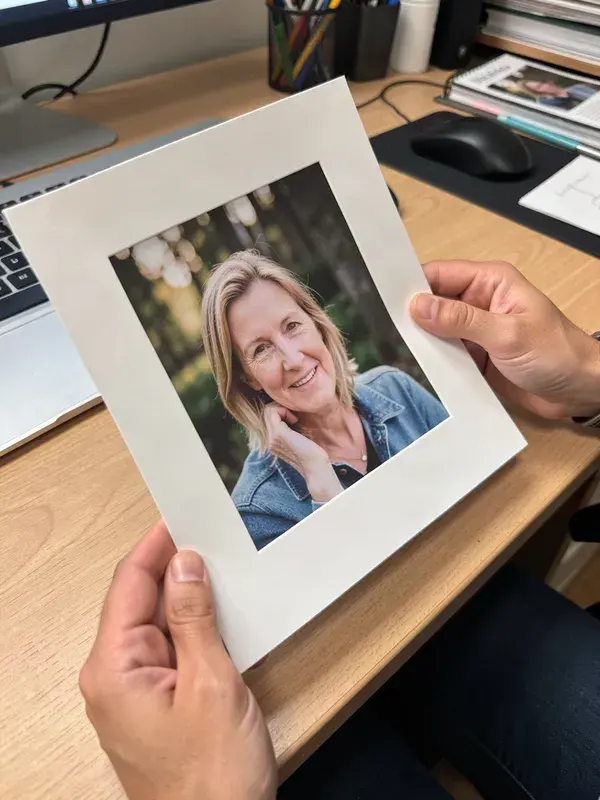
Aspect Ratio Cropper
Crop to 9:16, 1:1, 4:5 or 16:9 with a draggable frame. Free, no upload, no account.
 Free
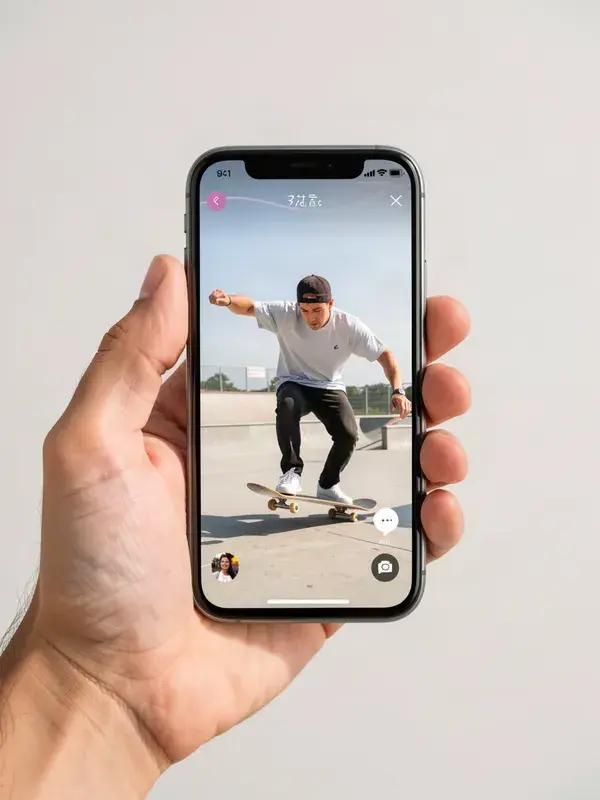
TikTok & Reels Safe Zone Checker
See exactly where captions, buttons and the product card cover your video before you post.
 Free
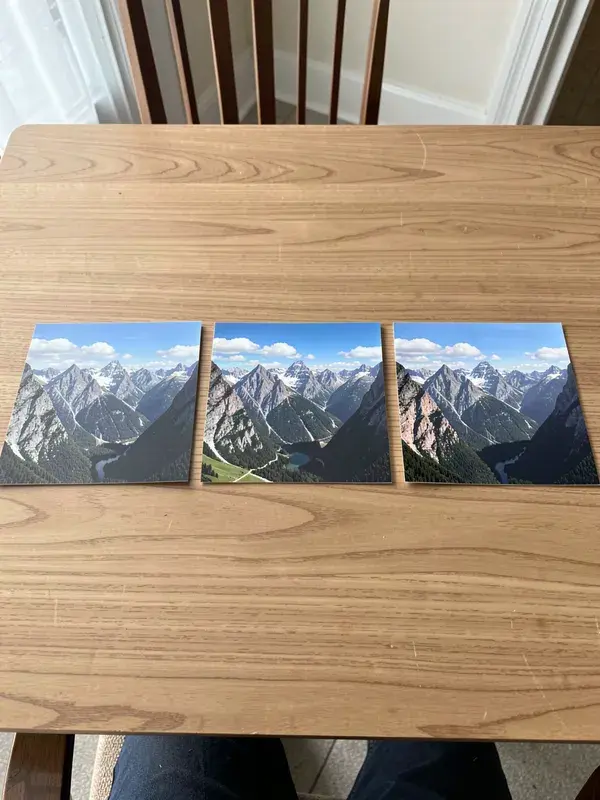
Instagram Carousel Splitter
Cut one wide image into seamless carousel slides or a 3x3 grid. Free and instant.
 Free
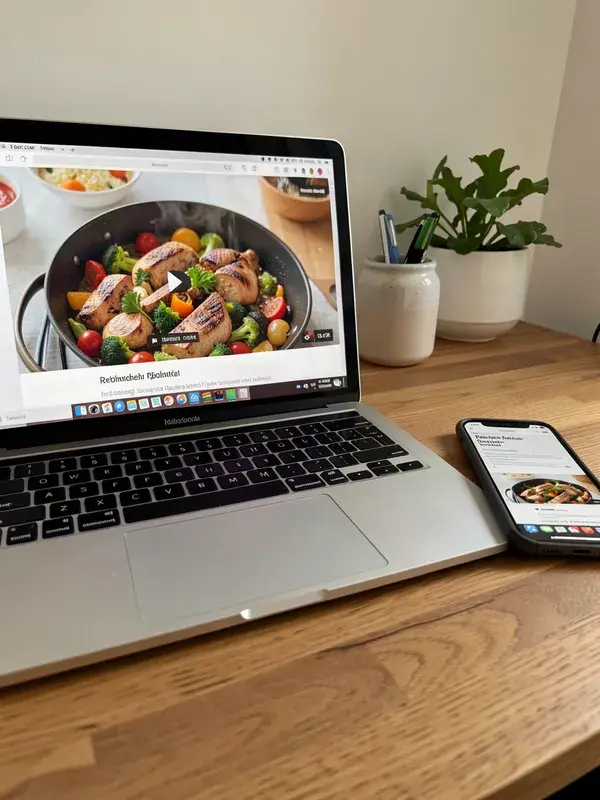
YouTube Thumbnail Preview Tester
See your thumbnail at the sizes people actually see it. Mobile feed, sidebar, search.
 Free
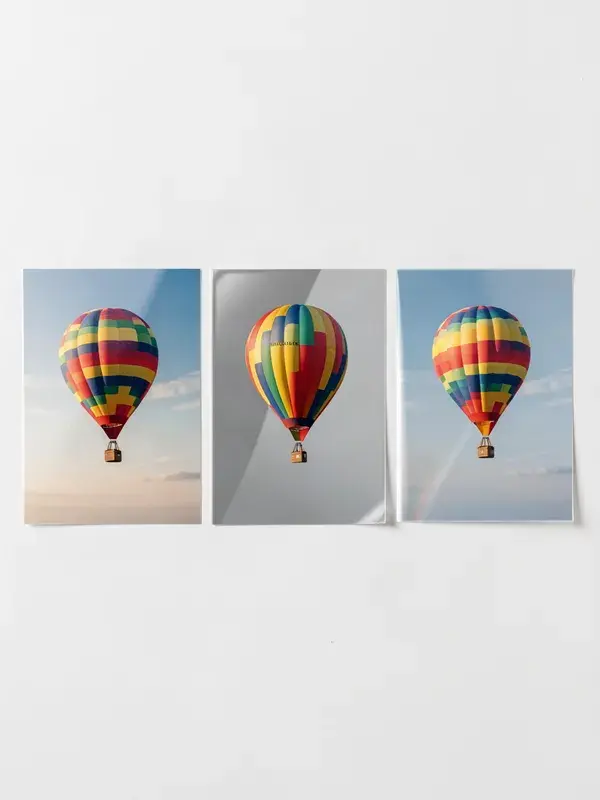
Image Compressor
Shrink file size without visibly wrecking the image. Compare before and after, then download.
 Free
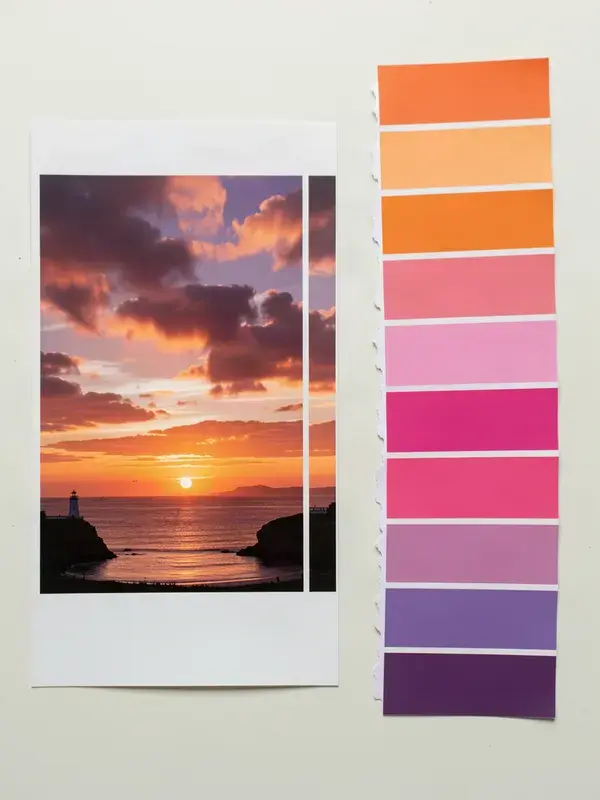
Image Converter
PNG, JPG and WEBP in any direction. Batch a whole folder, all in the browser.
 Free
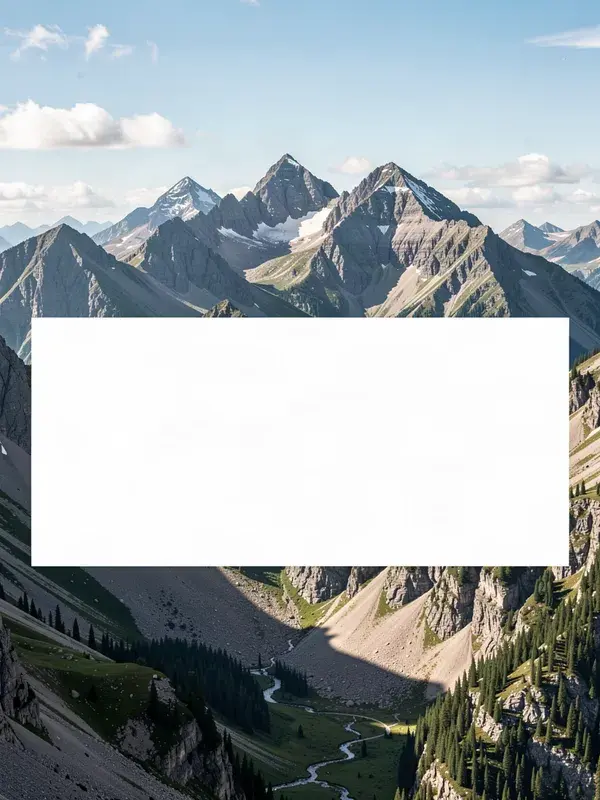
Color Palette Extractor
Pull the dominant colours out of any image as hex codes you can paste anywhere.
 Free
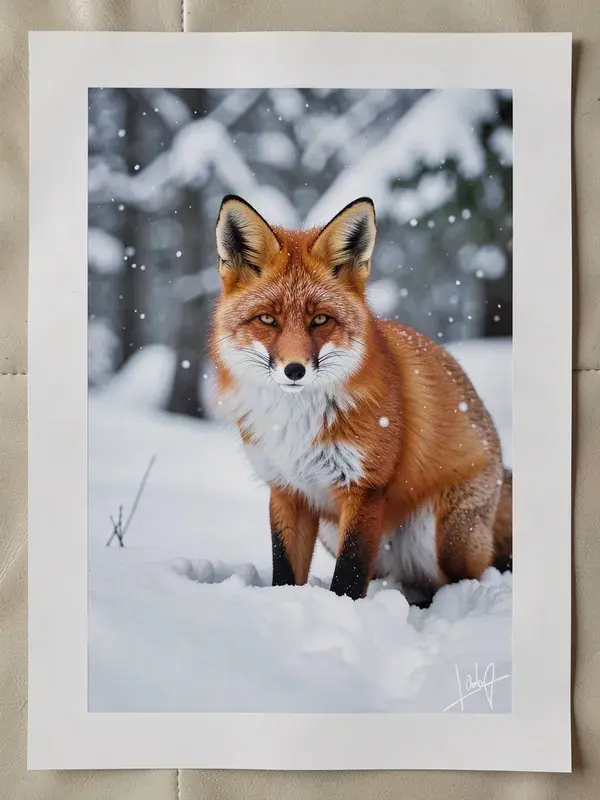
Quote & Meme Card Maker
Put readable text on any image. Quote cards, meme captions, thumbnail overlays.
 Free
Watermark Adder
Stamp your handle or logo on an image before you post it. Tiled or single, any opacity.
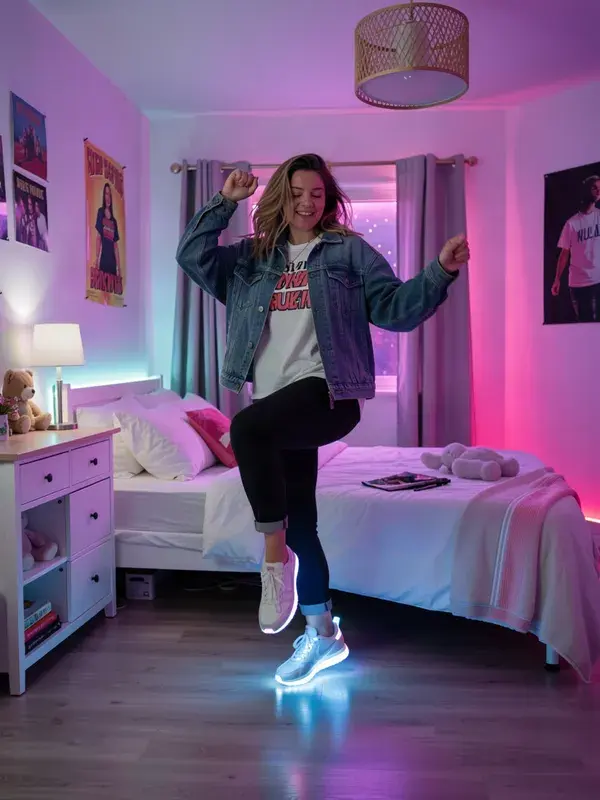
TikTok Video Maker
Turn a product photo and one line into a native 9:16 clip built to stop the scroll.

YouTube Shorts Maker
Fill the upload schedule with vertical Shorts, without filming any of them.
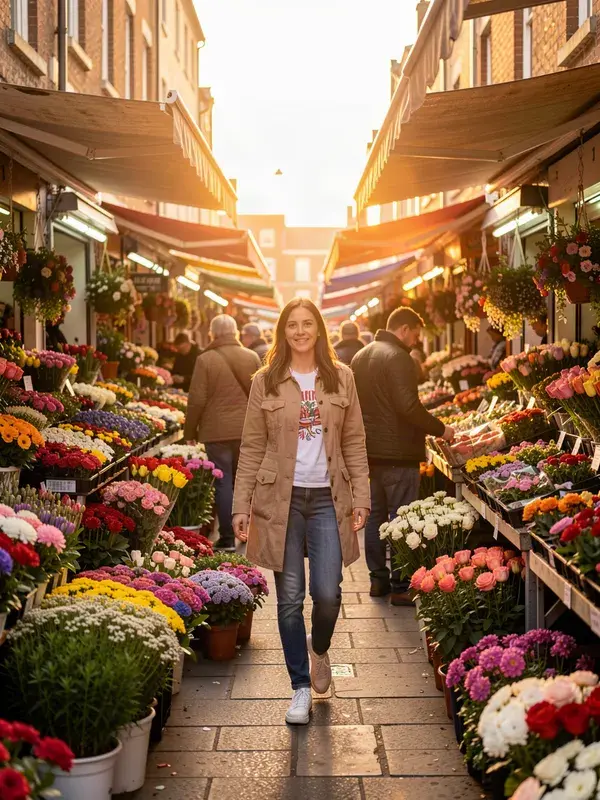
Instagram Reels Maker
Creator-style Reels that look shot on a phone, because that is what performs.
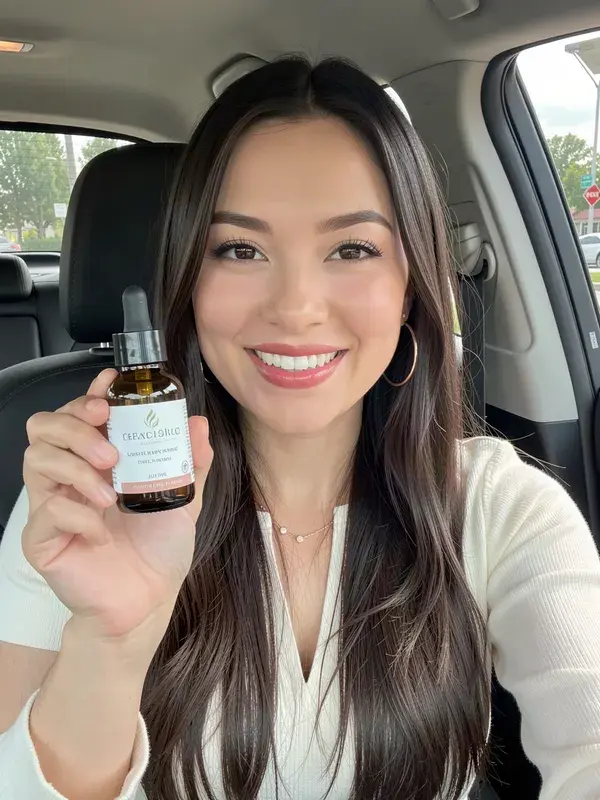
UGC Ad Video Maker
The creator-led ad format that converts, minus the creator, the phone and the shoot.
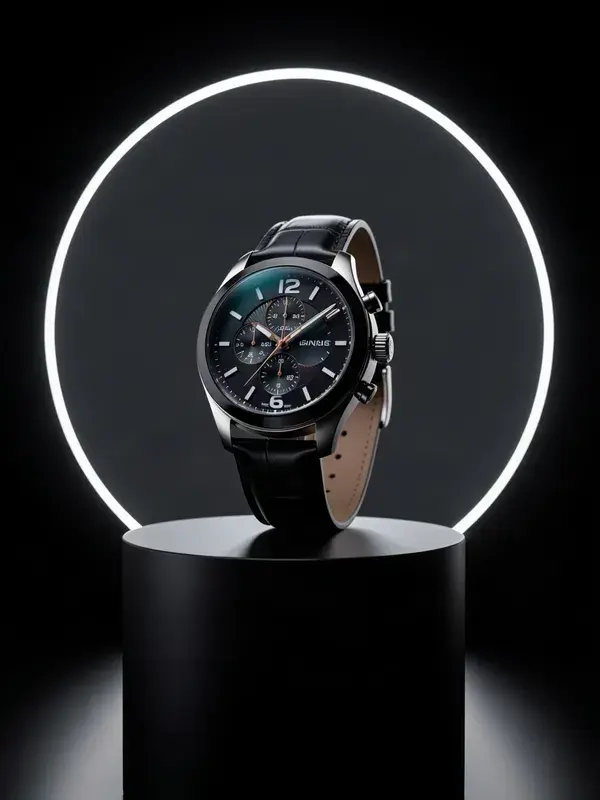
Product Video Maker
One flat product photo in. A lit, moving, campaign-grade clip out.

Talking Avatar
Give any face your audio and it delivers the script, up to 30 seconds.
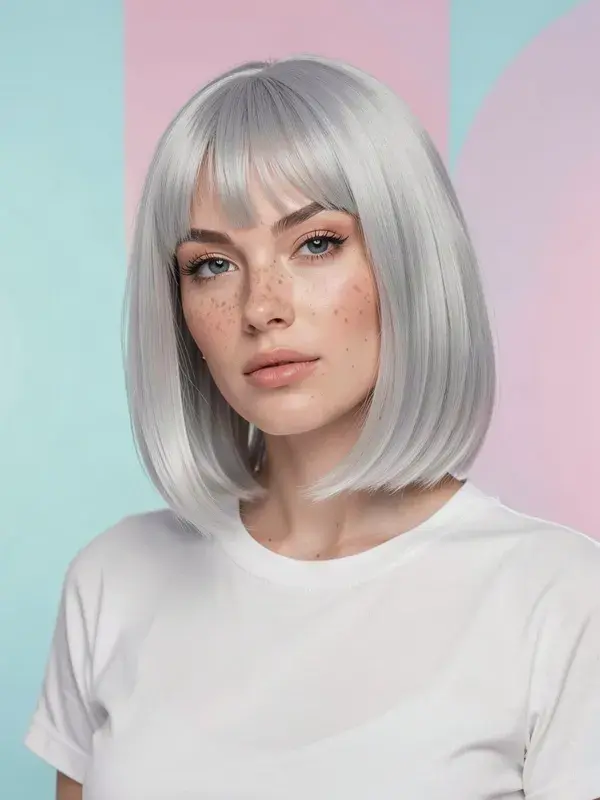
AI Influencer Generator
Create a creator who never reschedules and fronts every video you post.
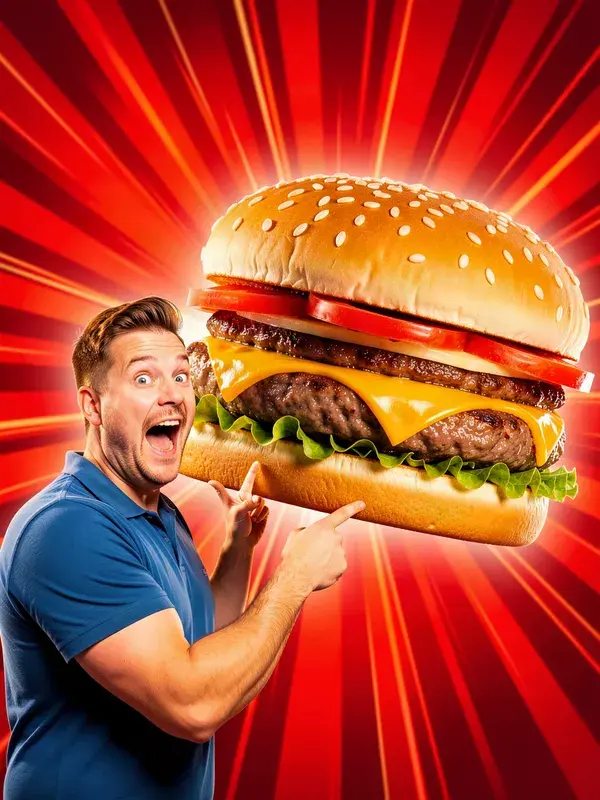
YouTube Thumbnail Maker
Click-worthy covers with text that renders cleanly, not as melted letters.
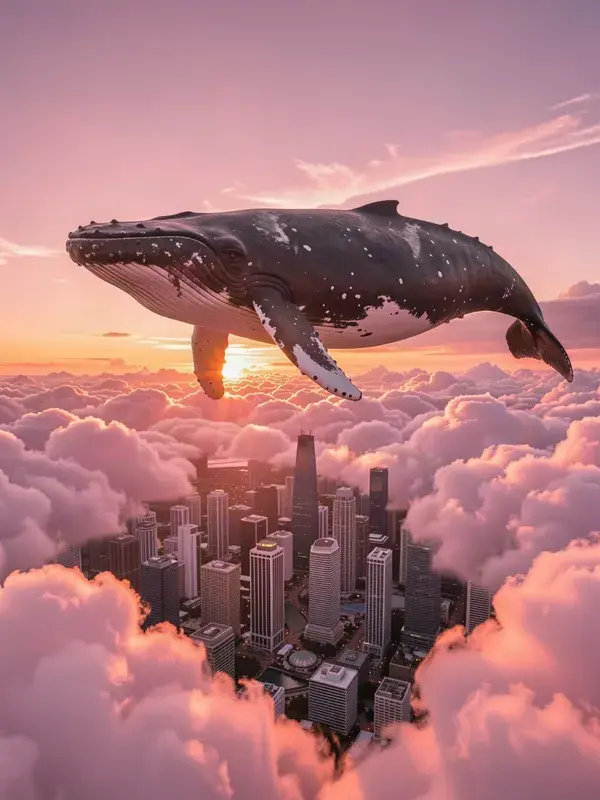
Image Generator
Generate stunning images from text prompts using AI.
AI Backgrounds
Create professional backgrounds for any subject.
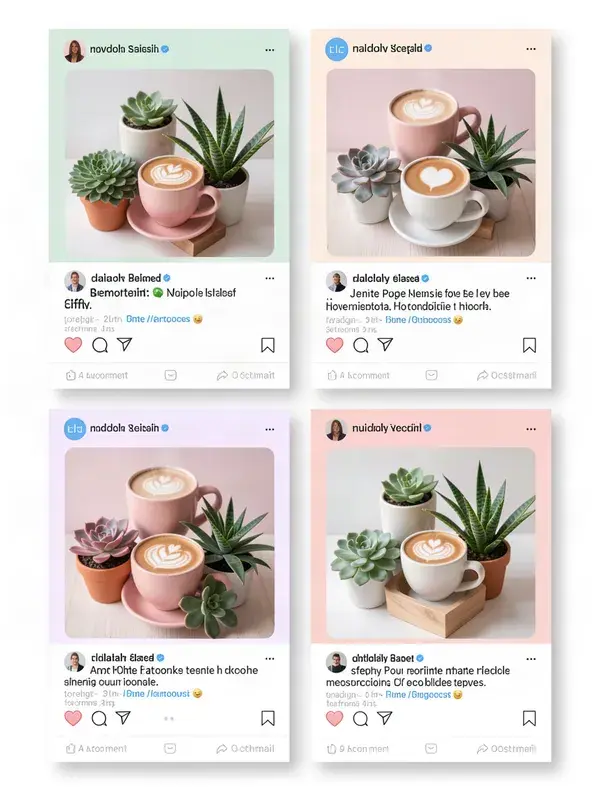
AI Templates
Use pre-made AI templates to jumpstart your creative process.
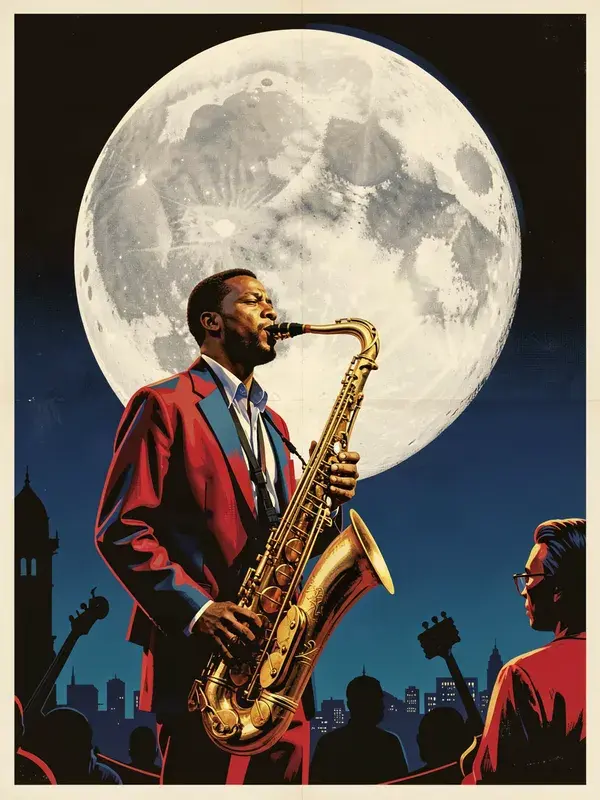
AI Posters
Design eye-catching posters from simple prompts.
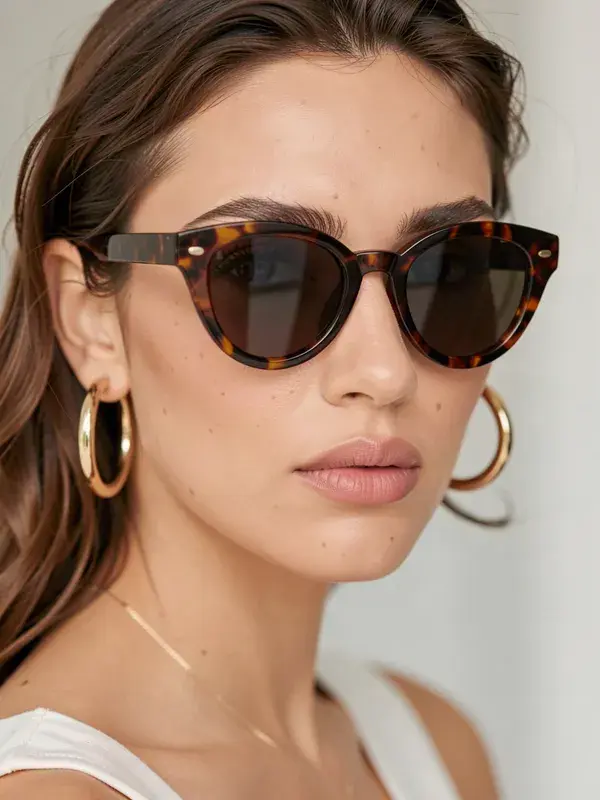
Virtual Try-On Accessories
See how accessories look on models with AI precision.
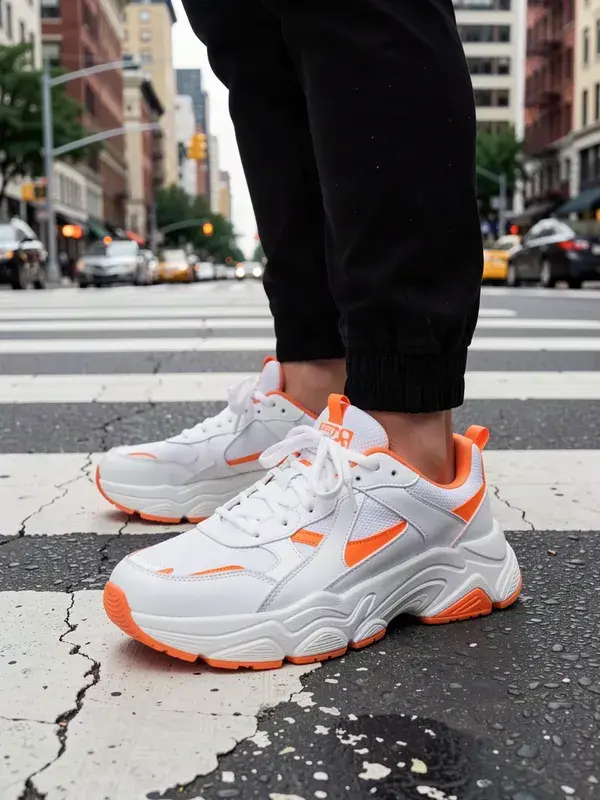
Virtual Try-On Shoes
Visualize sneakers and shoes on different feet.
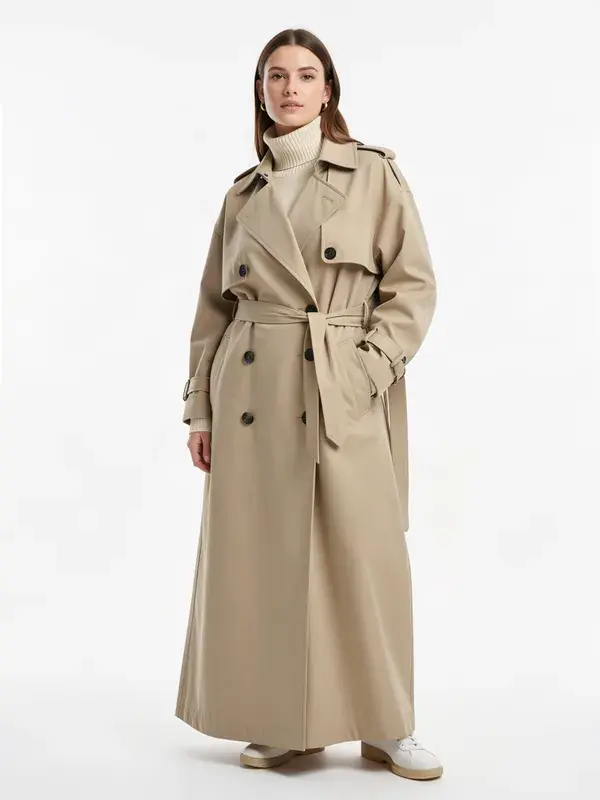
Virtual Try-On
Let customers visualize clothing on varied body types.
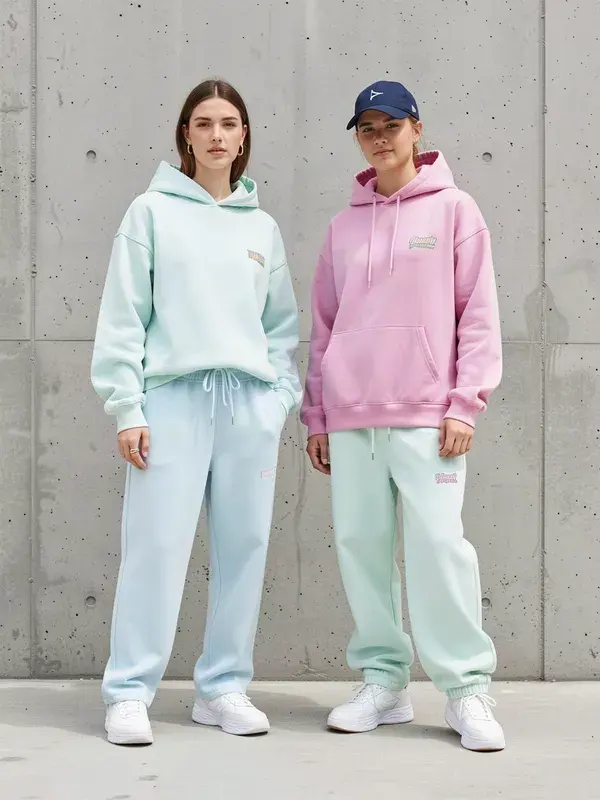
Fashion Studio
Design and visualize fashion layouts instantly.
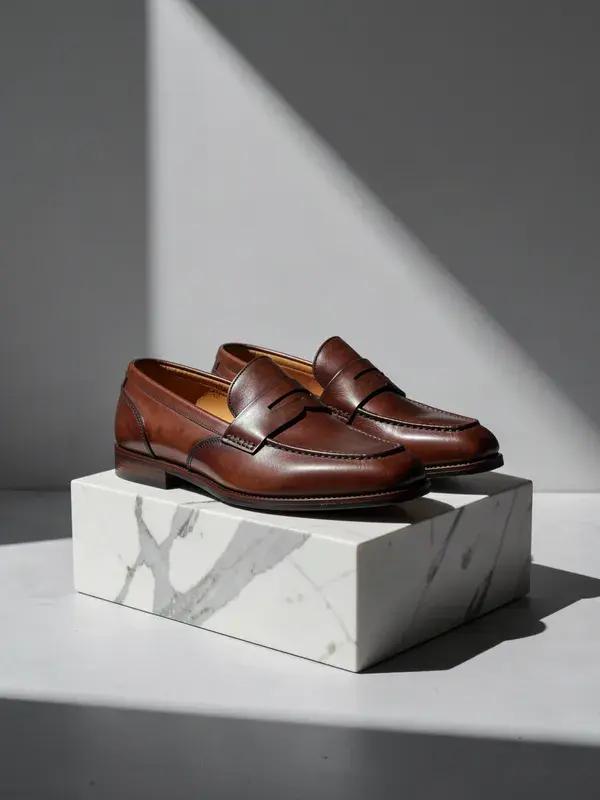
Fashion Studio for Shoes
Dedicated fashion workflows for footwear visuals.
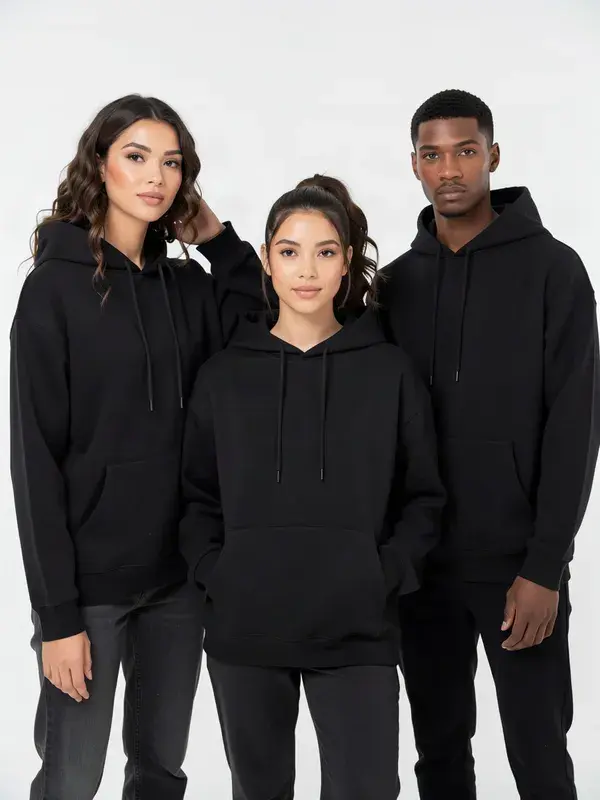
AI Model Photo
Generate diverse human models wearing your products.

Product Try-On
Showcase physical products in realistic environments.
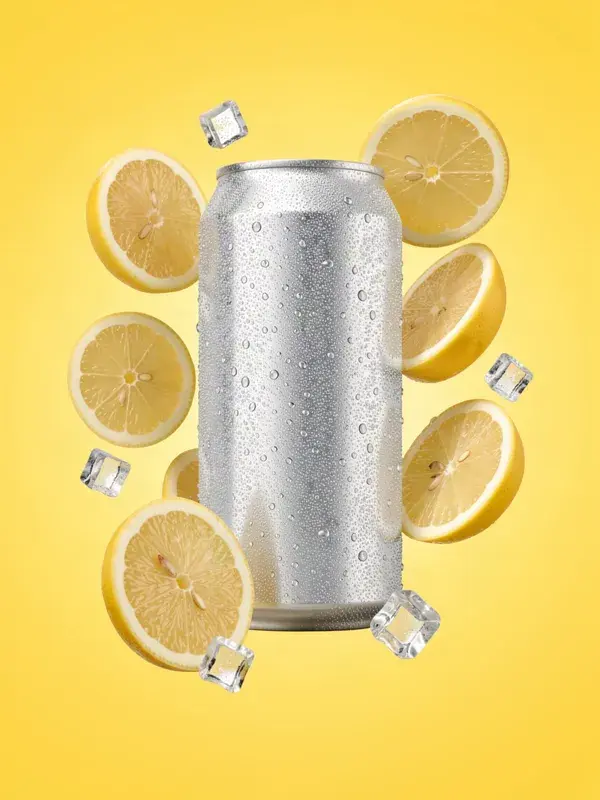
AI Product Image Design
Design compelling product imagery for ads and listings.

Real Estate Maker
Enhance and stage interior and exterior property photos.
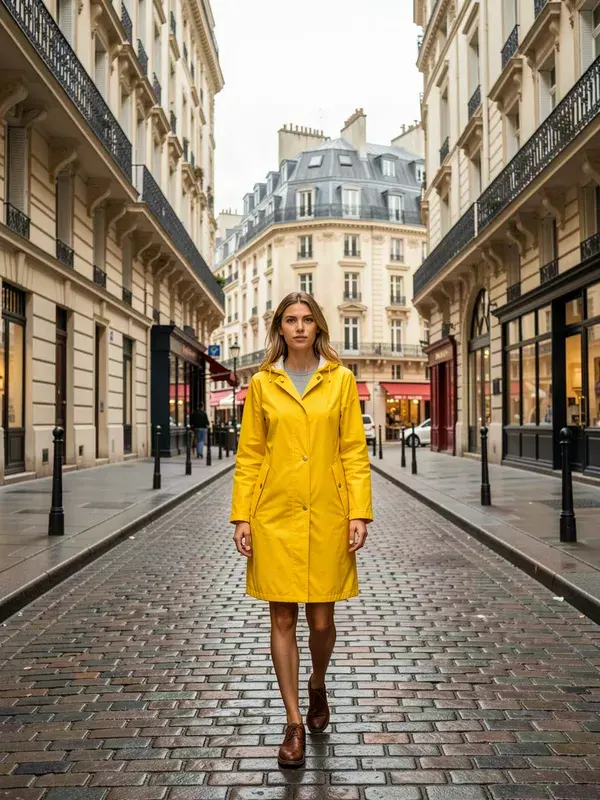
Edit / Inpaint Images
Select and replace or remove any part of an image with context-aware AI.
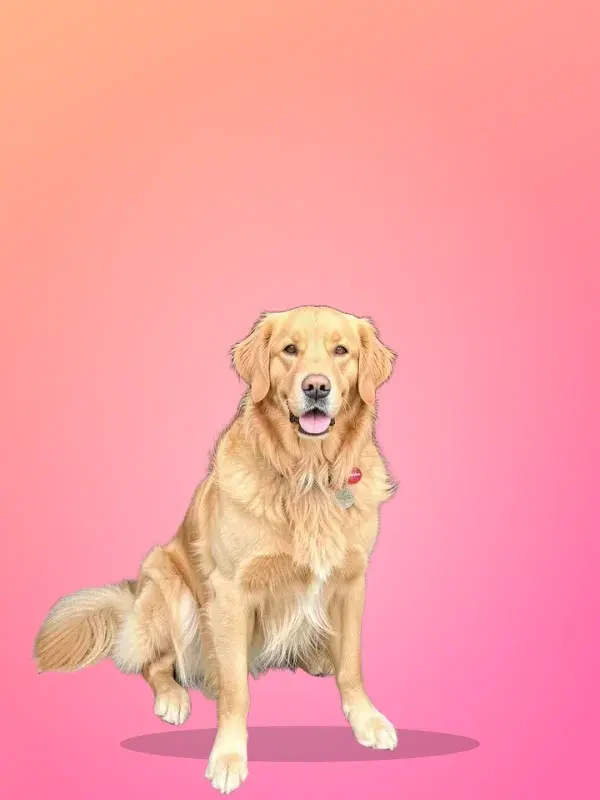
Remove Background
Remove backgrounds instantly for clean, transparent cutouts.
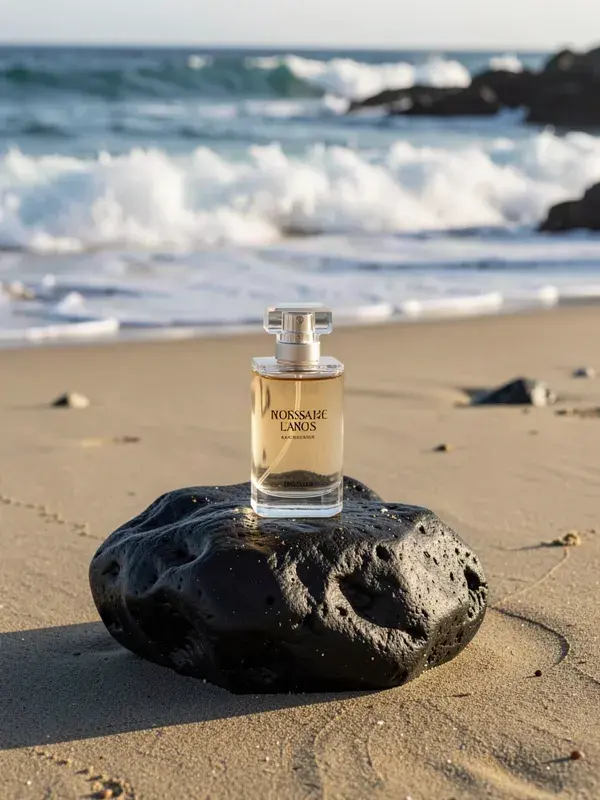
Replace Background
Swap the background of an image with a new AI-generated setting.
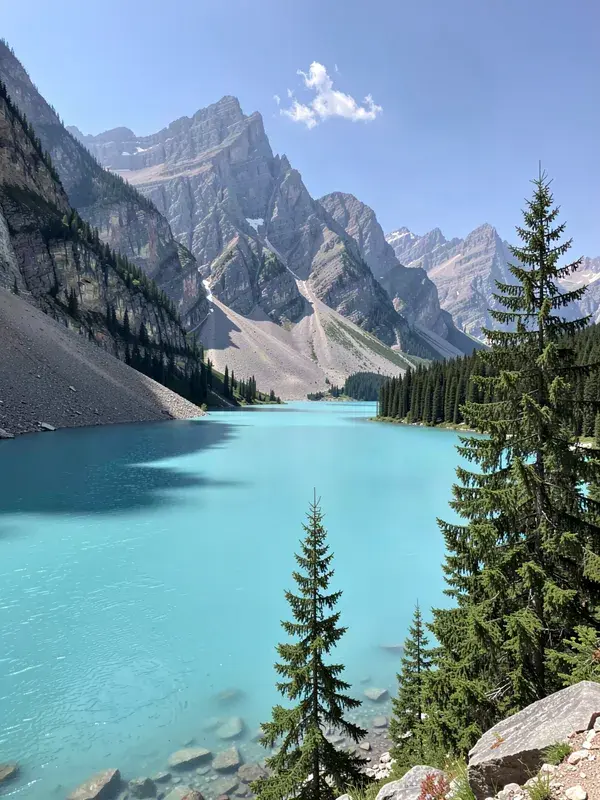
Remove Watermark
Clean up images by intelligently removing watermarks and text.

AI Editing
Advanced AI tools to refine and modify your images seamlessly.
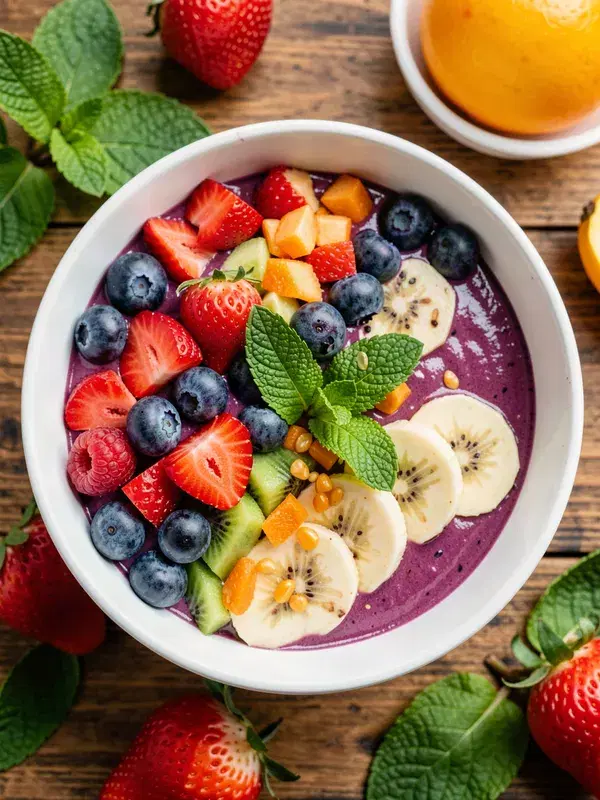
Short Photo Editor
Quickly enhance and edit photos for social media.
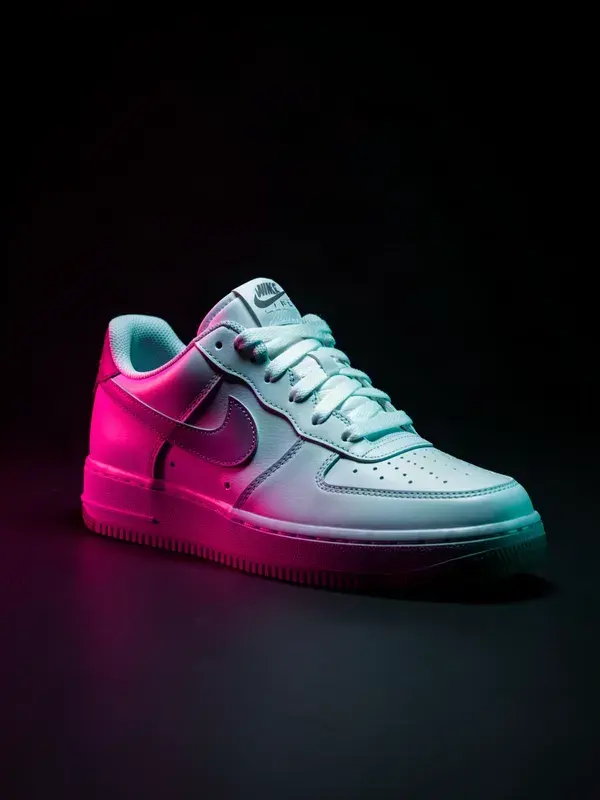
Relight Image / Object
Instantly change the lighting direction and color on any image.
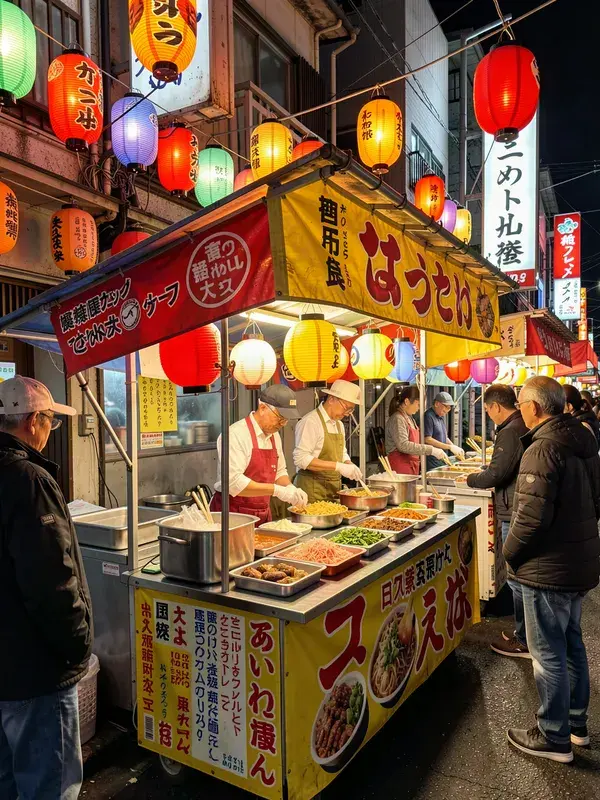
Image Translator
Translate text within images while keeping original styling.
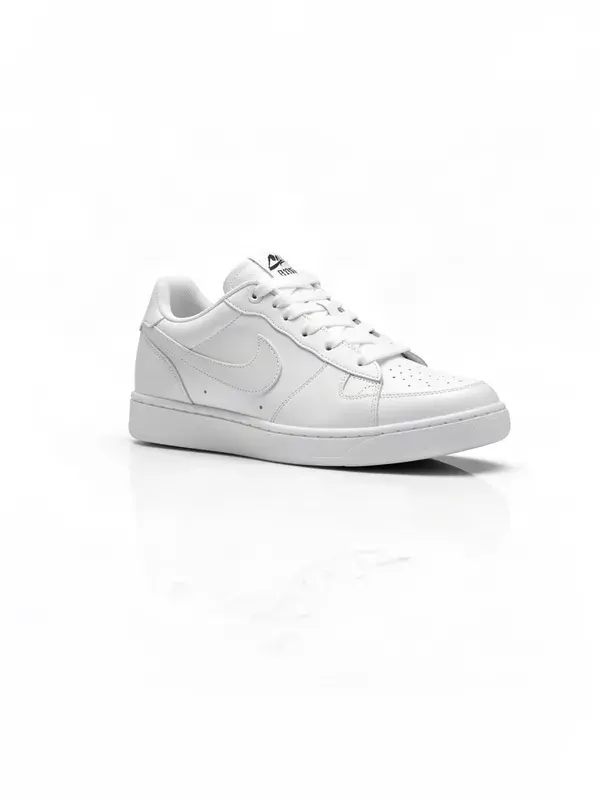
AI Shadows
Add realistic drop shadows and reflections to flat objects.
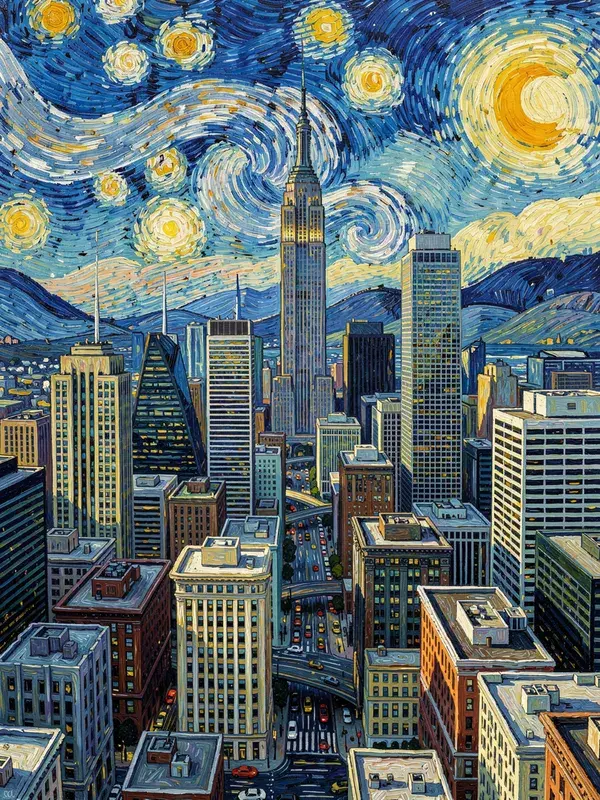
Style Clone
Extract the artistic style from one image and apply it to another.
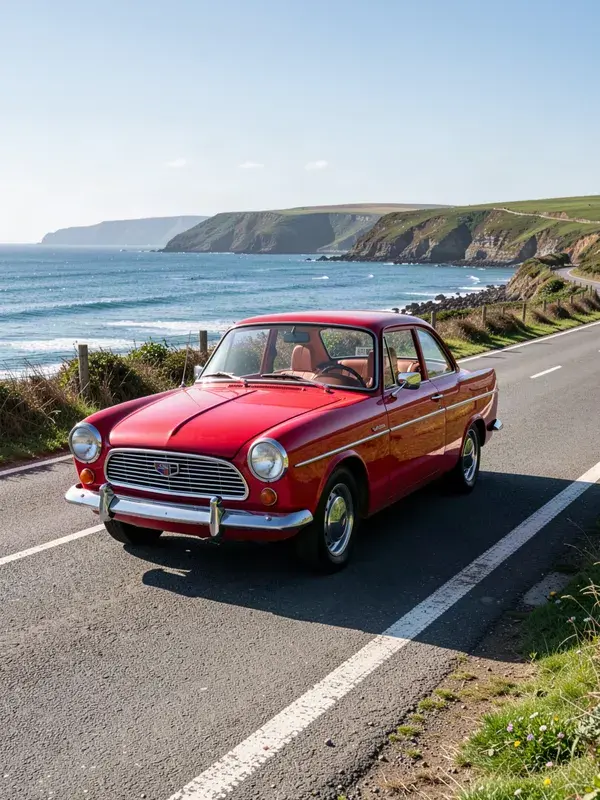
Image Enhancer
Automatically fix lighting, colors, and sharpness.
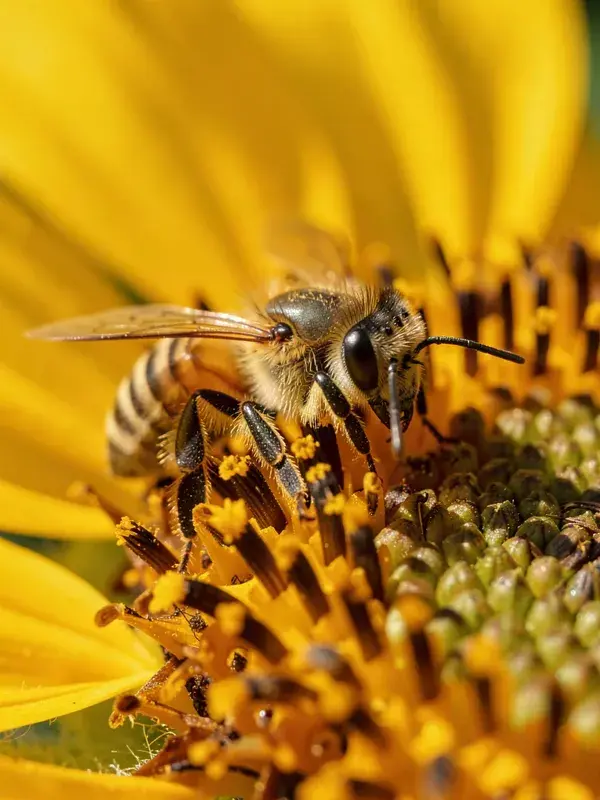
Image Upscaler
Enhance image resolution up to 4× with AI super-resolution.
Which tools are actually free?
The 12 browser tools at the top of this page: resizing, cropping, carousel splitting, safe zones, thumbnail previews, compression, format conversion, palette extraction, text overlays and watermarking. No account, no limit, no trial. They are free because they run on the Canvas API on your own device and cost nothing to serve. The AI tools below need a GPU per run, so they need a plan.
Is my image uploaded when I use a free tool?
No. Your browser reads the file, draws it to a canvas and re-encodes it locally. Open the network tab while you use one: no request is made when you load an image or export a result.
What does the AI side cost?
The free plan includes 3 watermarked images, which is enough to judge output quality. Paid plans start at USD 19/mo, and that is also where video generation begins, because video is real GPU time billed by the second.
Can I post the results on TikTok or YouTube?
Yes. Every paid plan includes full commercial rights, so you can post organically, run the output as paid ads, or bill it to a client. Label AI-generated content where the platform asks you to.
Will it look AI generated?
The short-form look is forgiving, because handheld and slightly imperfect is the aesthetic people expect. Consistency sells it harder than polish does, which is what Brand Assets are for: the same face, product and palette in every clip.
How many can I make?
As many as your credits allow, and up to 8 generations can run in parallel depending on plan. Volume is the point. Post ten, keep the two that work.
Is there an API?
Yes. Every AI tool here is also a REST endpoint, with webhooks on completion and automatic credit refunds on failure. There is an MCP server too, so Claude or Cursor can drive it directly.