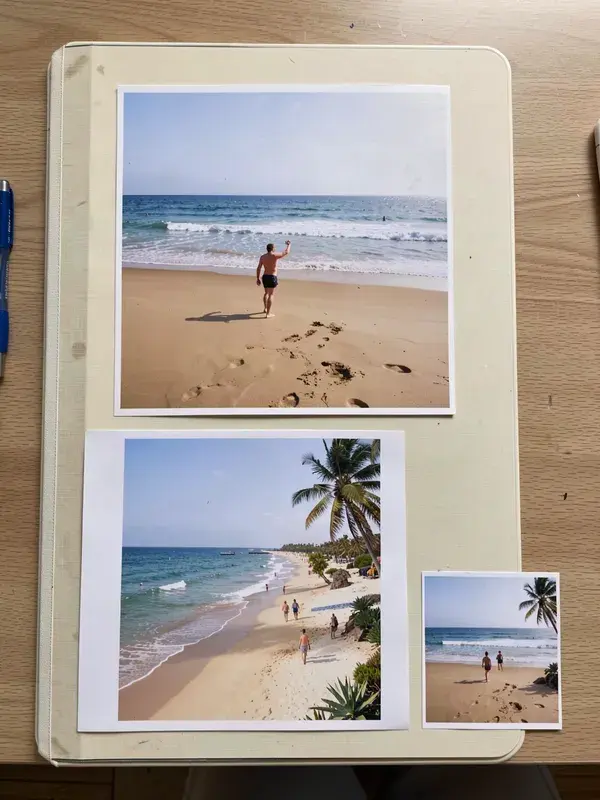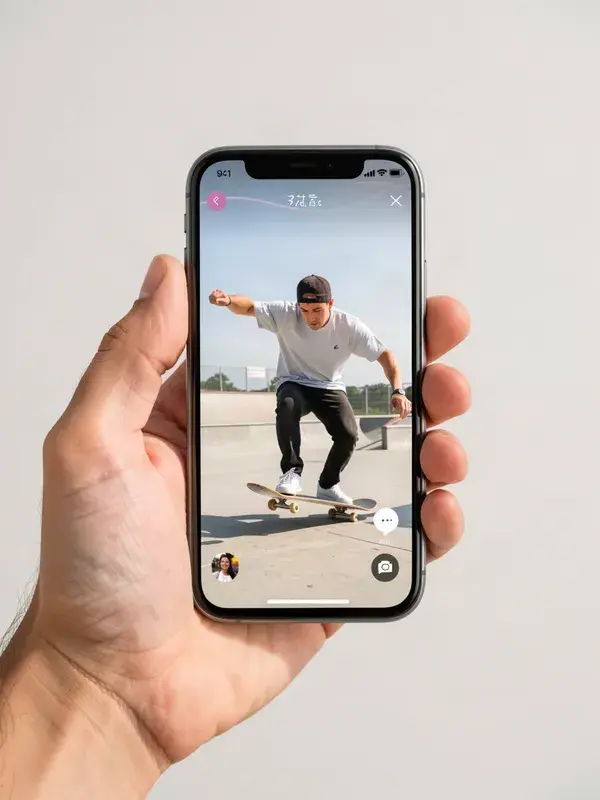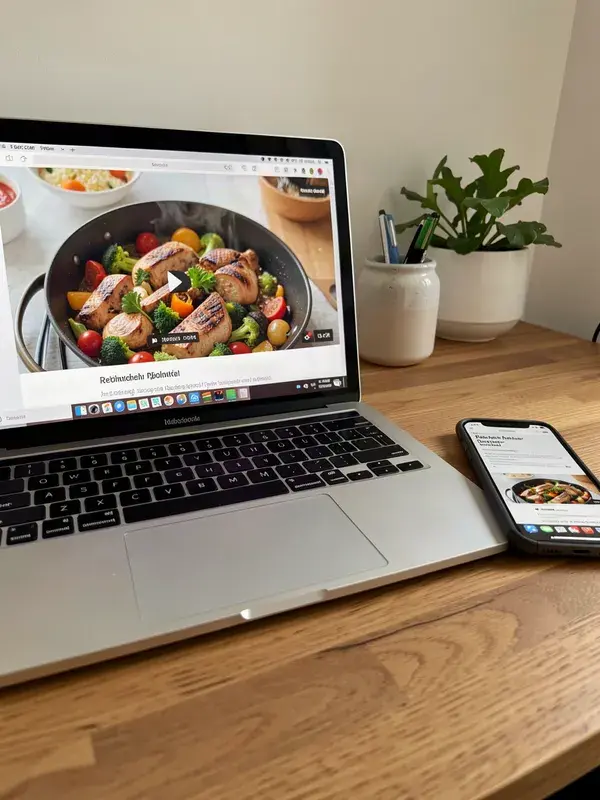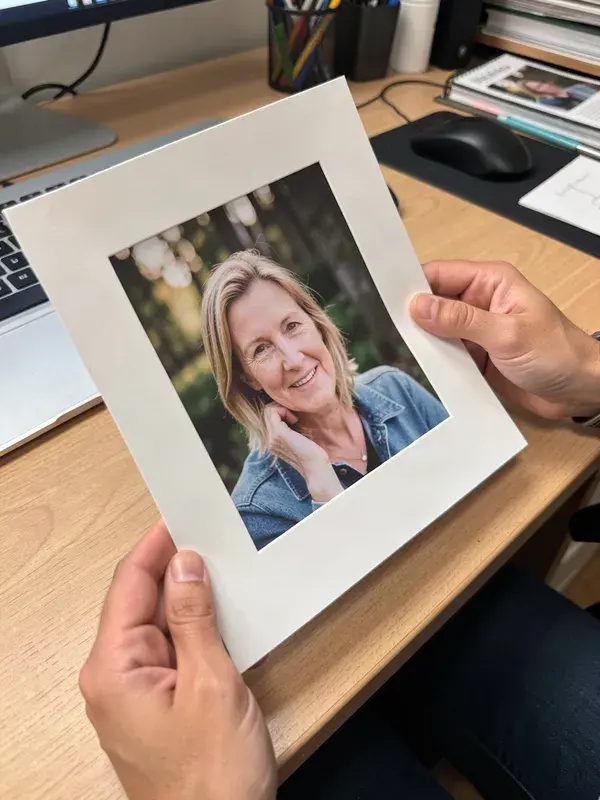
Crop to 9:16, 1:1, 4:5 or 16:9 with a draggable frame. Free, no upload, no account.
- 1
Drop in an image.
- 2
Pick the ratio you need, or set a custom one.
- 3
Drag the crop frame and use the zoom slider to choose what stays in shot.
- 4
Export at full resolution.
- Ratios
- 6 ratios + custom
- Output
- PNG, JPG, WEBP
- Account
- Not required
What is aspect ratio cropper?
An aspect ratio cropper cuts an image to a fixed shape, such as 9:16 for vertical video covers or 1:1 for a feed post, while letting you choose which part of the image survives. APImage's cropper works in the browser: drag the frame over the area that matters, pick the ratio, and export. The original file stays on your machine.
Does cropping lose quality?
No. Cropping removes pixels rather than resampling them, so what remains is exactly as sharp as the original. Quality only drops if you then scale the crop up, or export as a low-quality JPG.
Which ratio should I use for what?
9:16 for TikTok, Reels, Shorts and Stories. 4:5 for the Instagram feed, because it takes the most vertical space allowed. 1:1 for grids and older feed layouts. 16:9 for YouTube, thumbnails and websites. 21:9 for wide banners.
Can I crop to a specific pixel size?
Use the resizer for exact pixel targets, and this tool for choosing the composition. Crop first to get the framing right, then resize the crop to the dimensions the platform wants.