 Black Forest LabsImage model
Ten references, one frame.
A face, an outfit, a product and a location, each from its own photo, combined in one generation. Refer to them by position in the prompt and they land where you said.
Campaign key art
The still the whole campaign is built from, in the same look as the video that follows it.
Product in context
Your product photo, a model and a setting as separate references, composed into one shot without a photoshoot.
Fashion and try on
Put the garment from one image on the person from another, and keep both recognisable.
Retouching and edits
Change one element of a finished image with a sentence, instead of regenerating it and losing what worked.
Storyboard frames
Generate the frames, then hand the keepers to FLUX 3 Video as keyframes.
- Provider
- Black Forest Labs
- Family
- FLUX 3, alongside FLUX 3 Video
- Modes
- Text to image, instruction editing, multi reference
- Reference images
- Up to 10 per generation
- Grounding
- Optional web and image search before generating
- Layout control
- Bounding boxes in the prompt
- Aspect ratios
- 15 ratios from 21:9 to 9:21, or auto
- Resolution
- HD, Full HD, and 4K (about 4 MP) on Plus and above
- Plans
- Every plan, including free
- Cost
- 3 credits at HD, 5 at Full HD, 7 at 4K, plus 1 per reference megapixel
FLUX 3 Video
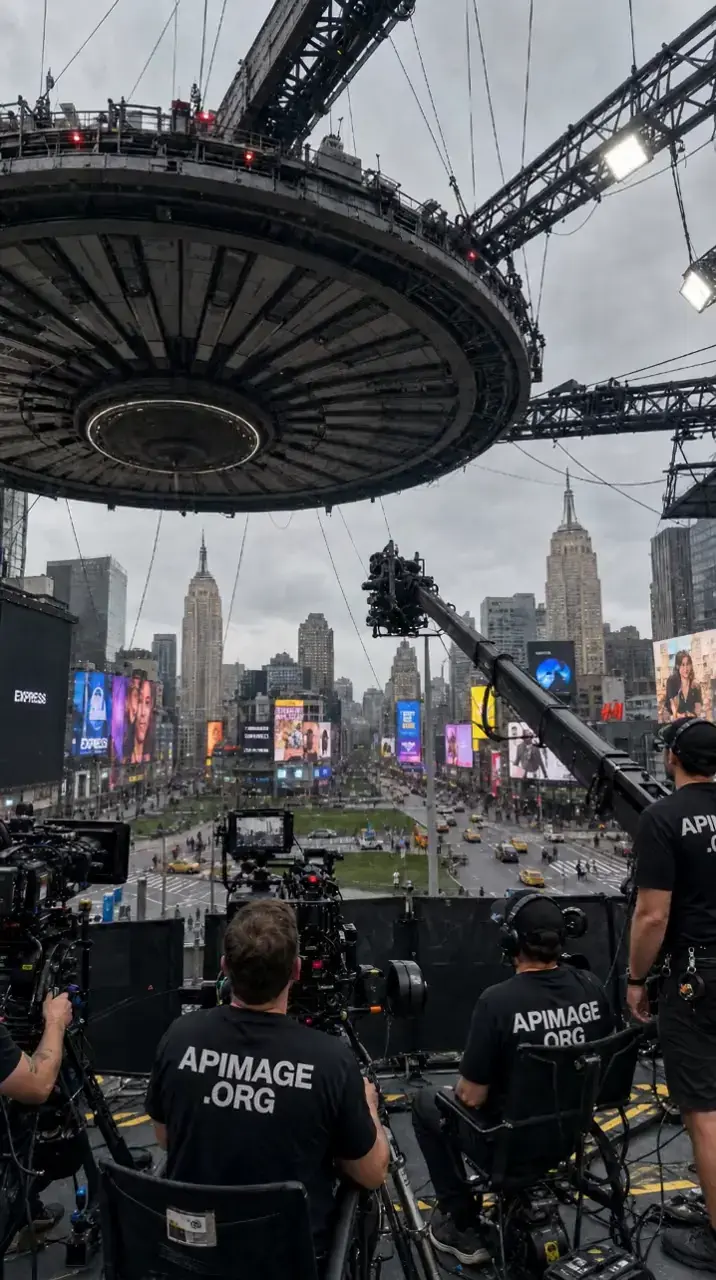
The same family, for motion with sound.
GPT Image 2.5 Flare
 GPT Image 2.5 Flare
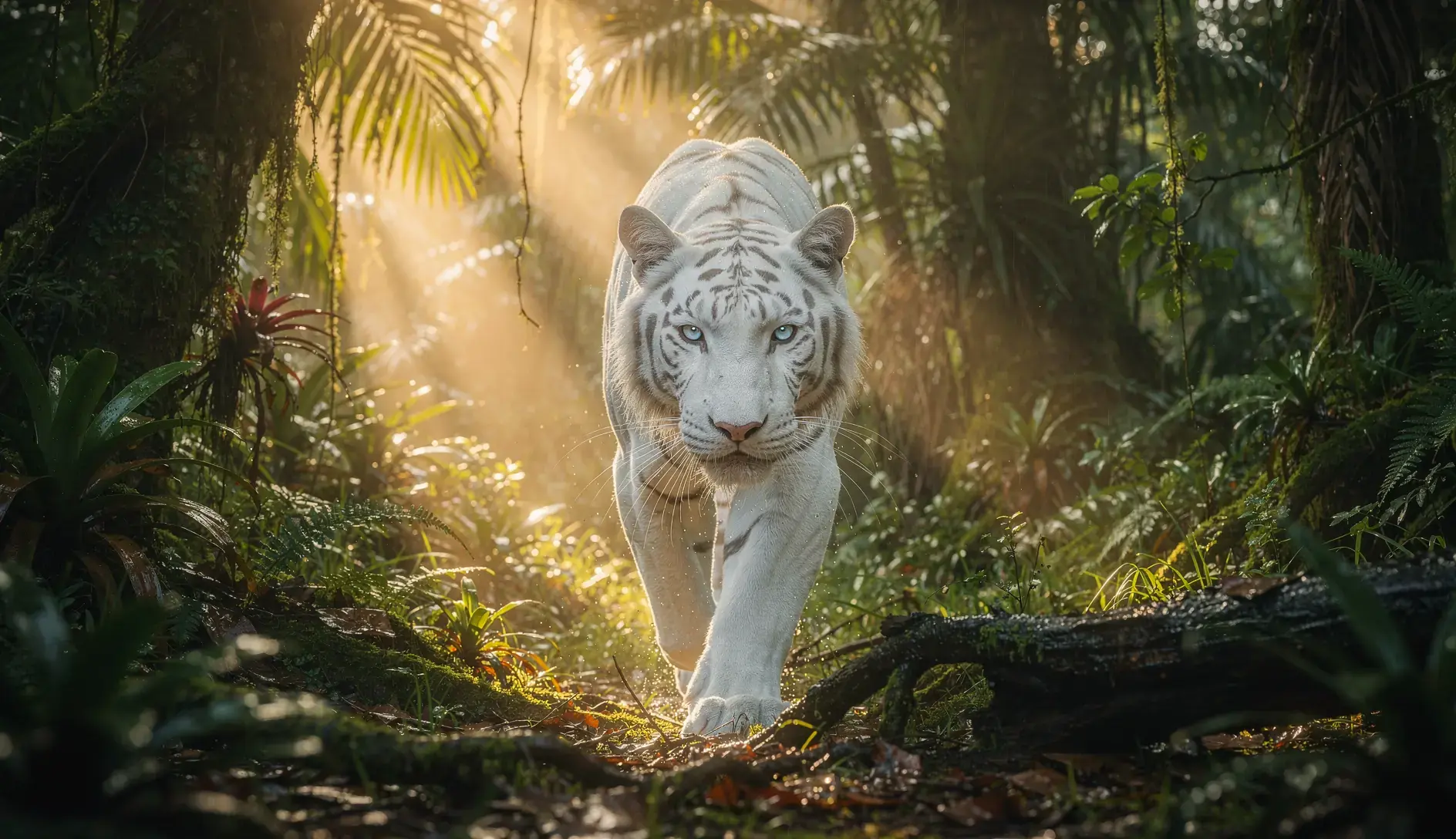
Text is the hardest part of the frame and you want the strongest model for it.
Side by side with the models people weigh it against. Both run on the same plan.

What is FLUX 3 Image?
FLUX 3 Image is Black Forest Labs' image generation and editing model, from the same FLUX 3 family as FLUX 3 Video. It generates from text, edits existing images from an instruction, and composes from up to ten reference images in one request.
How much does FLUX 3 Image cost on APImage?
3 credits an image at HD, 5 at Full HD and 7 at 4K, plus 1 credit per megapixel of reference images. The exact cost of your settings is shown before you generate.
How many reference images can I use?
Up to ten per generation, in the studio and through the API. The FLUX 2 and GPT Image models take four, and Nano Banana Pro, Nano Banana 2 and Seedream take eight.
How is it different from Flux 2 Max?
FLUX 3 Image is the newer generation. It takes ten references where Flux 2 Max takes four, it can ground a prompt in a web search, and it is on every plan rather than Plus and above. FLUX 3 Image costs 3 credits at HD, 5 at Full HD and 7 at 4K, against Flux 2 Max's 5, 7 and 10, and its reference images are billed at half the rate.
What is grounding?
Before generating, the model can search the web and images for what the prompt describes, which helps with real places, products and events. It is on by default; API users can turn it off with grounding: false for faster results from the prompt alone.
Is it on the free plan?
Yes. The free plan's three watermarked images can be made with FLUX 3 Image, at HD.
Do I need a separate subscription?
No. Every model on APImage runs on one subscription and one pool of credits, with no per model surcharge and no extra login.
How do I use it?
Open the image studio and pick FLUX 3 Image. Describe the frame, or the change you want if you are editing an image. Add up to ten reference images for product, likeness, outfit or setting, and refer to them by number in the prompt. Generate, then send the keeper into FLUX 3 Video as a keyframe if it needs to move.