vs
Two multi-reference models. One takes ten references for a sixth of the price.
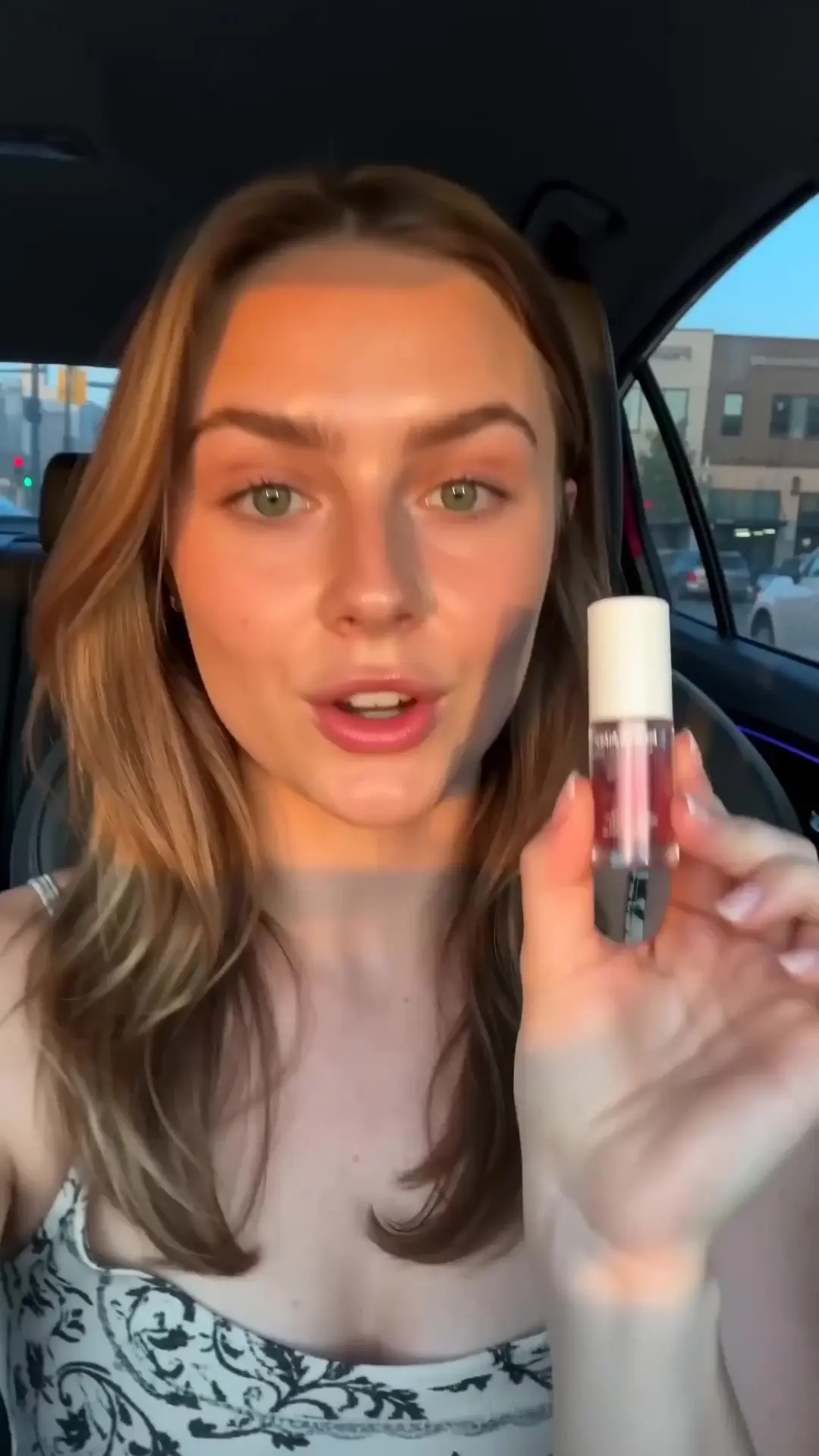
 FLUX 3 Image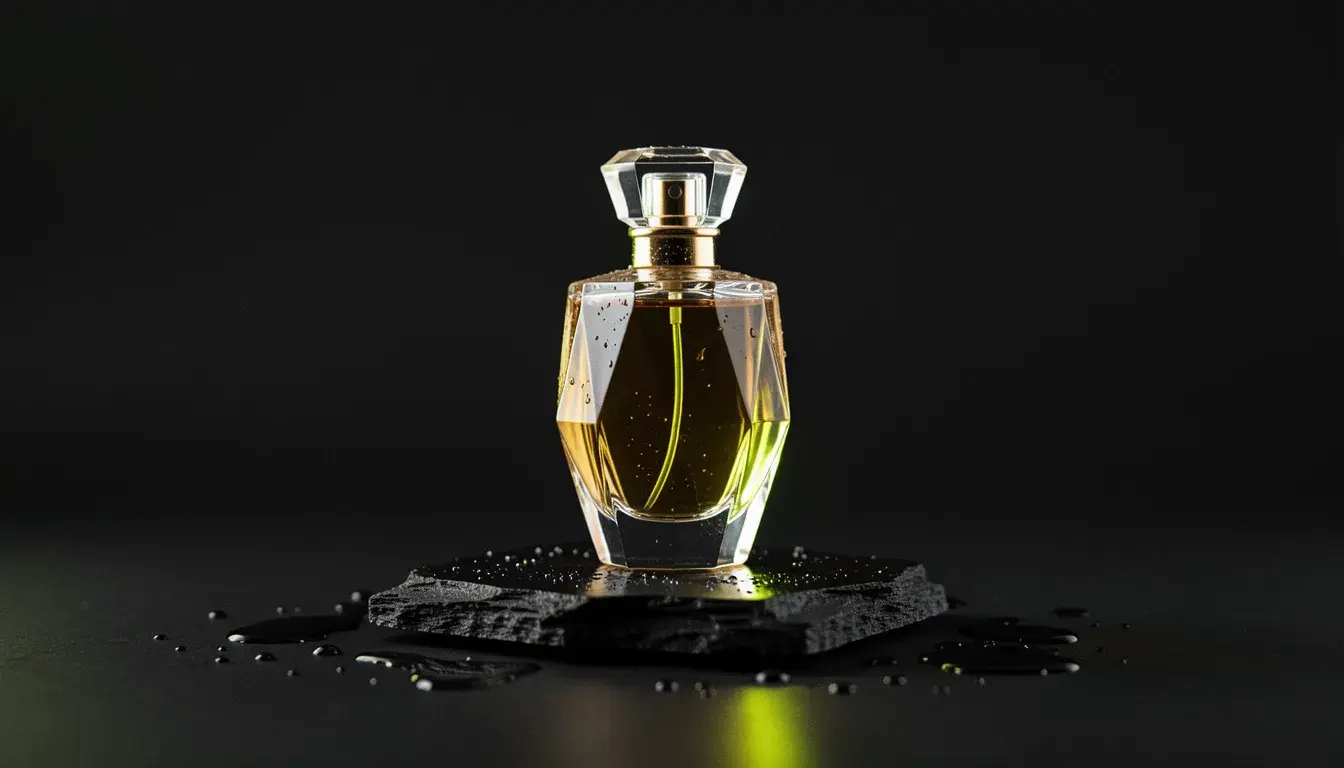
 Nano Banana Pro
FLUX 3 Image: every plan. Nano Banana Pro: hobby and up. One plan, one pool of credits.
The short answer
FLUX 3 Image is the better default for composing from references: it takes ten reference images to Nano Banana Pro's eight, places elements with bounding boxes, offers fifteen aspect ratios, matches FLUX 3 Video for stills that become motion, runs on every plan and through the API, and costs 3 to 7 credits an image against 25 to 50. Pick Nano Banana Pro when photorealism and in-image text are the brief and the budget allows. Both can ground a prompt in a web search, and both run on one APImage plan.
| Spec | FLUX 3 Image | Nano Banana Pro |
|---|---|---|
| Provider | Black Forest Labs | |
| Reference images | Up to 10 | Up to 8 |
| Layout control | Bounding boxes in the prompt | No |
| Web grounding | Yes, on by default | Optional, +3 credits |
| Aspect ratios | 15, from 21:9 to 9:21, or auto | 10, or auto |
| Resolution | HD, Full HD, 4K on Plus and up | 1K, 2K, 4K |
| Matching video model | FLUX 3 Video | None |
| Price per image | 3 to 7 credits | 25 to 50 credits |
| Plans | Every plan, including free | Hobby and up |
| API and MCP | Yes | Studio only |
Prices in APImage credits, quoted from the app on 23 Oct 2026. A tick marks the edge; rows without one simply differ.
FLUX 3 Image3:1Nano Banana Pro
References
FLUX 3 ImageTen reference images on FLUX 3 Image, eight on Nano Banana Pro, and FLUX adds bounding boxes to say where each goes.
Price
FLUX 3 ImageFLUX 3 Image is 3 credits at HD and 6 at 4K. Nano Banana Pro is 25 at 1K or 2K and 50 at 4K.
Photorealism
Nano Banana ProNano Banana Pro is Google's top image model, built for photoreal results and legible text.
Stills into motion
FLUX 3 ImageFLUX 3 Image comes from the same family as FLUX 3 Video, so key art and its film match.
Black Forest Labs
Pick FLUX 3 Image if
- You are combining more than eight references.
- Elements have to sit in exact places.
- The still becomes a FLUX 3 Video keyframe.
- You are on the free plan or working through the API.
Pick Nano Banana Pro if
- Photorealism is the whole brief.
- The frame carries text that has to be legible.
Run both.
FLUX 3 Image and Nano Banana Pro sit in the same APImage studio and draw on the same credits. Switching between them is a dropdown, not a second subscription.
- 1
Compose the scene on FLUX 3 Image from up to ten references, placing them with bounding boxes.
- 2
Refine the hero frame on Nano Banana Pro where photorealism has to be perfect.
- 3
Animate the result on FLUX 3 Video. One plan, one credit pool.
Is FLUX 3 Image better than Nano Banana Pro?
For multi-reference composition, layout control, formats and price, yes. Nano Banana Pro is the pick for maximum photorealism and legible text.
Which is cheaper?
FLUX 3 Image: 3 credits at HD, 5 at Full HD and 7 at 4K, plus 1 per reference megapixel. Nano Banana Pro: 25 at 1K or 2K and 50 at 4K.
How many references does each take?
Ten on FLUX 3 Image, eight on Nano Banana Pro.
Is either on the free plan?
FLUX 3 Image is on every plan, including free. Nano Banana Pro starts on Hobby.