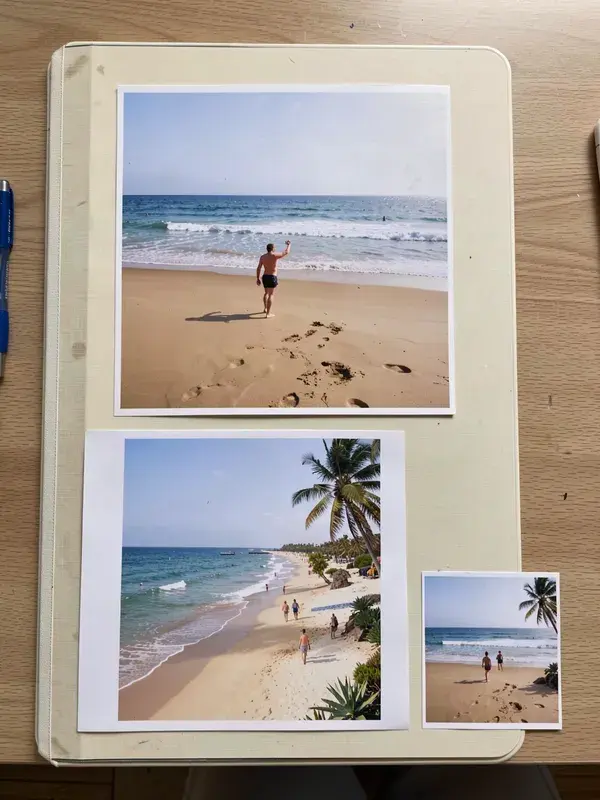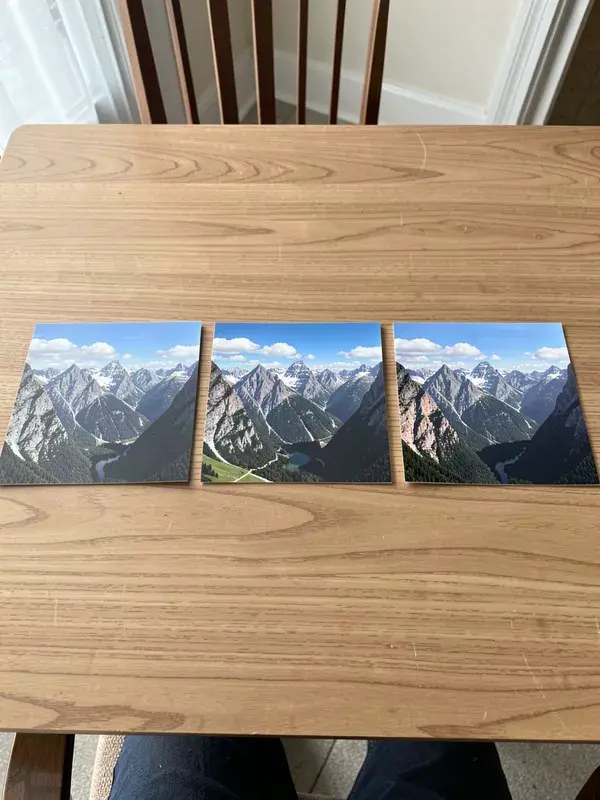
Cut one wide image into seamless carousel slides or a 3x3 grid. Free and instant.
- 1
Drop in a wide image for a carousel, or a square one for a profile grid.
- 2
Choose how many slides, from 2 to 10, or pick a grid layout.
- 3
Check the preview: slide 1 is the one that has to earn the swipe.
- 4
Download all slides, correctly numbered.
- Carousel slides
- 2 to 10
- Grid layouts
- 3x1, 3x2, 3x3
- Slide ratio
- 4:5 or 1:1 per slide
- Account
- Not required
What is instagram carousel splitter?
A carousel splitter cuts a single wide image into equal slides that line up when swiped, producing the seamless panorama carousel used on Instagram and LinkedIn. APImage's splitter also cuts a square image into a 3x3 or 3x1 profile grid. It runs in the browser, numbers the slides in swipe order, and exports them as separate files ready to upload.
How wide should the source image be?
Multiply the slide width by the number of slides. For four 4:5 slides at 1080 by 1350, start from 4320 by 1350. Anything smaller gets upscaled by the platform and looks soft, which is the most common reason a seamless carousel looks worse than the source.
Will the slides really line up?
In the feed, yes, because each slide is an exact division of the original with no overlap. What breaks the illusion is a source image whose dimensions do not divide evenly, so the tool pads to whole pixels and tells you when that happens.
Does the grid splitter work for a profile grid?
Yes. Split into 3x3 and upload the nine tiles in reverse order, bottom right first, because Instagram fills the grid from the most recent post. The tool numbers them in upload order to save you working that out.