Paste a video's transcript from YouTube: clean text, clickable timestamps that play the video, TXT and SRT.
- 1
Open the video on YouTube and press Show transcript under the description.
- 2
Select the transcript lines, copy them and paste them here. SRT and VTT files work too.
- 3
Add the video's link to play along: click any line to jump there, and the line being said lights up.
- 4
Search it, switch timestamps on or off, then copy the text or download TXT or SRT.
- Reads
- YouTube's transcript panel, SRT, VTT, plain text
- Exports
- TXT, SRT
- Player
- YouTube's own embed, synced
- Runs
- In your browser
- Account
- Not required
What is youtube transcript to text & srt?
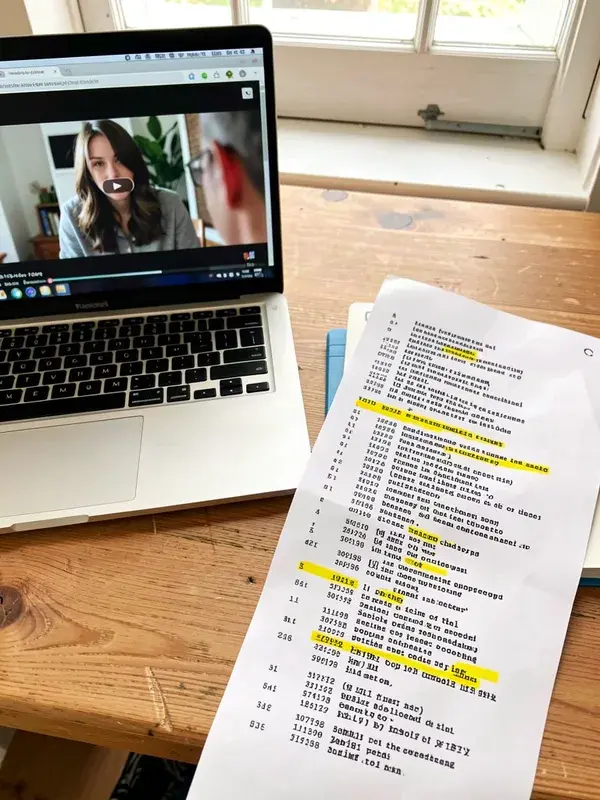
This tool turns a YouTube video's transcript into clean text and subtitle files. Open the video on YouTube, press Show transcript under the description, copy the lines and paste them here: the tool reads the timestamps, joins the lines into paragraphs, lets you search them and exports TXT or SRT. Add the video's link and YouTube's own player sits beside the text, so clicking a line plays the video from that moment. It runs entirely in your browser, needs no account, and also reads SRT and VTT files.
How do I get the transcript of a YouTube video?
On a computer, open the video, expand the description and press Show transcript. A panel opens with every line and its timestamp. Select the lines, copy them, and paste them into this tool to turn them into clean text, search them, or download TXT or SRT.
Why doesn't the tool fetch the transcript from the link itself?
Because YouTube's terms don't allow other sites to pull content from YouTube automatically. Copying the transcript yourself from YouTube's own panel keeps everything above board, and the tool still does the tedious part: timestamps, paragraphs, search, subtitles and playback.
Why is there no Show transcript button?
YouTube only shows it when the video has captions, uploaded by the creator or generated automatically. Music without speech, very new videos and some languages have none. It is also easier to find on a computer than in the mobile app.
Can I download the transcript as subtitles?
Yes. When the transcript has timestamps, Download SRT gives you a standard subtitle file with numbered cues and start and end times, which video editors, players and subtitle tools import. TXT gives you the text, with or without timestamps depending on the toggle.
Can I use the transcript in my own content?
Reading it, taking notes, quoting short parts with credit and using it for research or accessibility are the usual personal uses. The words still belong to the creator: republishing a full transcript or reusing it as your own script needs their permission. To learn from a video's style without copying its words, the Style Cloner breaks down its hook, pace and structure instead.
Is the transcript uploaded anywhere?
No. Everything happens in your browser: the text you paste is read on your device and never sent to a server, and nothing is saved to an account.