Amazon Listing Images & Video: gallery.
Fill all nine gallery slots and sell more from the same listing.
 Main image cutouts
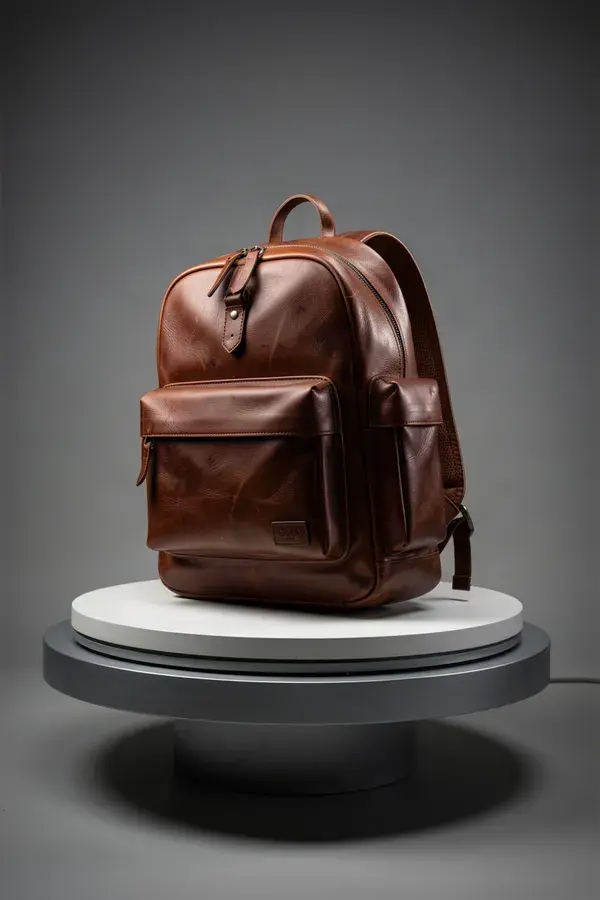
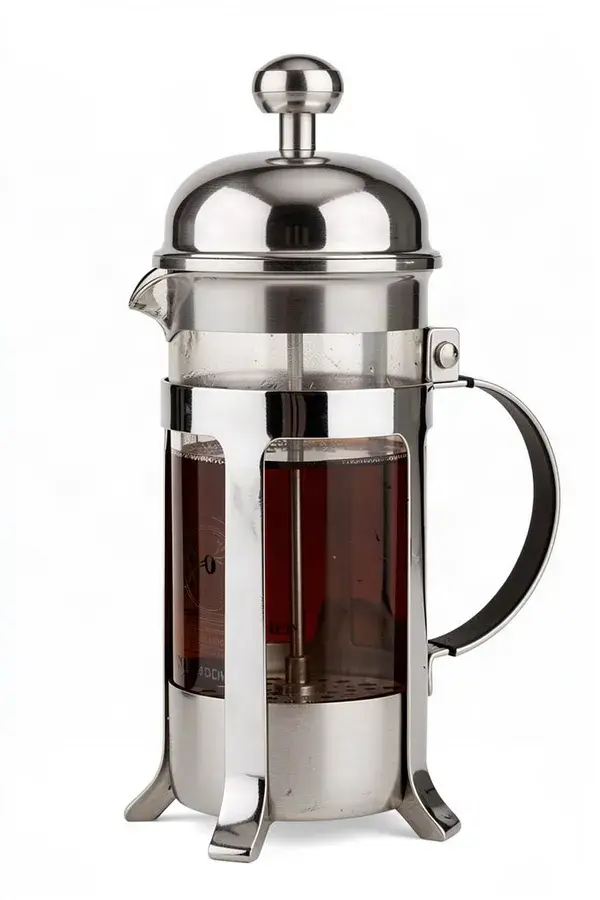
Product on pure white, edges clean, no shadow spill.
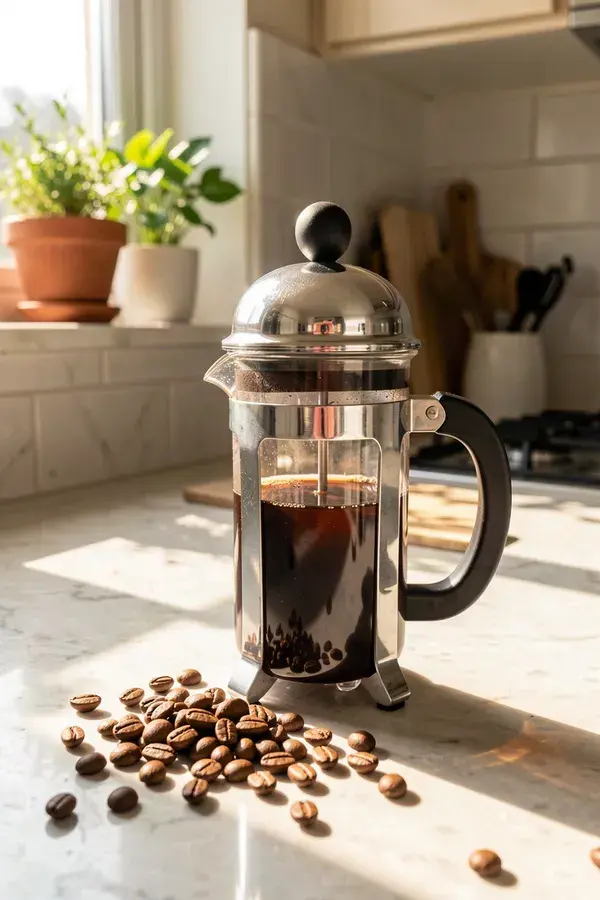 Lifestyle gallery shots
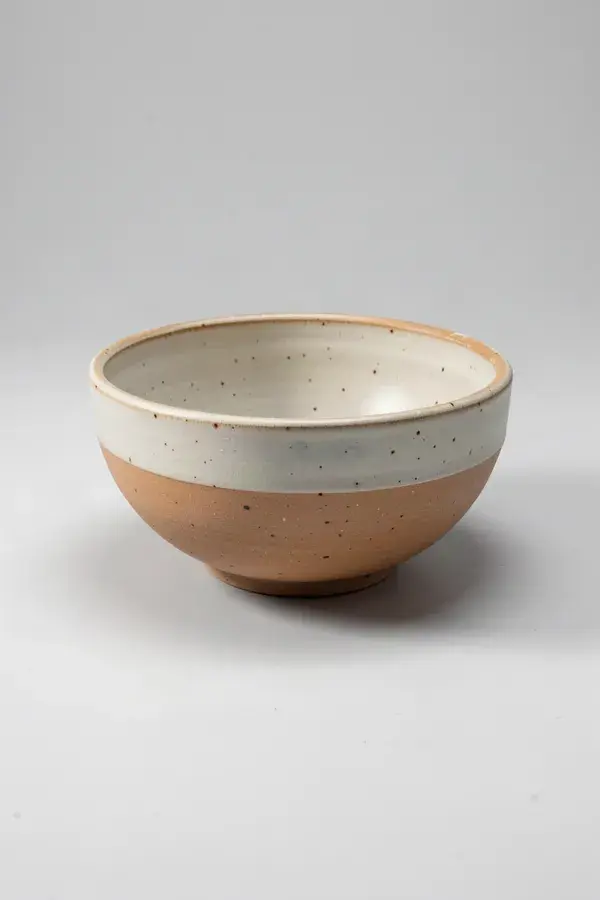
The product in the environment it will actually be used in.
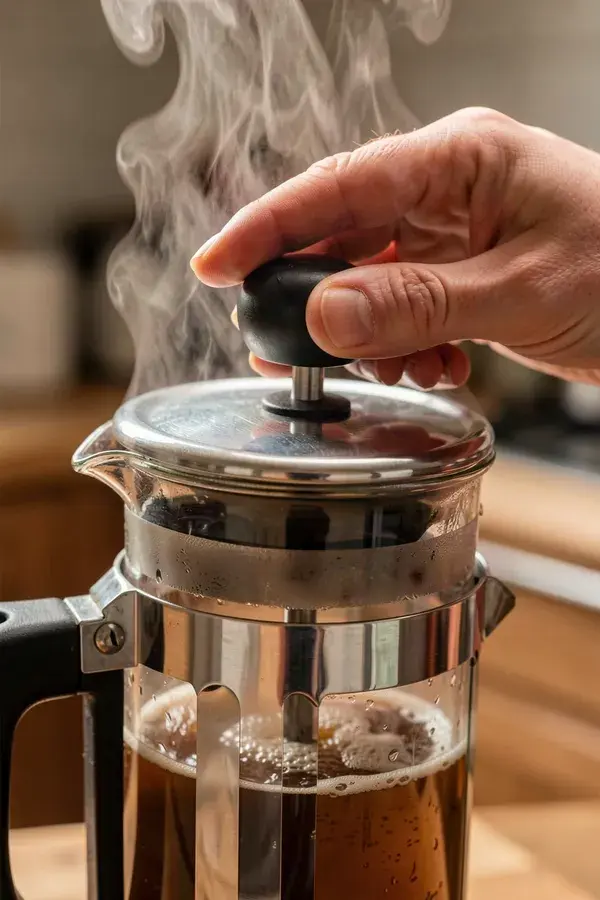 Listing video
A short demonstration for the video slot and for sponsored placements.
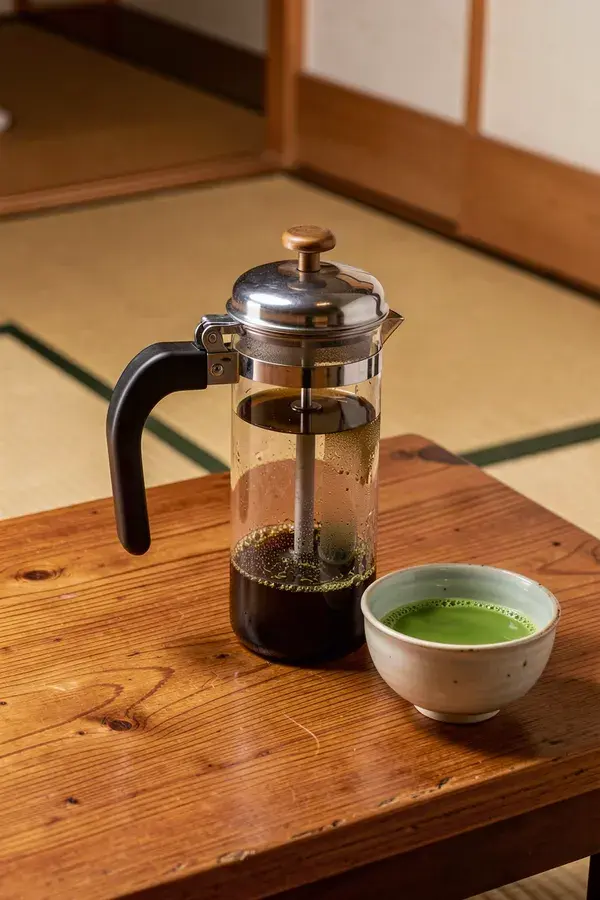 Localised imagery
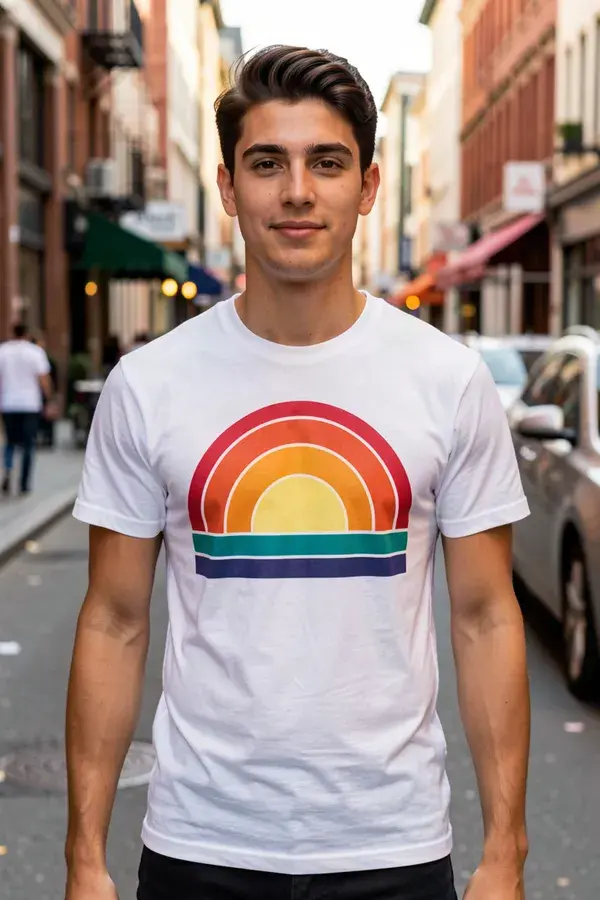
Translate on-image text for other marketplaces without redoing the layout.
- 1
Cut the product out cleanly
Start with a transparent cutout, then place it on pure white for the main image. Getting this right is a compliance step, not a stylistic one.
- 2
Generate the gallery
Each slot answers a question a buyer has: how big is it, what comes in the box, what does it look like in my kitchen. Generate for the question.
- 3
Show scale honestly
The most returned products are the ones whose photos misled on size. Generate a shot with a recognisable reference object in frame.
- 4
Add the video
A short demonstration clip in 16:9 or 1:1. It is the highest-leverage empty slot on most listings.
What is amazon listing images & video?
Amazon listing content is the set of images and video on a product detail page: a main image on pure white, gallery shots showing scale and use, A+ module imagery and the listing video slot. APImage generates all of it from a single product photo, including the pure-white cutout the main image requires and the lifestyle context shots that carry the rest of the gallery.
Does Amazon allow AI generated listing images?
Amazon's image rules are about accuracy and format, not production method, and Amazon itself ships generative image tools to sellers. The main image must be the actual product on a pure white background with no added text or props. Gallery and lifestyle images have more latitude but still cannot misrepresent what arrives in the box.
What are the image requirements?
Main images need pure white (RGB 255,255,255), the product filling most of the frame, no logos, watermarks or inset text, and at least 1000 pixels on the longest side so zoom works. Generate at the largest size available and check the white is actually pure before uploading.
Can I show the product with props and models?
In gallery and A+ images, yes. In the main image, no. If a prop appears in a gallery shot and is not included in the purchase, make that obvious, because implied inclusions drive returns and policy complaints.
How do I keep the product identical across nine images?
Save it as a Brand Asset and reference it in every generation, rather than re-prompting each time. Watch the label text closely on every output, since small typography is what distorts first.