Test the hook for less.
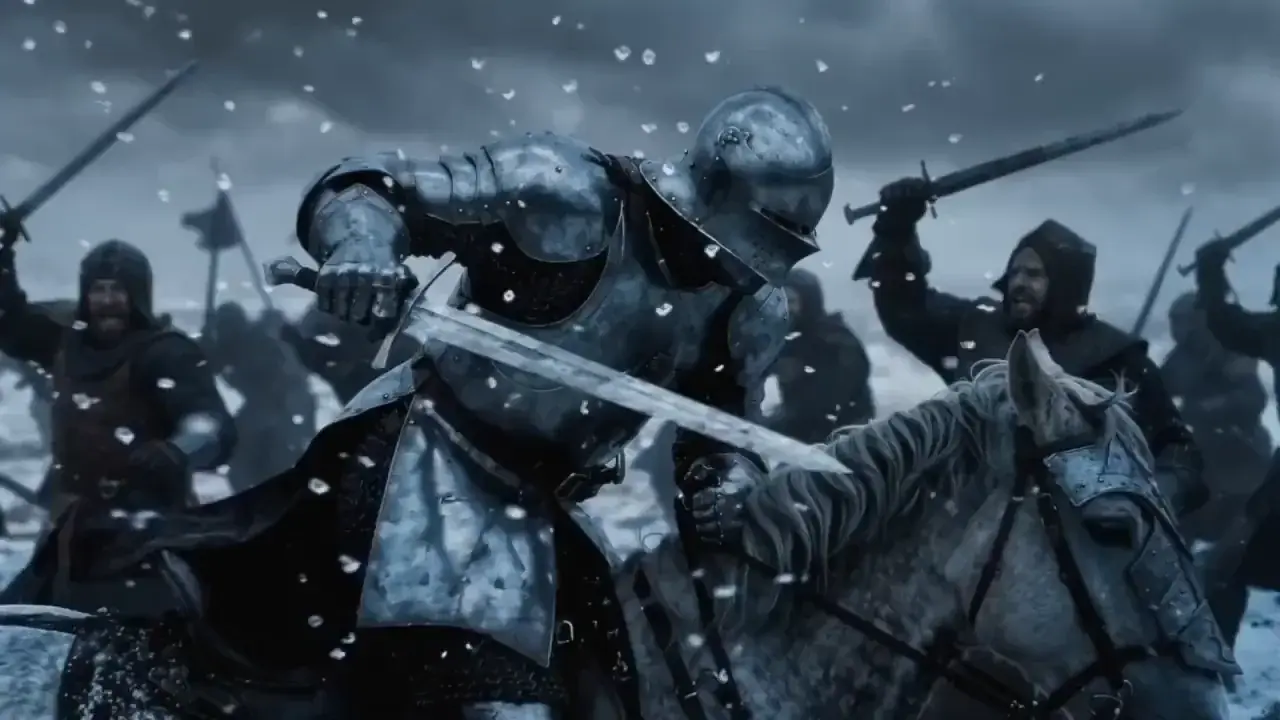
Five seconds at 360p for 21 credits. Cheap enough to test ten hooks and keep the one the numbers like.
Hook testing
Many short openings, cheaply, before choosing one to finish properly.
Stylised content
Anime and clay looks for channels built on a style.
Transitions
Before and after, outfit changes, reveals.
Memes and trends
Fast, short and on trend while it still is.
- Provider
- PixVerse
- Resolution
- 360p, 540p, 720p, 1080p
- Duration
- 1 to 15 seconds
- Aspect ratios
- 16:9, 9:16, 1:1, 4:3, 3:4, 2:3, 3:2, 21:9
- Audio
- Optional
- Frames
- Start and end frames
- Styles
- Anime, 3D animation, clay, comic, cyberpunk
- Prices
- 21, 30, 38 or 75 per 5s from 360p to 1080p
- Plans
- Starter and up
- Cost
- From 21 credits per 5 seconds
 FLUX 3 Video Draft
 Seedance 2.0 Mini
What is PixVerse V6?
PixVerse V6 is PixVerse's video generation model, built for short social content. It renders 1 to 15 second clips at 360p, 540p, 720p or 1080p in eight aspect ratios, from a prompt or a start and end frame, with optional sound and one-click styles: anime, 3D animation, clay, comic and cyberpunk. On APImage it costs from 21 credits per 5 seconds at 360p, 38 at 720p and 75 at 1080p, which makes it the cheapest way to test an idea in motion before spending more on it.
How much does PixVerse V6 cost?
Per 5 seconds: 21 credits at 360p, 30 at 540p, 38 at 720p and 75 at 1080p. Sound adds to that, for example 50 instead of 38 at 720p.
What styles are there?
None, anime, 3D animation, clay, comic and cyberpunk.
Can I make a clip longer?
Yes. PixVerse V6 Extend continues a clip by up to 15 more seconds from its last frame.
How do I use it?
Open the video studio and pick PixVerse V6. Write the shot, pick a style if you want one, and add frames if you have them. Choose resolution, aspect ratio and length, and switch sound on if needed. Generate, and extend the winner with PixVerse V6 Extend if it needs more time.