 GoogleVideo model
Veo, at volume.
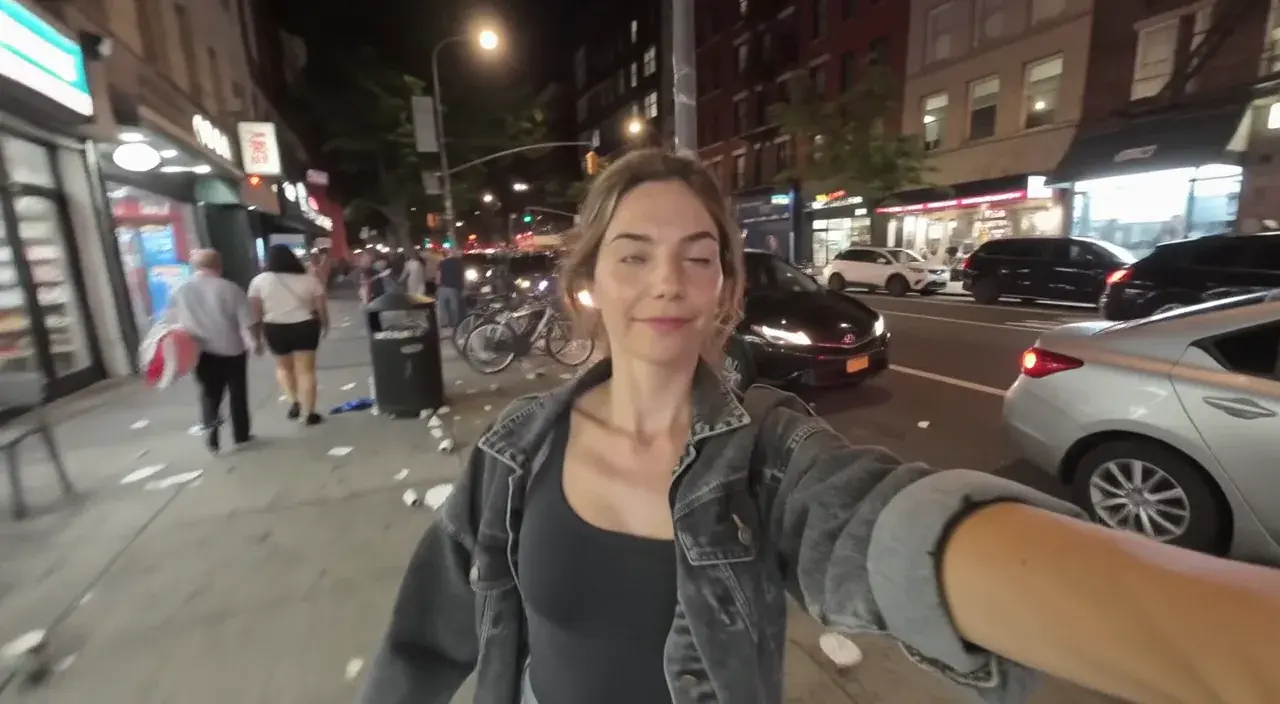
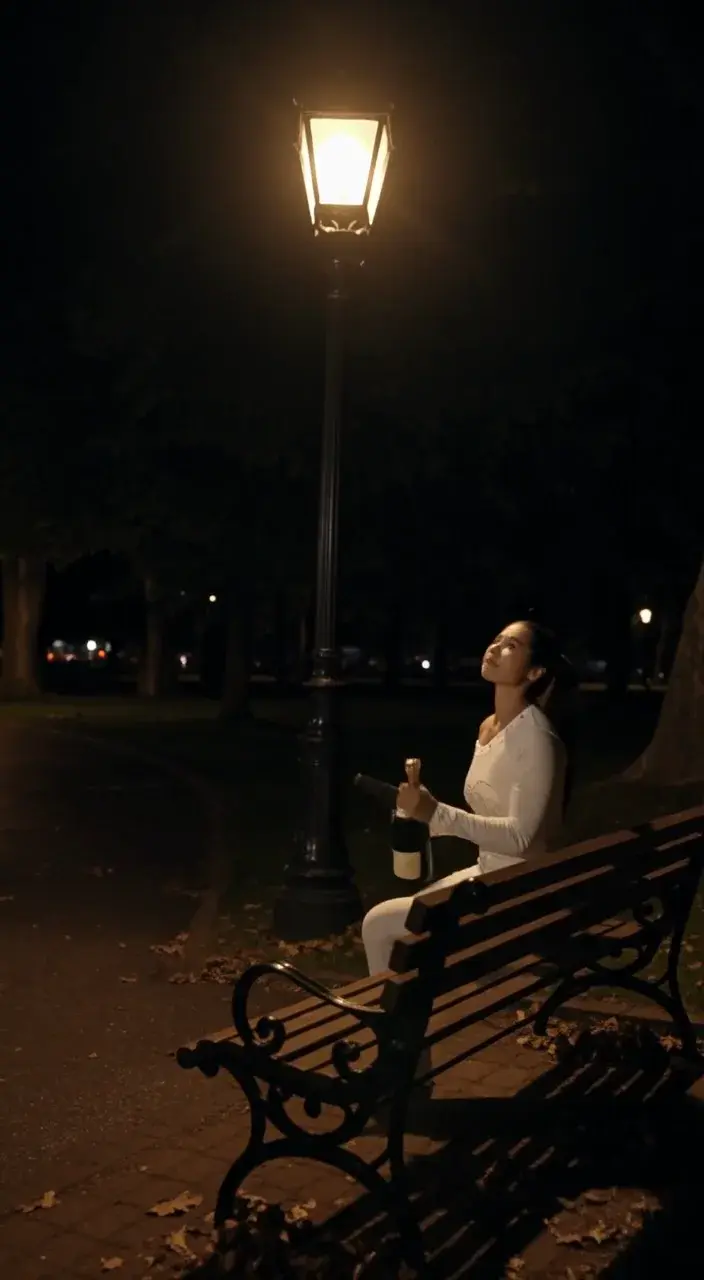
Eight seconds of Veo with dialogue and sound for 200 credits at 1080p. That is the price point at which Veo becomes an everyday tool rather than a treat.
Ad variants
Several versions of the same spot, each with dialogue, at a price that allows testing.
UGC style clips
A creator talking to camera, vertical, with natural sound.
Social series
Weekly content in a consistent look without a flagship budget.
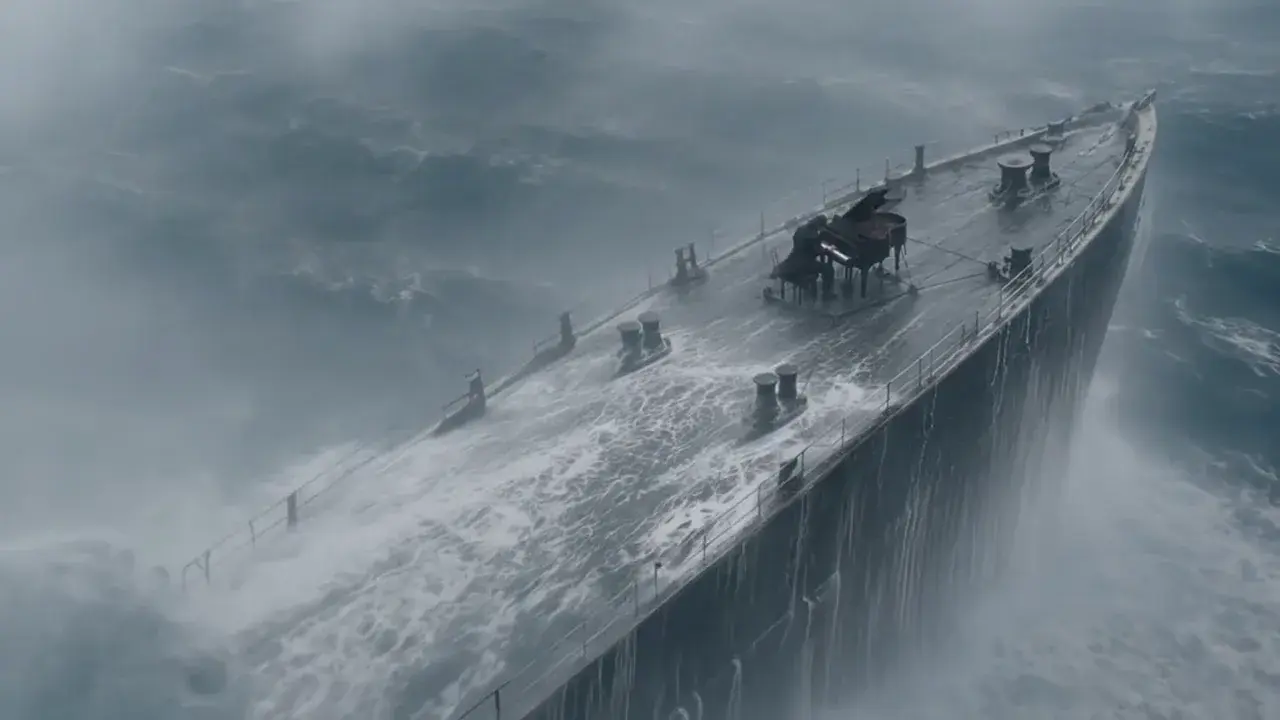
Pre-viz
Shots that move and speak, good enough to show a client before a final render.
- Provider
- Resolution
- 720p, 1080p, 4K
- Duration
- 4, 6 or 8 seconds
- Aspect ratios
- 16:9, 9:16
- Audio
- Dialogue, effects and ambience, on or off
- Frames
- Start and end frames
- 8s with sound
- 200 credits at 720p or 1080p, 467 at 4K
- Plans
- Starter and up
- Cost
- From 134 credits per 8 seconds

What is Veo 3.1 Fast?
Veo 3.1 Fast is the faster, cheaper variant of Google DeepMind's Veo 3.1. It keeps the same inputs and outputs: 4, 6 or 8 second clips at 720p, 1080p or 4K, in 16:9 or 9:16, from text or a start and end frame, with dialogue and sound rendered alongside the picture. On APImage an 8 second clip with sound costs 200 credits at 720p or 1080p against 534 on Veo 3.1, and 134 silent. It is the pick for most finished Veo work, with Veo 3.1 kept for the shots where the last increment of realism is worth paying for.
How much does Veo 3.1 Fast cost?
134 credits for 8 seconds silent, or 200 with sound, at 720p or 1080p. At 4K it is 400 silent and 467 with sound.
How is it different from Veo 3.1?
It renders faster and costs less, at a small cost in fidelity. Inputs, lengths, resolutions and audio are the same.
Can I extend a Veo 3.1 Fast clip?
Yes. Veo 3.1 Fast Extend continues any clip by 7 seconds in Veo quality, with sound if you want it.
Which plan includes it?
Starter and up, out of the same credit pool as every other model.
How do I use it?
Open the video studio and pick Veo 3.1 Fast. Describe the shot and the sound, quoting any dialogue. Add a start frame, and an end frame if you need one. Pick orientation, resolution and length, then generate.