Your character, their moves.
 Illustration
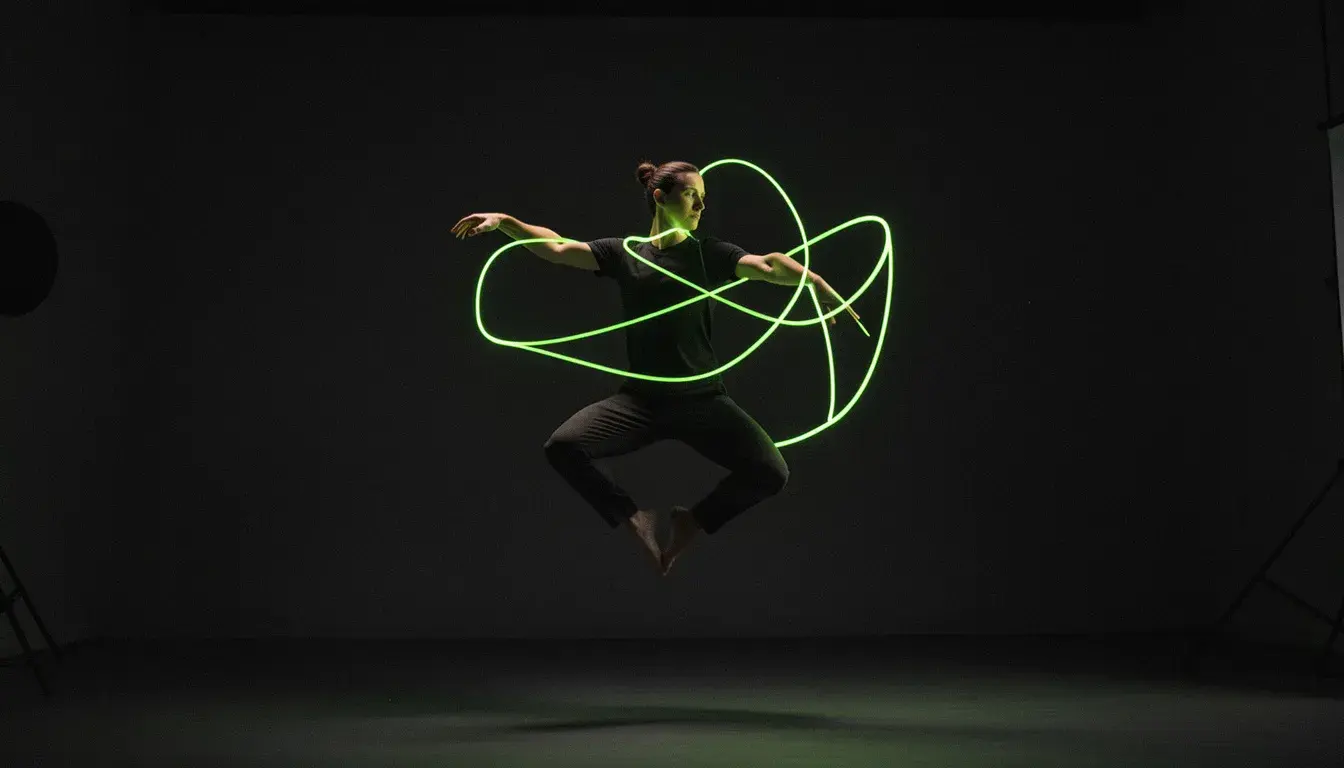
Dances, gestures, walks and turns, performed by your character with the timing of the original.
Dance trends
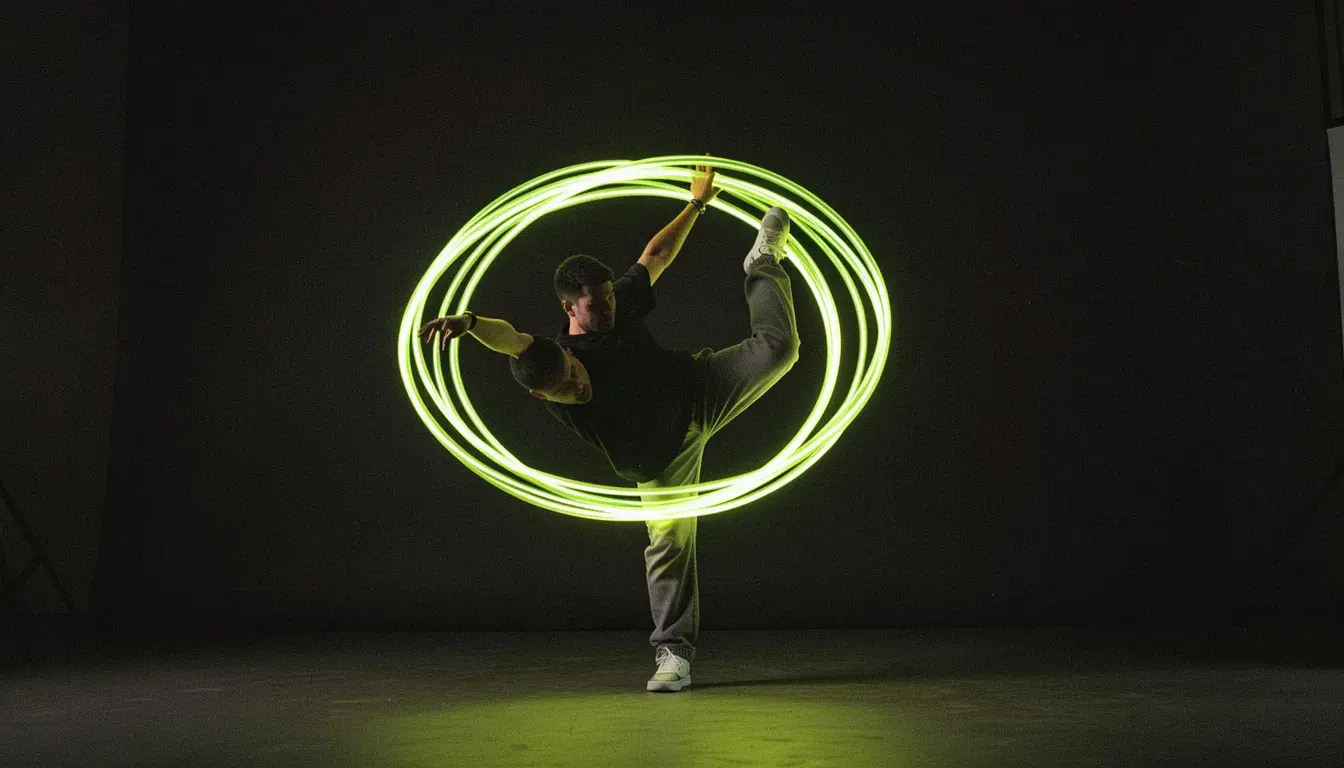
Your AI influencer doing this week's routine.
Character content
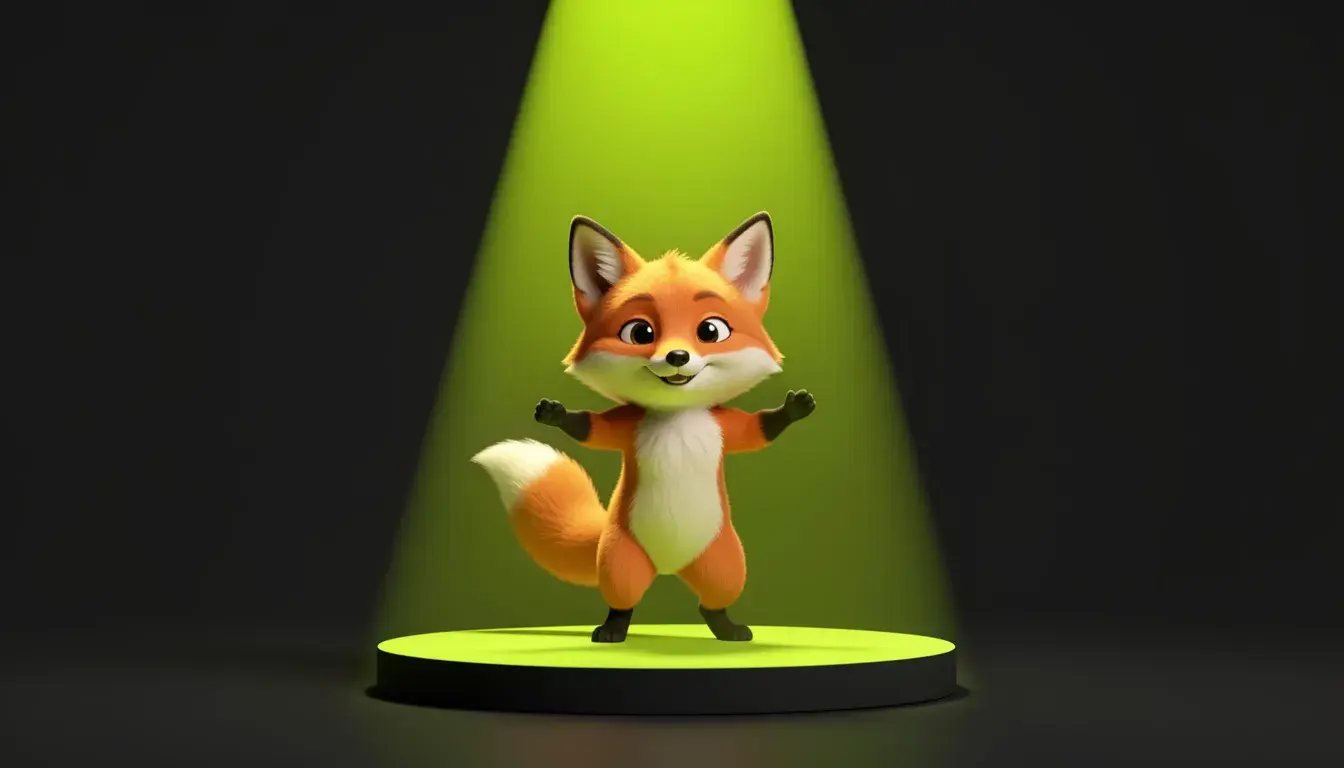
One character, every move from a library of clips.
Camera moves
A still shot given a drone, dolly or orbit move.
- Provider
- Kuaishou
- Inputs
- A character photo and a reference clip
- Clip pose
- Follows the clip's moves, up to 30 seconds
- Photo pose
- Keeps the photo's framing, follows camera moves, up to 10 seconds
- Face Lock
- Optional face close-up, in clip-pose mode
- Resolution
- 720p, 1080p
- Sound
- Keep the reference clip's audio, or not
- Billing
- Per second of output
- Prices
- 210 per 10s at 720p, 280 at 1080p
- Plans
- Starter and up
- Cost
- From 210 credits per 10 seconds
 DreamActor v2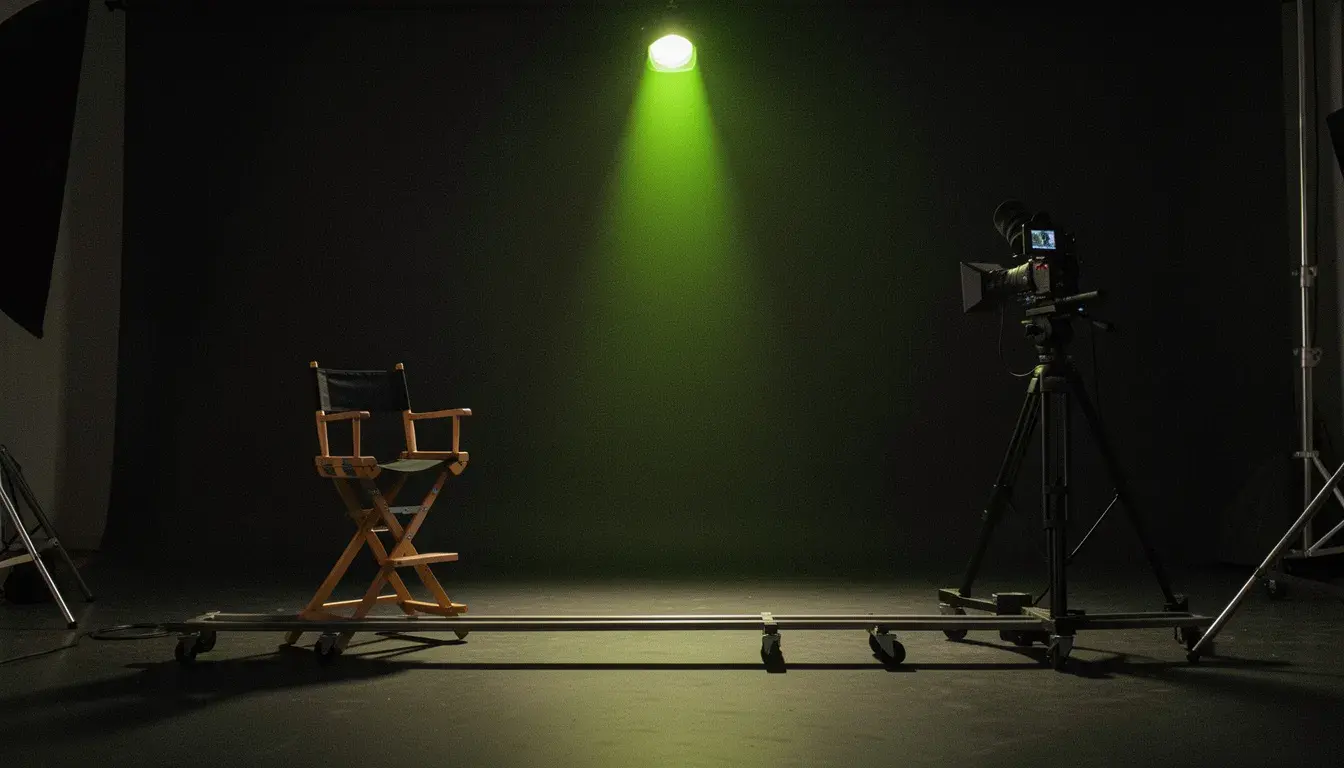
What is Kling 3.0 Motion Control?
Kling 3.0 Motion Control is Kuaishou's motion transfer model. It takes a photo of a character and a reference clip of 3 to 30 seconds, and generates the character performing the clip's moves, from dance routines to gestures. In clip-pose mode it follows the clip's body and runs up to 30 seconds; in photo-pose mode it keeps the photo's framing and follows camera moves, up to 10 seconds. A face close-up adds Face Lock, which holds the face through turns. On APImage it costs 210 credits per 10 seconds at 720p and 280 at 1080p, billed on the length of the result, and it runs the Motion Control, Face Lock, Dance Trend and Copy the Camera Move tools.
How much does Kling 3.0 Motion Control cost?
210 credits per 10 seconds at 720p and 280 at 1080p, billed on the length of the result.
What is Face Lock?
An optional close-up of your character's face that keeps it consistent through every turn. It works in clip-pose mode.
How long can the reference clip be?
3 to 30 seconds in clip-pose mode, and up to 10 seconds in photo-pose mode.
Which plan includes it?
Starter and up.
How do I use it?
Open the Motion studio and choose Motion Control, Face Lock or Copy the Camera Move. Add a photo of your character, full or upper body, nothing covering them. Add the clip whose moves to copy: one person in view, no cuts. Confirm you hold the rights and consent for both, pick 720p or 1080p, and generate.