The moves, cheaper.
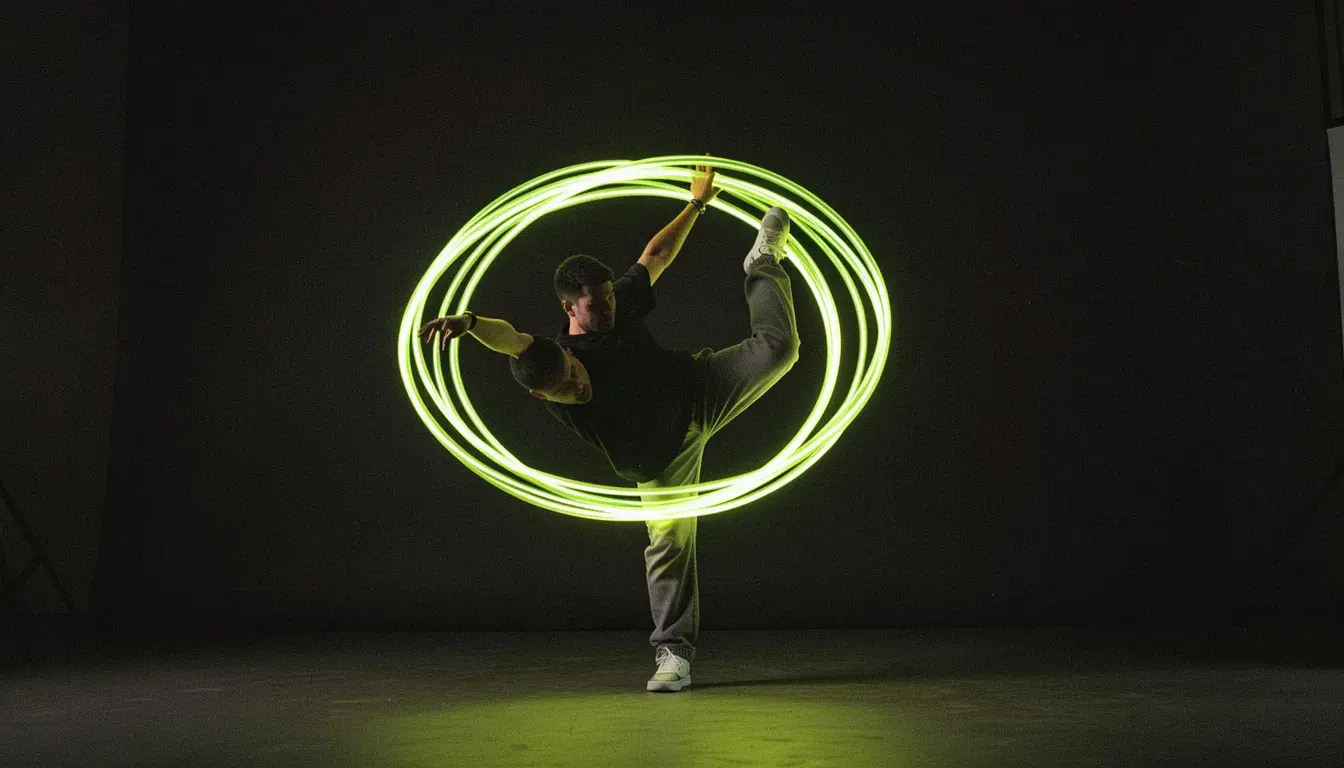 Illustration
117 credits for 10 seconds at 720p, against 210 on Kling 3.0.
Trend volume
Many dance and gesture clips at a lower price.
Camera moves
Movement added to a still shot.
Tests
Try a reference clip cheaply before using Kling 3.0.
- Provider
- Kuaishou
- Inputs
- A character photo and a reference clip
- Clip pose
- Follows the clip's moves, up to 30 seconds
- Photo pose
- Follows camera moves, up to 10 seconds
- Resolution
- 720p, 1080p
- Sound
- Keep the reference clip's audio, or not
- Prices
- 117 per 10s at 720p, 187 at 1080p
- Plans
- Starter and up
- Cost
- From 117 credits per 10 seconds
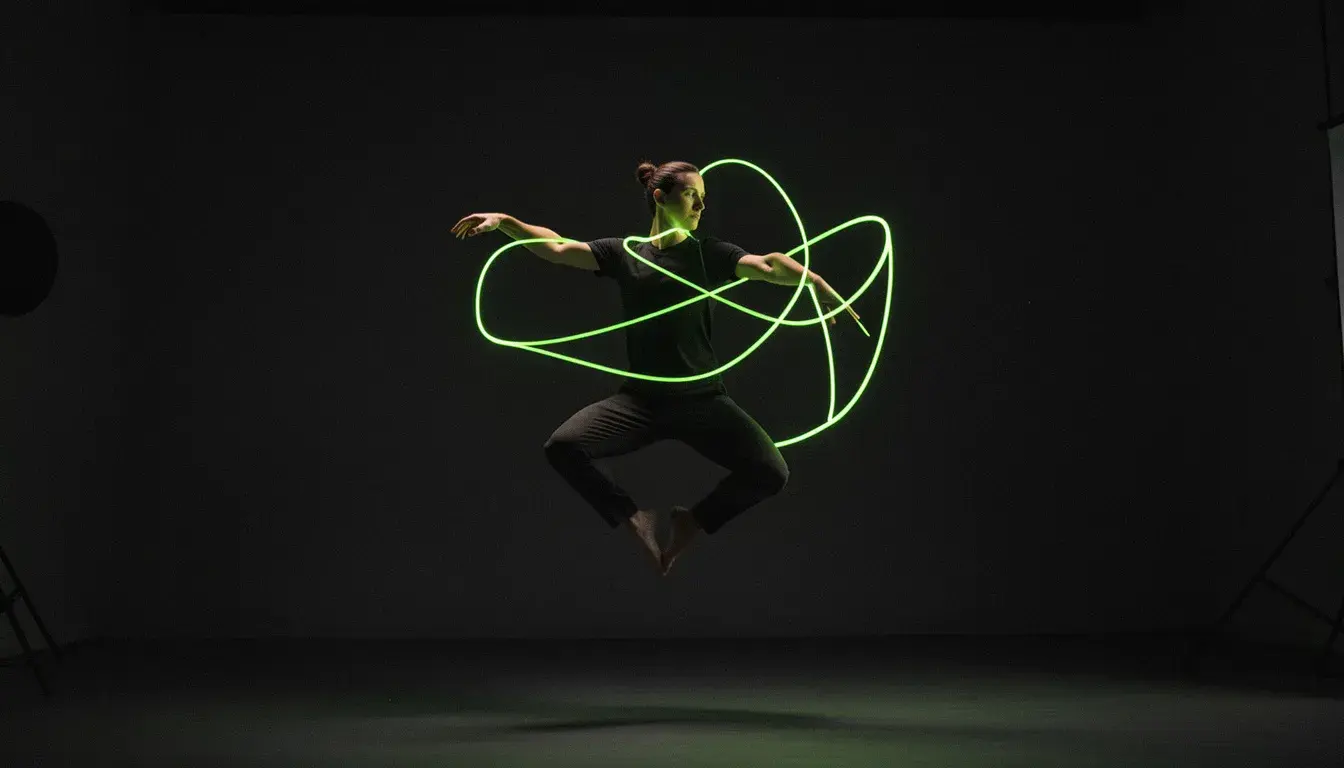
 DreamActor v2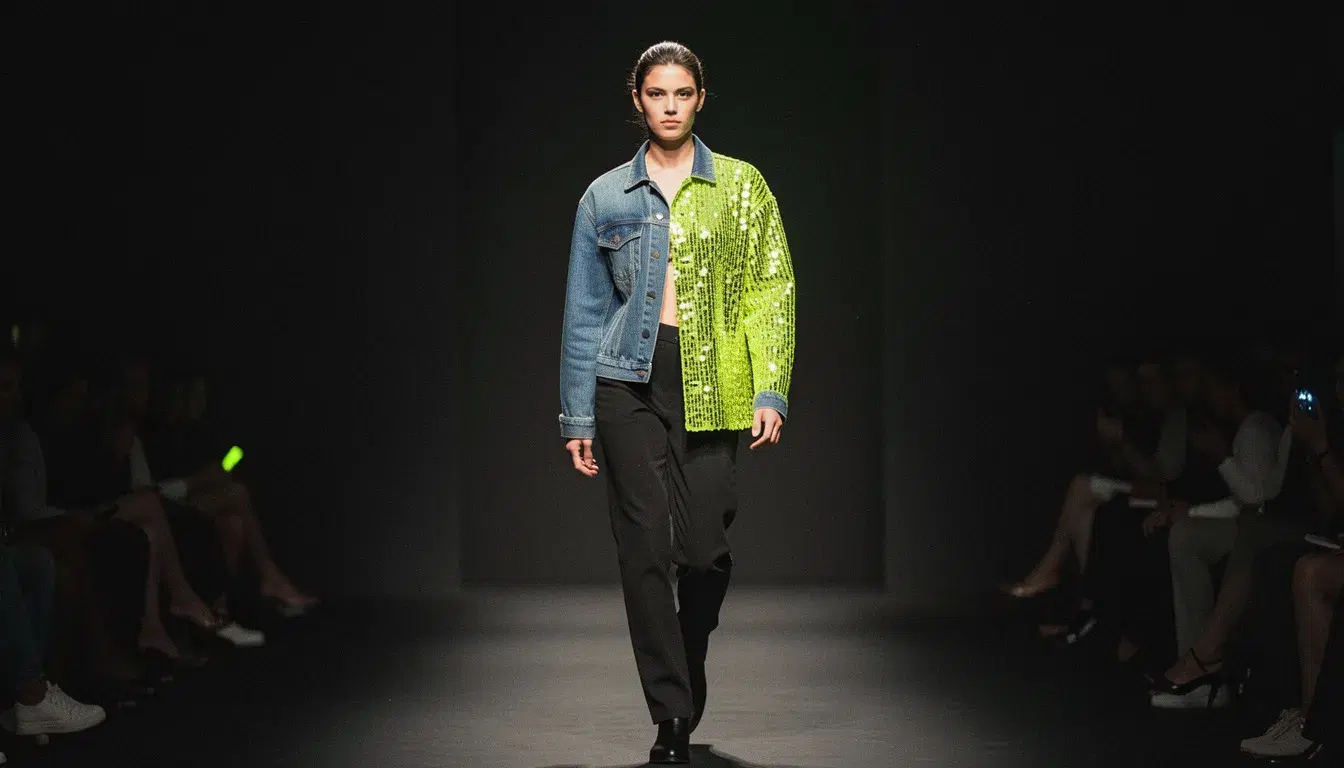
What is Kling 2.6 Motion Control?
Kling 2.6 Motion Control is the previous generation of Kuaishou's motion transfer model. Like Kling 3.0 Motion Control it animates a character photo with the moves of a reference clip, up to 30 seconds in clip-pose mode or 10 seconds in photo-pose mode, which follows the clip's camera move instead. It has no Face Lock. On APImage it costs 117 credits per 10 seconds at 720p and 187 at 1080p, billed on the length of the result.
How much does Kling 2.6 Motion Control cost?
117 credits per 10 seconds at 720p and 187 at 1080p.
Does it have Face Lock?
No. Face Lock needs Kling 3.0 Motion Control.
Which plan includes it?
Starter and up.
How do I use it?
Open the Motion studio and choose Motion Control or Copy the Camera Move. Add your character's photo and the reference clip. Choose clip pose or photo pose and the resolution. Confirm the rights and consent box and generate.