Change it. Keep the moves.
 Illustration
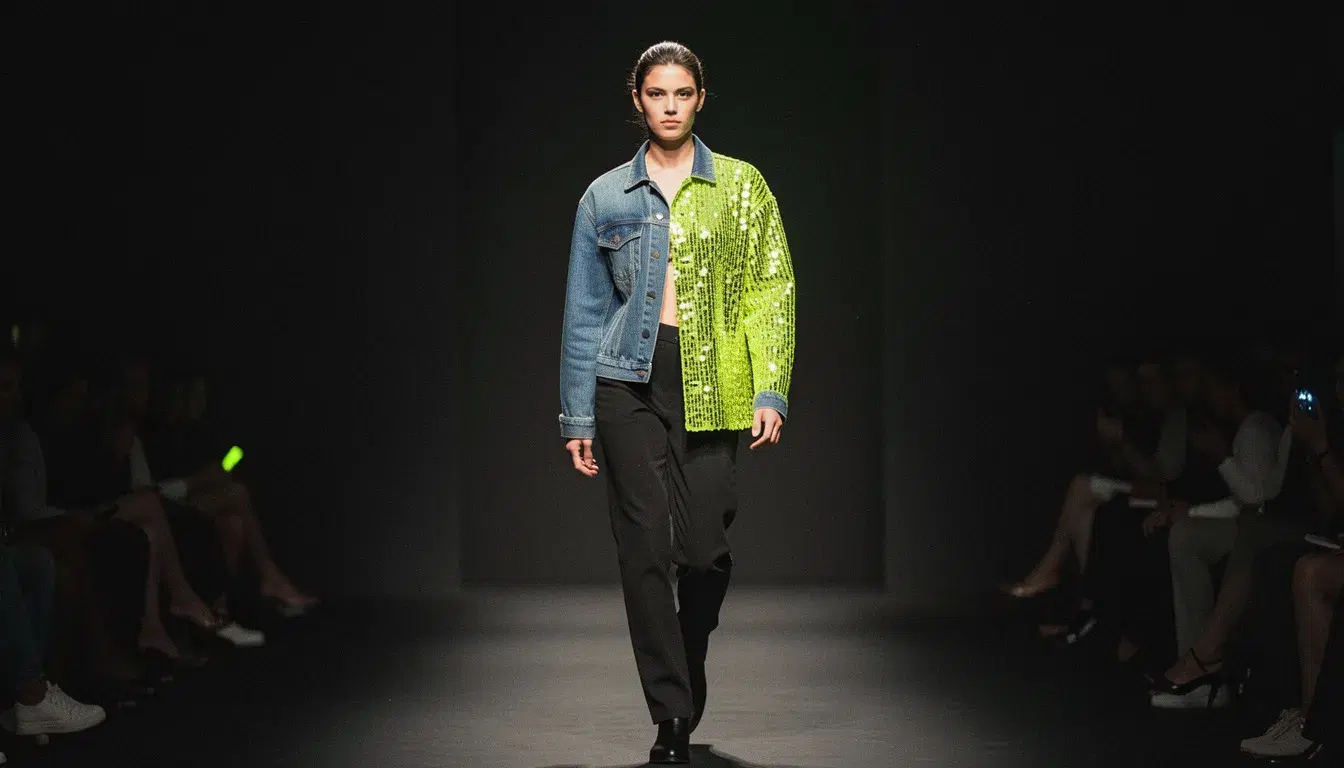
Every move, cut and camera move stays as filmed. Only what you describe changes.
Outfit swaps
The same performance in a different garment.
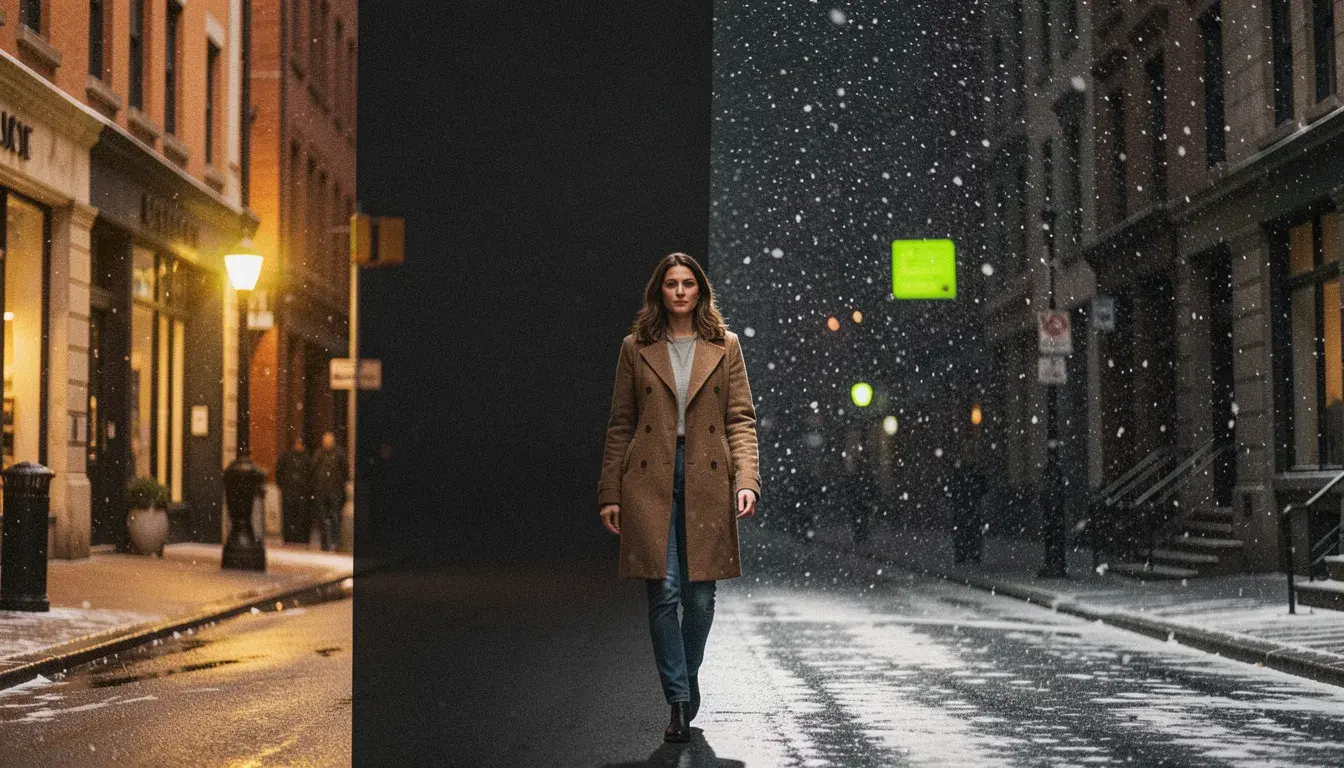
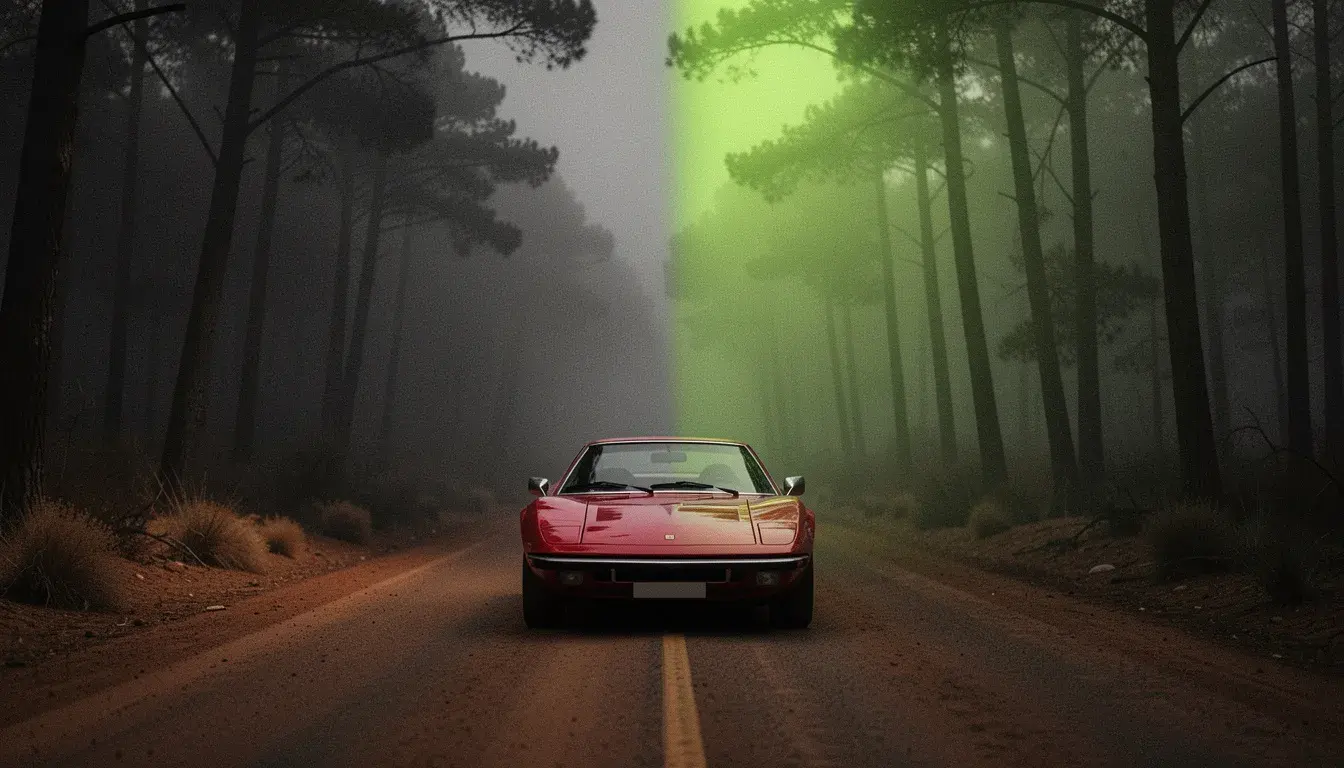
Restyling
Live action into anime, clay or any look.
Product placement
Replace an object in a shot with your product.
- Provider
- Kuaishou
- Clip
- 3 to 15 seconds, at least 720 px on each side
- References
- Up to 4 images, as @Image1 to @Image4
- Resolution
- 720p, 1080p
- Audio
- Keep the original sound, or not
- Prices
- 234 per 10s at 720p, 280 at 1080p
- Plans
- Starter and up
- Cost
- From 234 credits per 10 seconds
What is Kling O3 Edit?
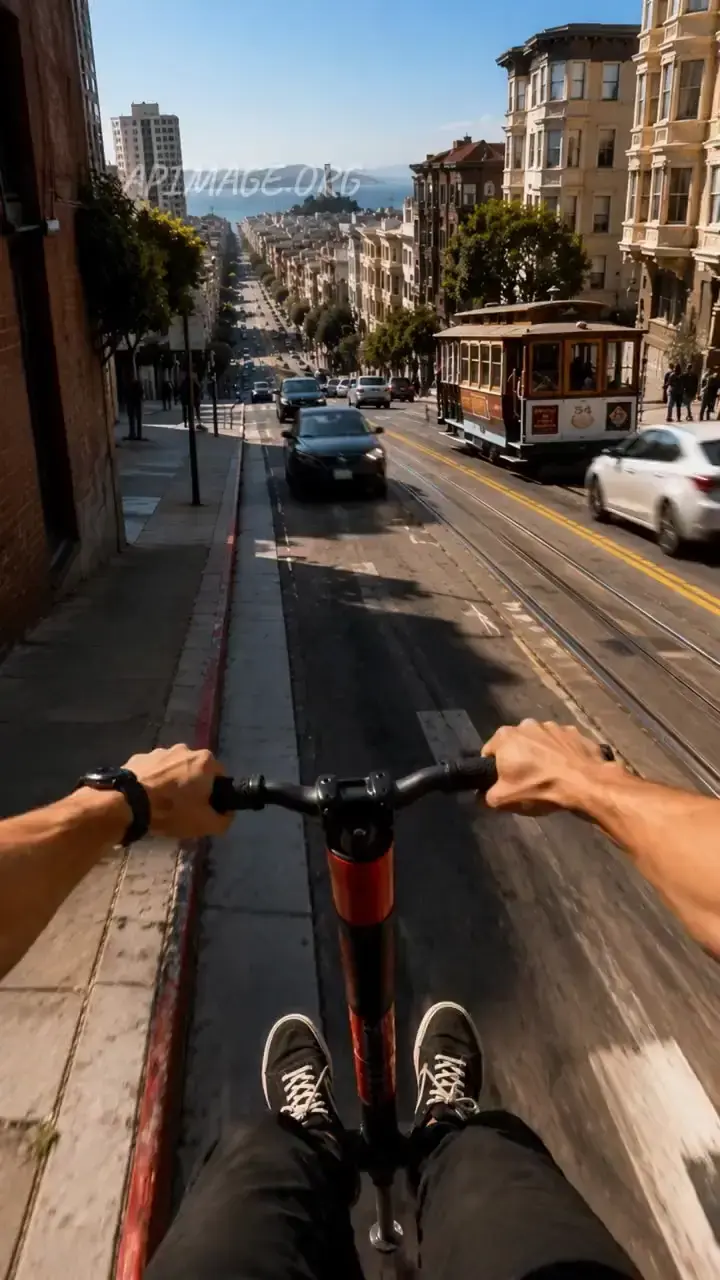
Kling O3 Edit is Kuaishou's video editing model. It takes a clip of 3 to 15 seconds, at least 720 pixels on each side, plus a prompt and up to four reference images, and changes what the prompt describes while keeping the motion, timing and framing. The clip is addressed as @Video1 and the references as @Image1 to @Image4, and the original audio can be kept. On APImage it costs 234 credits per 10 seconds at 720p and 280 at 1080p, and it powers the Outfit Swap, Restyle Clip and Recast tools as well as the Edit studio.
How much does Kling O3 Edit cost?
234 credits per 10 seconds at 720p and 280 at 1080p.
What can it change?
People, outfits, objects or the look of the whole clip, while keeping the motion.
How long can the clip be?
3 to 15 seconds, and at least 720 pixels on each side.
Which plan includes it?
Starter and up.
How do I use it?
Open Outfit Swap or Restyle Clip in the Motion studio, or Edit with a prompt in the Edit studio. Upload the clip, 3 to 15 seconds. Add references and describe the change, calling the clip @Video1. Confirm the rights and consent box and generate.