Same shot, new thing.
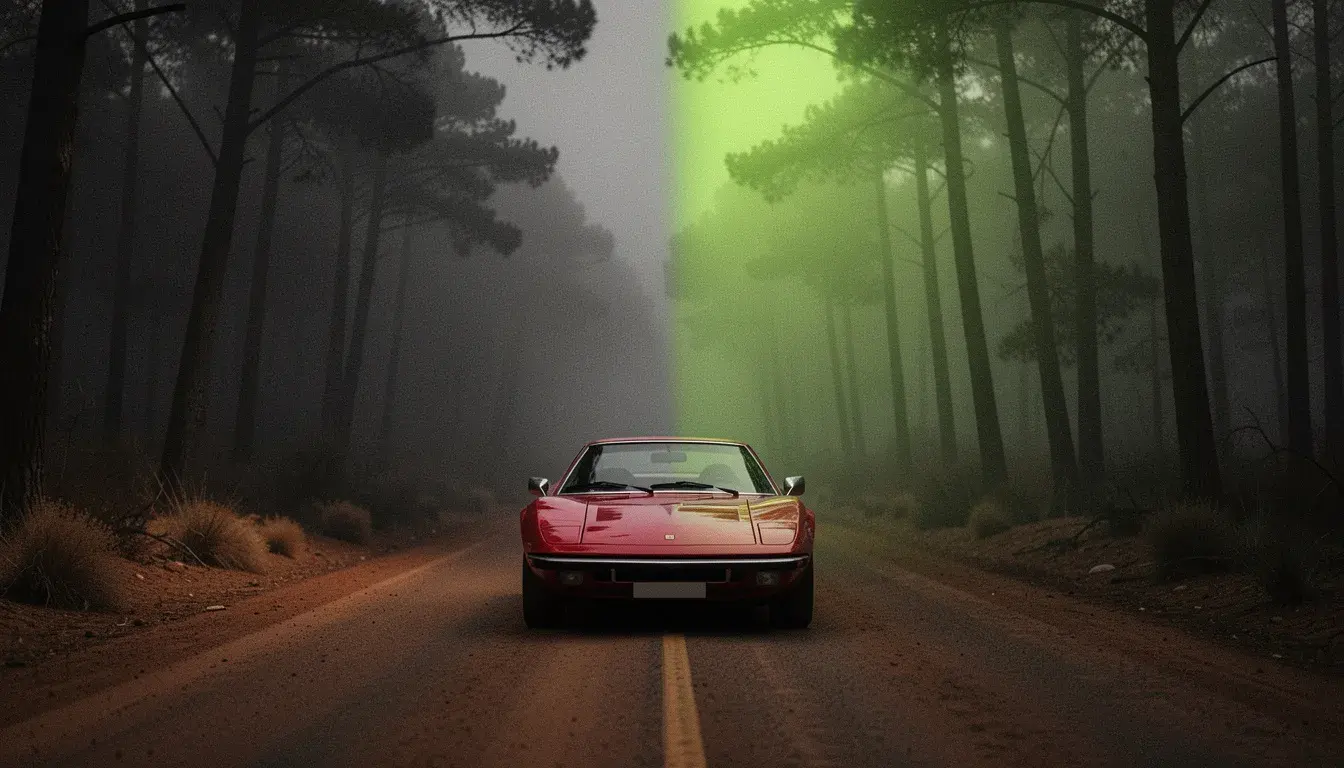 Illustration
Choose person, object or background, upload the replacement, done.
New locations
The same clip, somewhere else.
Product swaps
Your product in place of the one in the shot.
Template content
One trending clip, many versions.
- Provider
- PixVerse
- Swap
- Person, object or background
- Clip
- 1 to 10 seconds, one shot
- Resolution
- 540p, 720p
- Sound
- Keep the original, or not
- Prices
- 50 per 10s at 540p, 67 at 720p
- Plans
- Starter and up
- Cost
- From 50 credits per 10 seconds
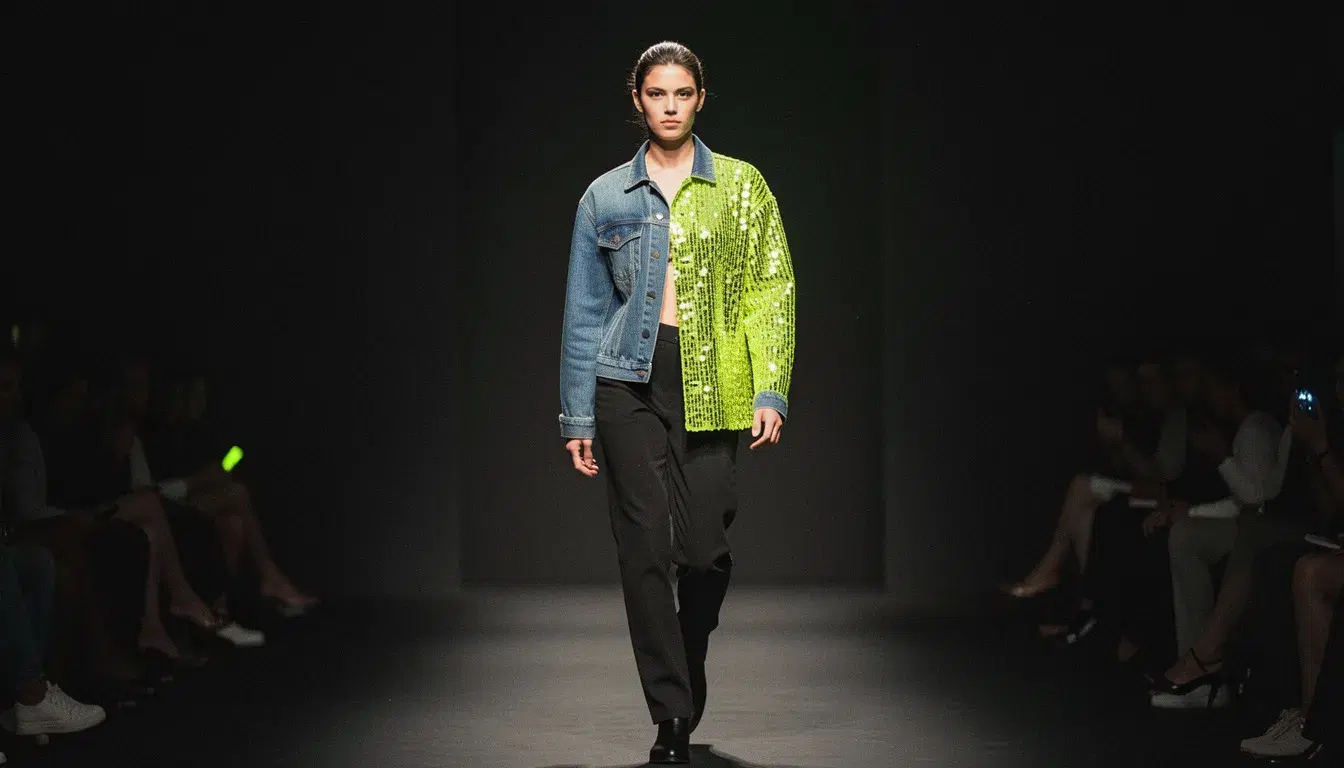

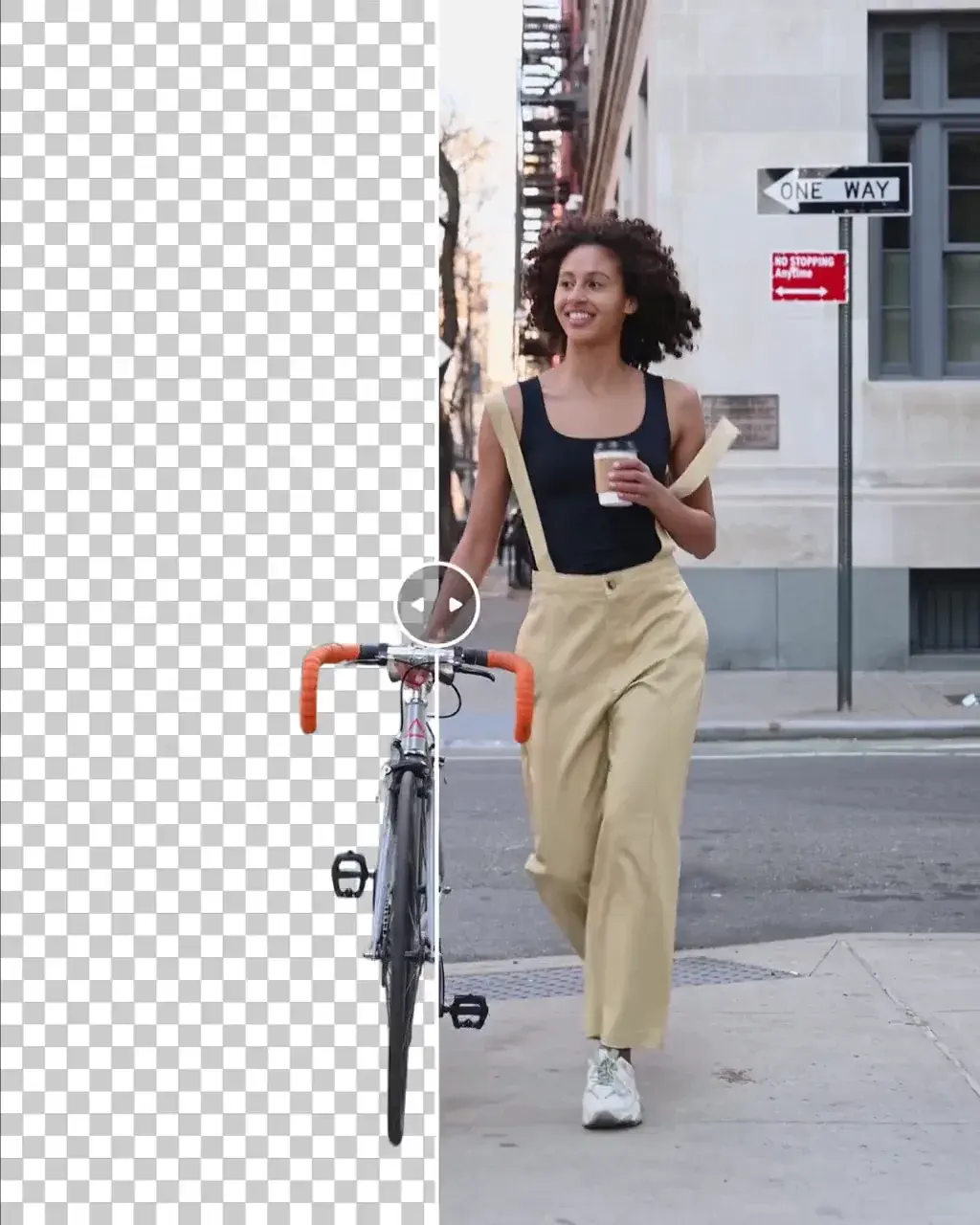
What is PixVerse Swap?
PixVerse Swap is PixVerse's video swap model. It takes a clip of 1 to 10 seconds and a photo, and replaces one element of the clip with what the photo shows: the person, an object, or the background. The original sound can be kept. On APImage it renders at 540p or 720p and costs 50 or 67 credits per 10 seconds, the lowest price for a swap, and it runs the Background Swap and Object Swap tools.
How much does PixVerse Swap cost?
50 credits per 10 seconds at 540p and 67 at 720p.
What can it swap?
The person, one object, or the background.
Which plan includes it?
Starter and up.
How do I use it?
Open the Motion studio and choose Background Swap or Object Swap. Upload the clip, up to 10 seconds. Add a photo of the new background or object. Confirm the rights and consent box and generate.