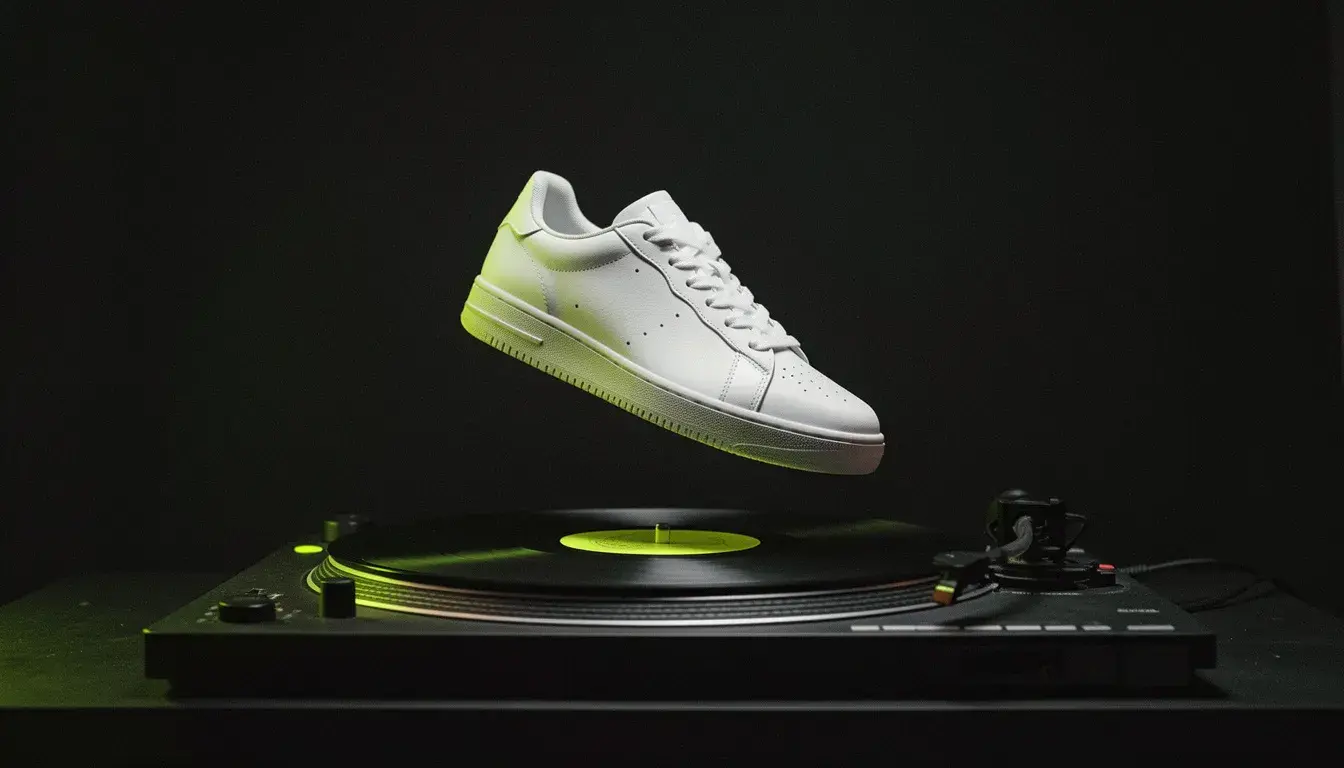
Walk around your photo.
Pick a new position on a sphere around the subject and get the photo from there. Turn a front view into a three-quarter, a profile or the back.
Product listings
Every side of a product from one photo, for marketplaces that want five angles.
Character sheets
Front, side and back views to keep an AI character consistent.
Video references
Several angles of one subject as references for a video model.
Layouts
The same scene from above for a flat lay, or low for drama.
- Provider
- Alibaba
- Engine
- Qwen Image Edit 2511, multiple angles
- Input
- One photo, no prompt
- Rotation
- 0 to 359 degrees around the subject
- Height
- Low angle (-30) to bird's-eye (90)
- Zoom
- 0 wide to 10 close-up
- Batch
- 12 best angles in one click
- Aspect ratios
- 1:1, 5:4, 4:5, 4:3, 3:4, 3:2, 2:3, 16:9, 9:16, 21:9, 9:21
- Output
- PNG, just under 1 megapixel
- Plans
- Hobby and up
- Cost
- 6 credits per image
 Photo Relight
 FLUX 3 Image
What is Photo Angles?
Photo Angles is APImage's camera-angle tool. It takes one photo and renders the same subject and scene from a different camera position: orbited anywhere around 360 degrees, from a low angle up to bird's-eye, and zoomed from wide to close-up. A single click can also generate twelve of the most useful angles at once, the other sides at eye level plus higher and lower views. It runs on Alibaba's Qwen Image Edit 2511 multiple-angles model, outputs PNG in eleven aspect ratios, and costs 6 credits per angle.
How much does Photo Angles cost?
6 credits per angle. The twelve-angle batch is twelve angles at 6 credits each.
What camera moves are possible?
A full 360 degree orbit, a height from low angle (-30) to bird's-eye (90), and zoom from wide (0) to close-up (10).
Do I need to write a prompt?
No. The camera is set with controls.
Which plan includes it?
Hobby and up.
How do I use it?
Open any image in the studio, or upload one. Choose Angles from the image tools. Set rotation, height and zoom, or choose Generate from 12 best angles. Generate. Each angle is 6 credits.