 GooglePhoto tool
Move the light, not the shot.
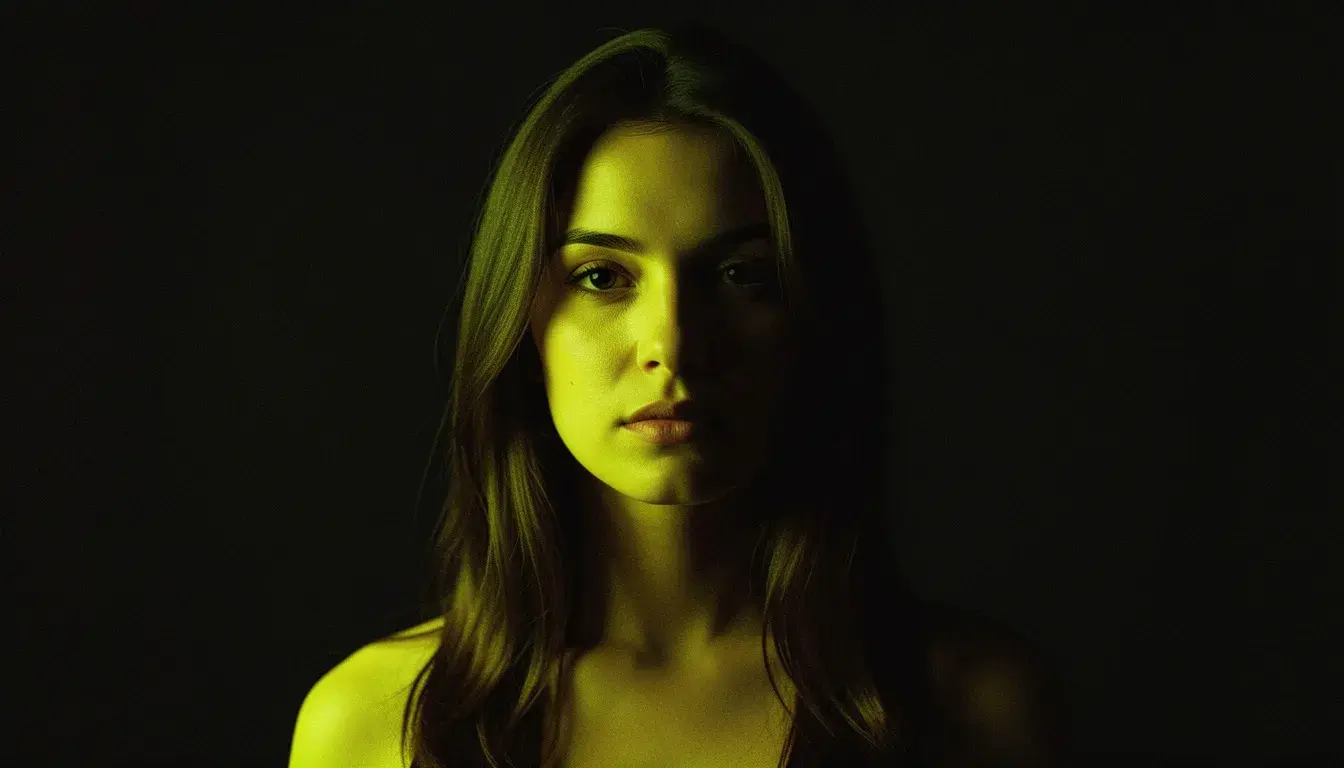
The person, the product, the pose and the background stay put. Shadows and highlights move to agree with the new light, and the old light direction disappears.
Product photos
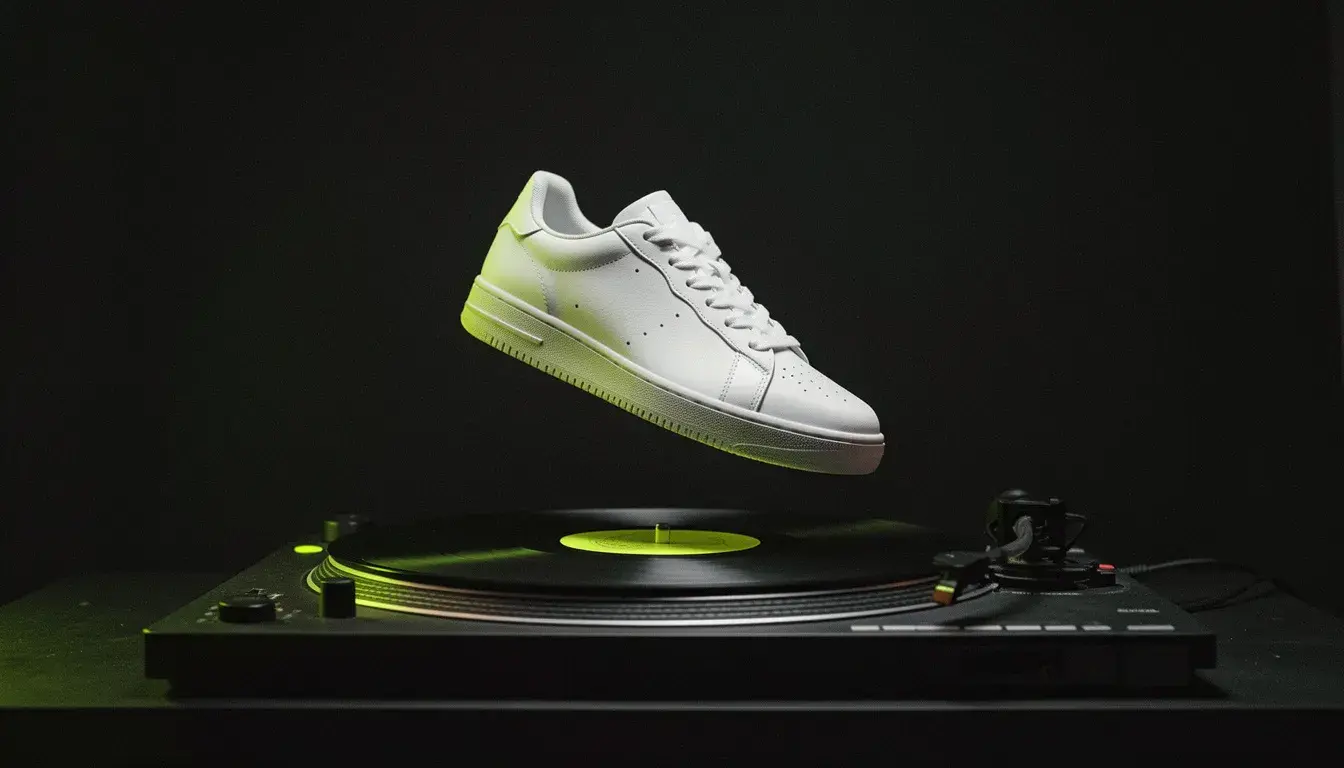
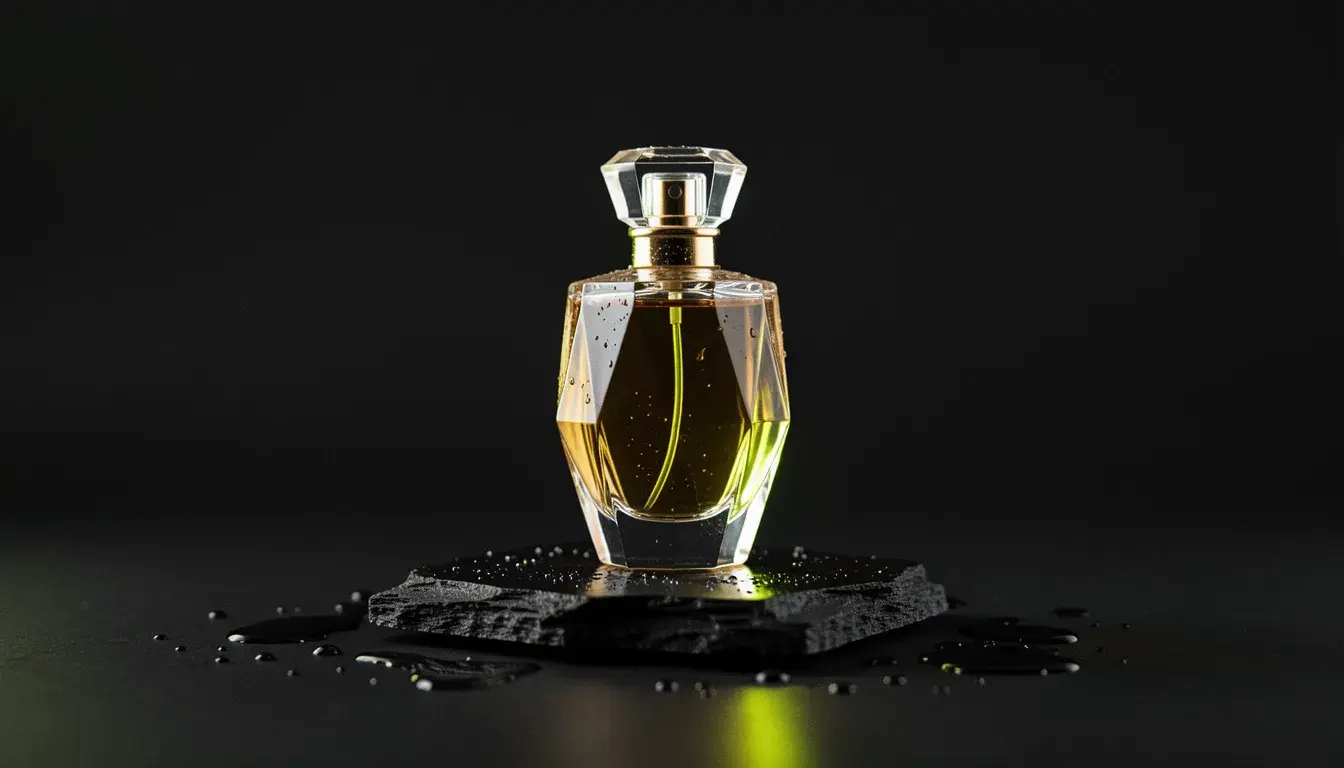
Match a set of product shots to the same light direction.
Portraits
Rescue flat light with a side key, or add a rim from behind.
Composites
Make a cut-out subject agree with the light of its new background.
Mood
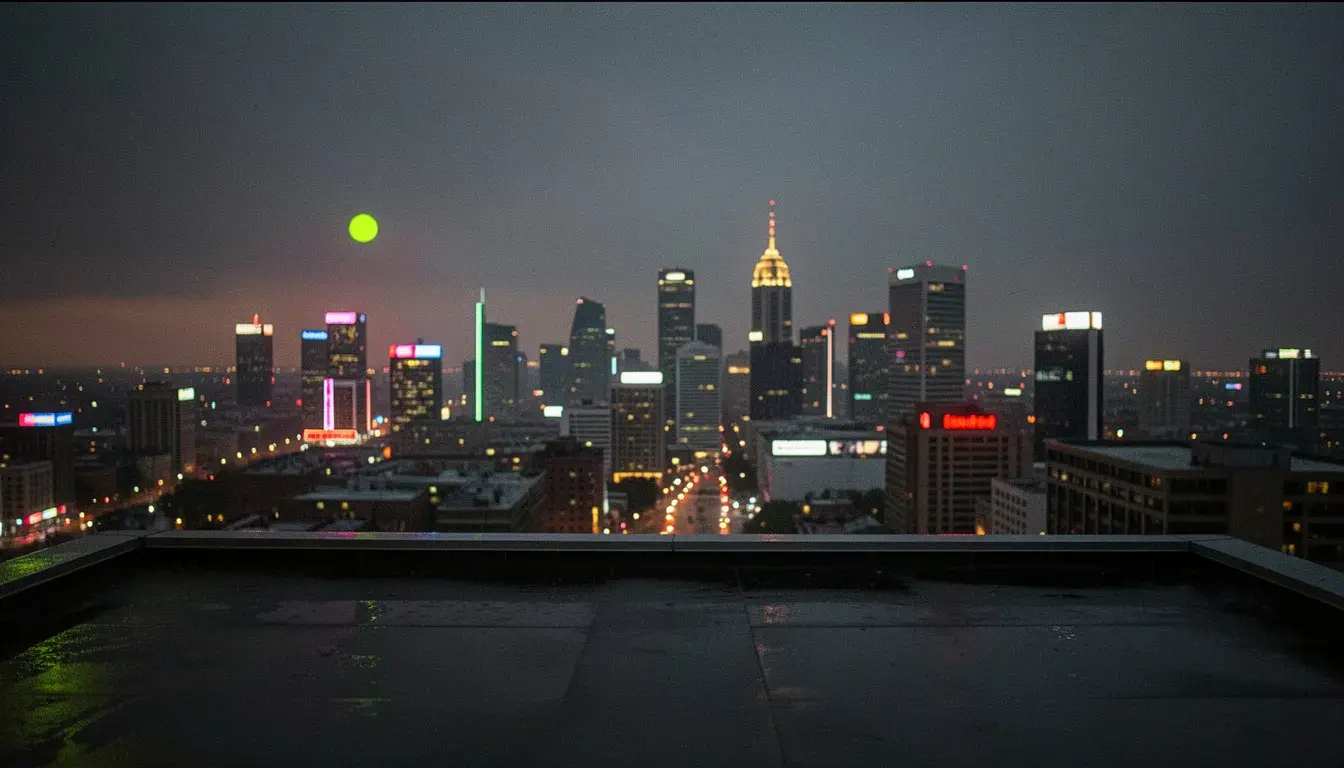
Warm sunset, cold moonlight or a coloured gel, from one photo.
- Provider
- Engine
- Nano Banana 2, high thinking
- Input
- One photo, no prompt
- Direction
- 0 to 359 degrees around the subject
- Height
- From below (-90) to overhead (90)
- Quality
- Soft or hard light
- Brightness
- 0 to 100
- Colour
- Any hex colour, neutral white by default
- Output
- PNG at about 1K, same aspect ratio
- Plans
- Hobby and up
- Cost
- 14 credits per image
What is Photo Relight?
Photo Relight is APImage's relighting tool. It takes a finished photo and re-renders it with one key light placed where you choose: anywhere around the subject, from below to directly overhead, soft or hard, at any brightness and in any colour. Everything else is held fixed, including identity, expression, pose, clothing, text, background and framing, and the shading, highlights and cast shadows are redrawn to agree with the new light. It runs on Google's Nano Banana 2 with high thinking, so the direction and shadows are planned before the image is drawn. Each relight costs 14 credits.
What does Photo Relight change?
Only the lighting. Identity, faces, expression, pose, hair, clothing, objects, text, background, composition and framing are kept, and shading and shadows are redrawn to match the new light.
How much does a relight cost?
14 credits per image.
Do I need to write a prompt?
No. Direction, height, hardness, brightness and colour are set with controls.
Which plan includes it?
Hobby and up.
How do I use it?
Open any image in the studio, or upload one. Choose Relight from the image tools. Set the light's direction, height, hardness, brightness and colour. Generate. Each relight is 14 credits.