and video swap
Take the motion of any clip and recast it: your character does every move, or the person, outfit, object or place changes while the rest of the shot stays.
Priced by the length of your clip. Failed runs are refunded automatically.
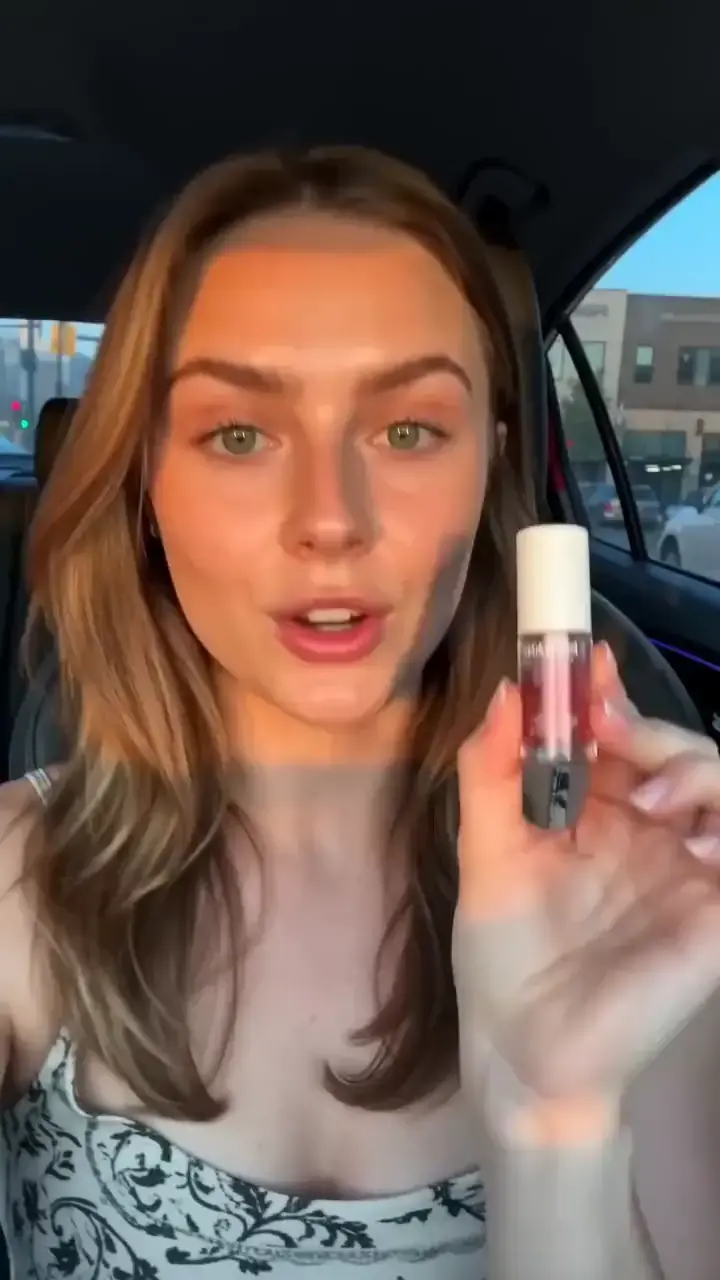
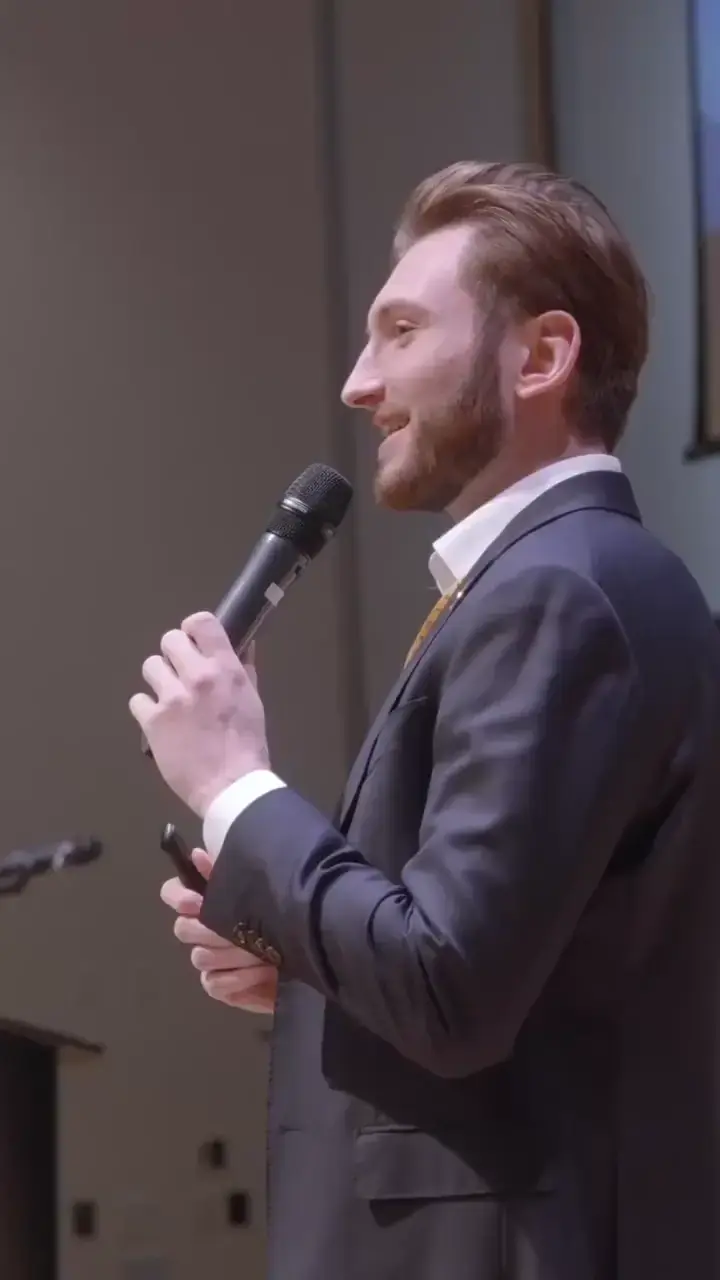
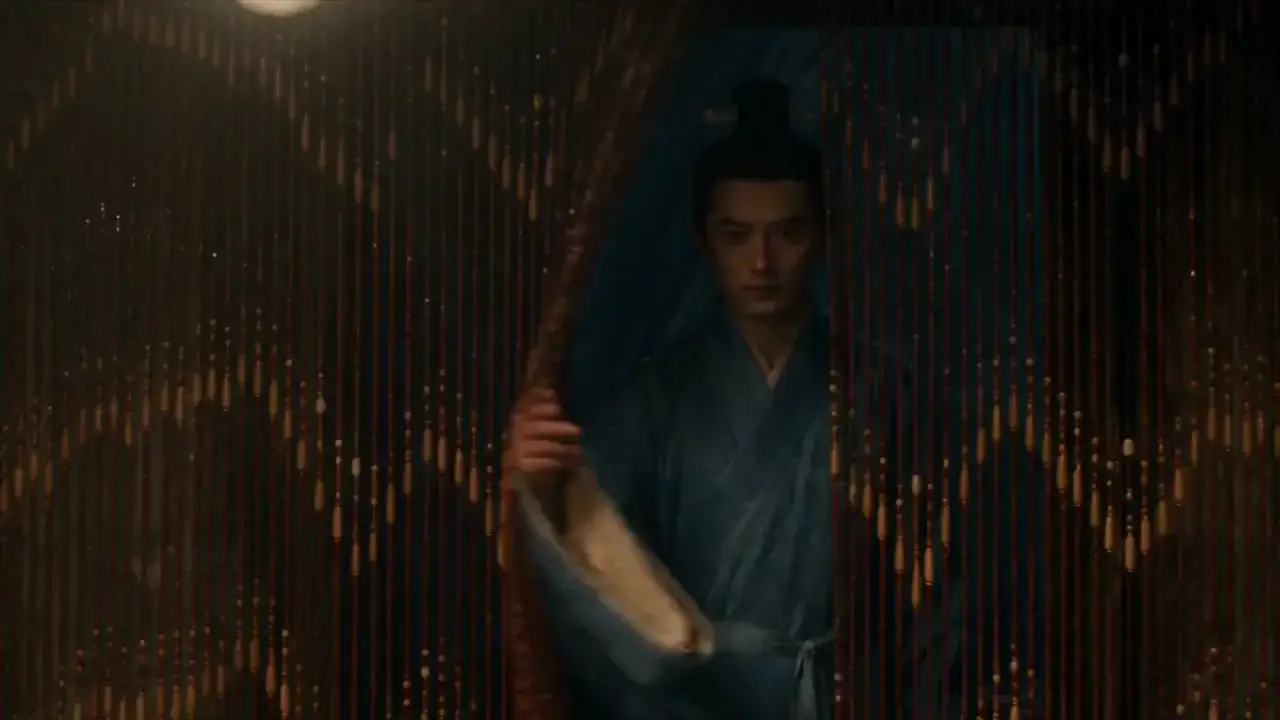
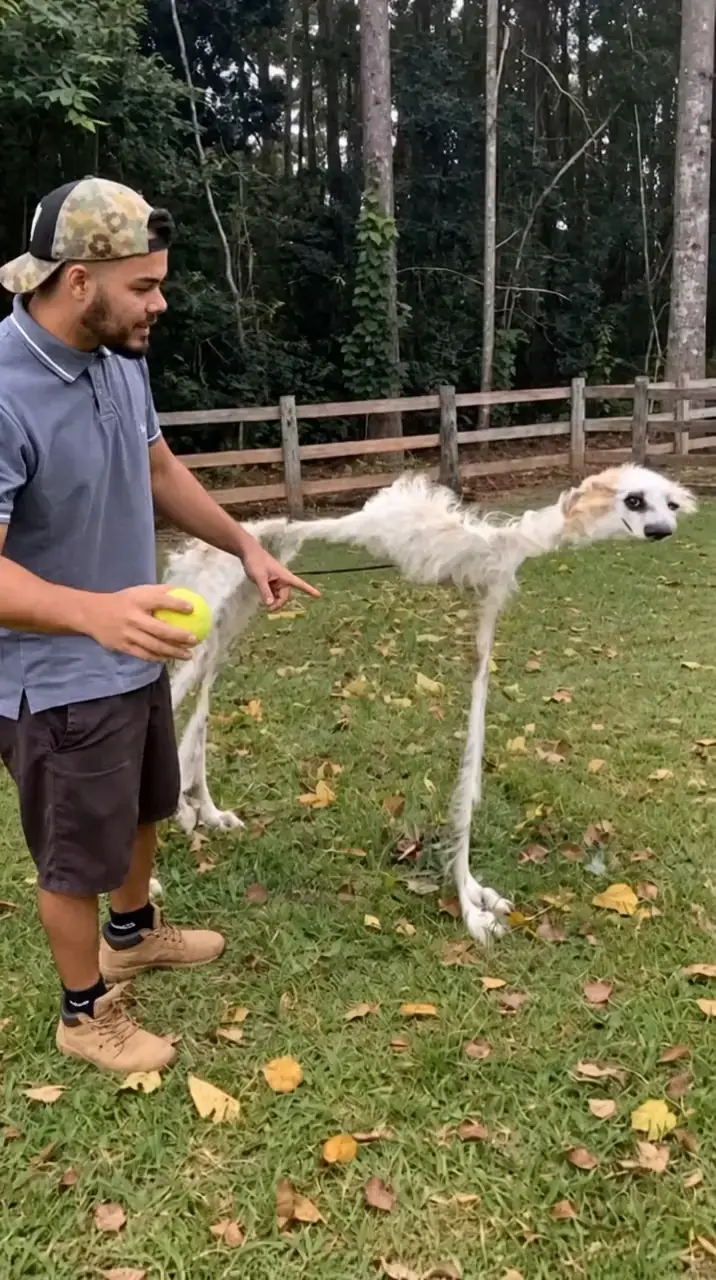
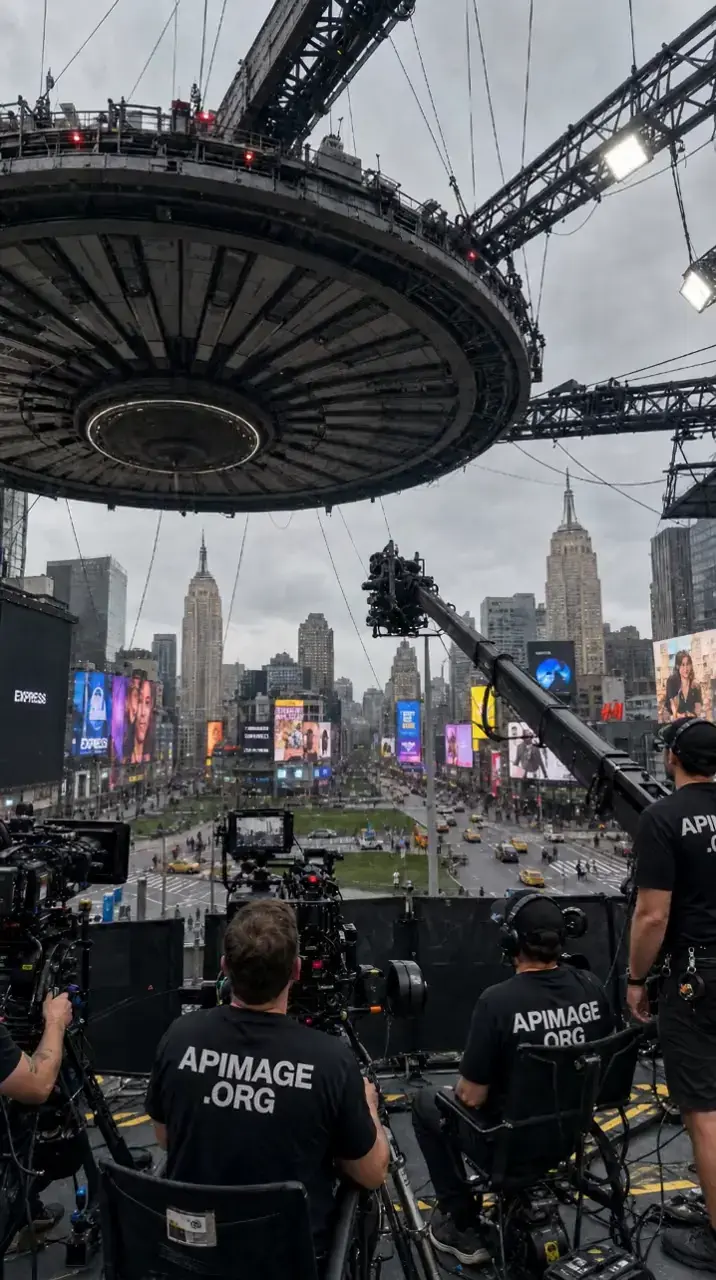
Pick what to keep and what to change.
Upload a clip
Any reference video: a dance, a walk, a product moment, a camera move you like.
Add the new part
A photo of your character, a new outfit, an object or a place. Or describe the new look.
Get the recast clip
Same timing and motion, with your change. Use it as is, or cut it together in the editor.
Your character, someone else's moves.
Character Swap
Your character performs every move of a reference clip: same choreography, new star.
Face-Locked Swap
Like Character Swap, plus a face close-up so the likeness holds through every turn.
Copy the camera move
Keep your photo's pose and framing, borrow the reference clip's camera move.
Change one thing. Everything else stays where it was.
Person Swap
Replace the person in a clip with the person in your photo. Scene and motion stay.
Recast
Recast the lead of your clip as the person or character in your image.
Outfit Swap
Dress the person in your clip in a new outfit, keeping every move.
Background Swap
Move your clip somewhere else. The person and motion stay put.
Object Swap
Swap the object in your clip for the one in your photo.
Restyle Clip
Re-render your clip in another look (anime, claymation, oil paint) with the same motion.