for clips you already have
Change what's in a shot with a prompt, keep it going, sharpen it to 4K or turn it vertical. Upload a clip, pick a tool, done.
Priced by the length of your clip. Failed runs are refunded automatically.
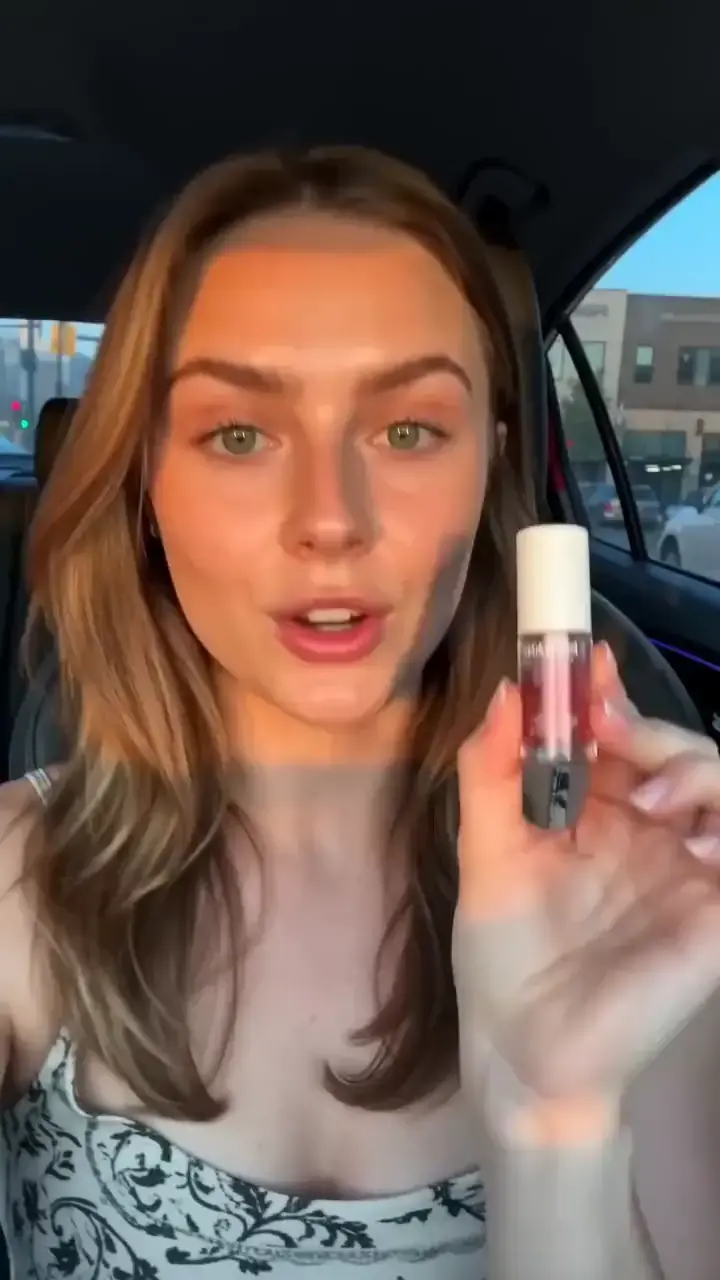
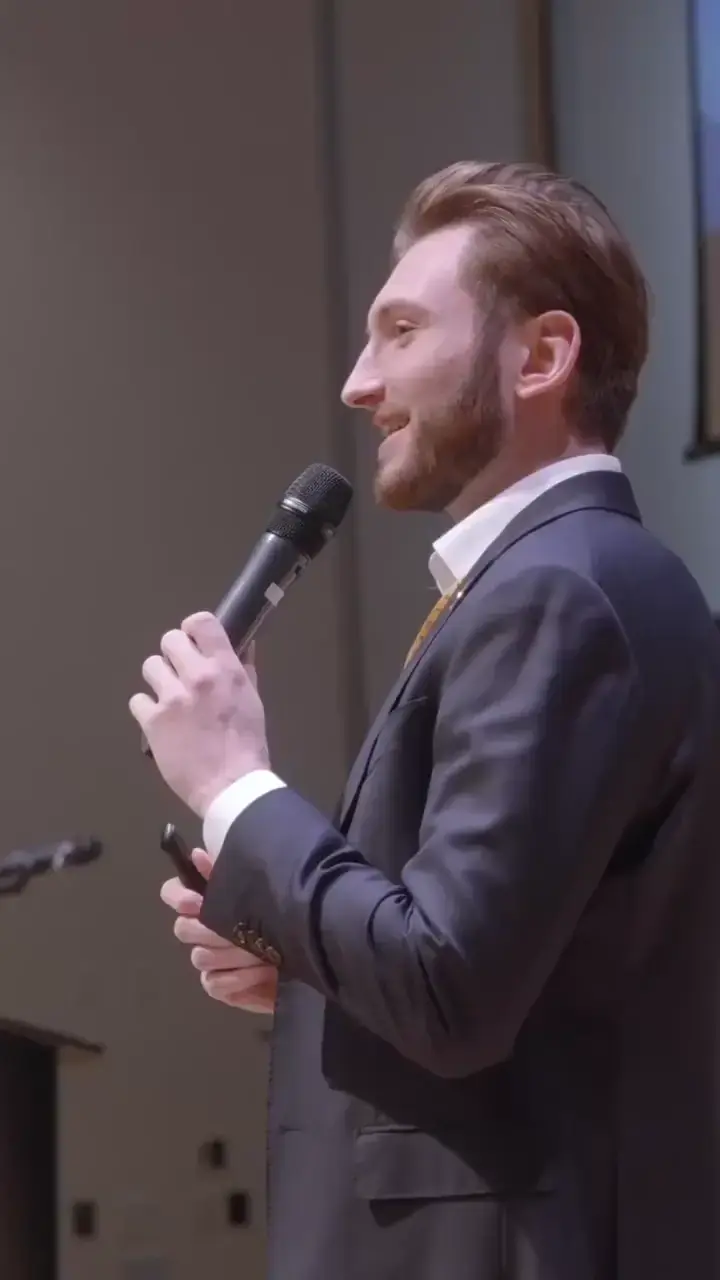

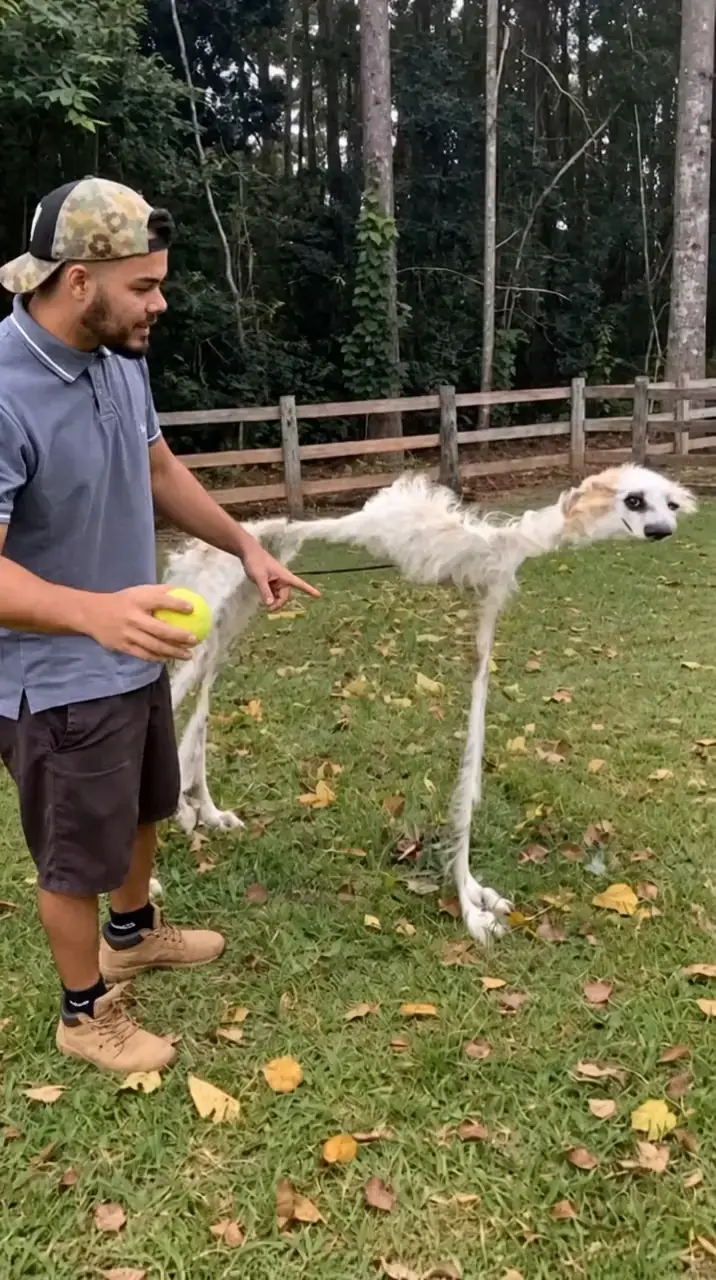
Upload a clip
Your own footage or anything you generated on APImage.
Pick a tool
Each one shows its price for your clip before it runs.
Get the result
It lands in your library, ready to download or cut together in the editor.
Edit with a prompt
3–15s clipsChange a person, outfit, object or the whole scene. The motion stays.
Extend
Up to 30sKeep the shot going: the new part continues from the last frame.
Reframe
Up to 20sTurn landscape into vertical, or back. New edges are filled to match.
Upscale
Up to 4KSharper detail at 1080p, 2K or 4K, optionally at 60 fps.
Remove background
Up to 60sCut the subject out: transparent, green screen or a solid color.
Lip sync a clip
Make the person in your video say new words, in sync.
Depth map
A depth pass of your clip, for compositing, relighting and 3D effects.