GPT Image 2.6: Flare vs Sunburst, SVG, GIFs and Pricing
 Ole N. Mai
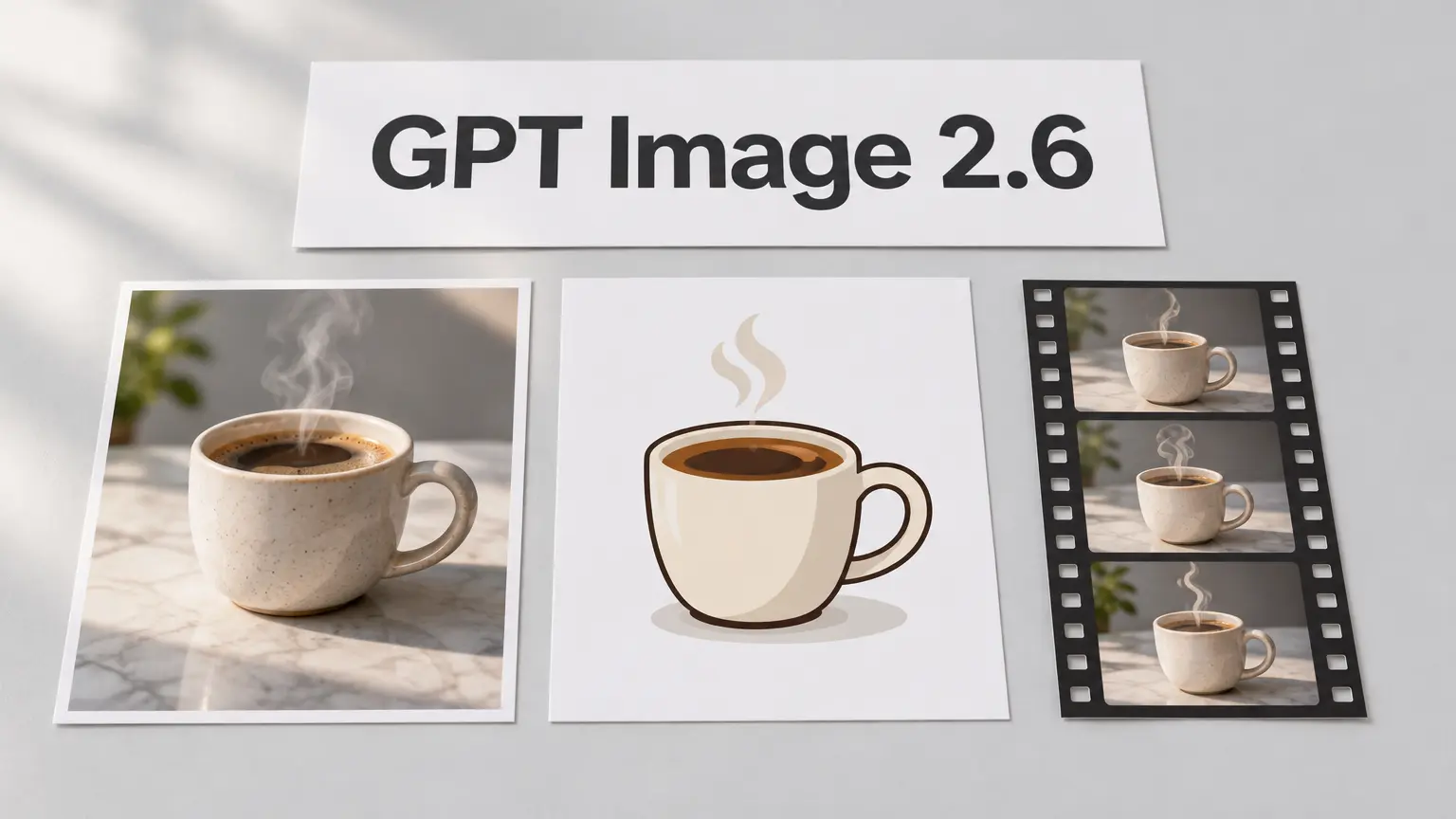
OpenAI's GPT Image 2.6 (November 4, 2026) comes as two models: Flare for speed (about 6 seconds at low quality) and Sunburst for detailed, consistent edits. Both add real SVG output, animated GIFs, a complexity setting and markup edits, at the same token price as GPT Image 2.5. Both are in APImage's Image Studio and API.
OpenAI released GPT Image 2.6 on November 4, 2026. It comes as two API models, Flare and Sunburst. The headline is new output: real SVG files and animated GIFs, which no GPT image model could make before. And for edits, you can now mark the part of an image you want changed instead of describing where it is.
We ran it the day we added it to APImage. Here's what's new, what it costs, which of the two models to pick, and the limits worth knowing before you build on it.
GPT Image 2.6 at a glance
GPT Image 2.6 Flare | GPT Image 2.6 Sunburst | |
|---|---|---|
Built for | Speed and volume | Detail and consistent edits |
Fastest result | About 6 seconds at low quality (OpenAI's figure) | Slower; aimed at medium and high quality |
Output formats | PNG, JPEG, WebP, SVG, animated GIF | PNG, JPEG, WebP, SVG, animated GIF |
Quality tiers | low, medium, high, xhigh, max | low, medium, high, xhigh, max |
Complexity setting | low, medium, high | low, medium, high |
Markup edits | Yes | Yes |
Max size | 3840 px on the long edge | 3840 px on the long edge |
API price | $30 per 1M image output tokens | $30 per 1M image output tokens |
Both models are in the API, ChatGPT and Codex. OpenAI says Images 2.6 generates 50% faster than before.
What's actually new in GPT Image 2.6
Five changes matter. Two are new file types, two are new controls, and one is a speed jump.
SVG output: vector files, not pictures of vectors
Set the output format to SVG and you get a real .svg file you can open in Figma or Illustrator and edit path by path. Under the hood the image model first draws a reference image, then a second model writes the SVG code from it. OpenAI says the result is static, with no scripts, external resources or embedded raster images.
We asked Flare for "a flat vector icon of a coffee cup with three wavy lines of steam" at low quality. The file came back at 2.2 KB with 10 clean paths and nothing else in it. It also added a saucer we never asked for, which is a fair reminder to check SVGs before they ship.

SVG has rules. It works on text-to-image only, one image per request, and you can't feed an SVG back in as a reference for an edit. It shines on icons, logos and simple illustrations. Busy scenes are where it struggles.
Animated GIFs
Set the format to GIF and GPT Image 2.6 renders a short looping animation. You choose 2 to 16 frames (the default is 9) and how long each frame shows, from 20 ms to 2 seconds (default 200 ms). Reference images work too, so you can animate a mascot or product you already have.
Our test: a cartoon mascot waving, 8 frames at 150 ms, low quality, 768 px. It came back as a 0.7 MB GIF in about 16 seconds.

The complexity dial
Complexity is new and separate from quality. Quality decides how finely the image is rendered. Complexity decides how much the model plans before it starts. It takes low, medium or high, defaults to high, and costs nothing extra.
High suits crowded scenes with lots of elements. For edits, OpenAI recommends low, because more planning also means more chances to change things you wanted kept.
Markup edits
Instead of writing "change the vase on the left table, not the one by the window", you draw over the vase and write "make it blue". The markup is a transparent layer on top of the image: it marks where, and your prompt says what. It's the closest GPT Image has come to precise local editing without a hand-made mask.
Speed
OpenAI's headline number is 50% faster generation, with Flare returning an image in as little as six seconds at low quality. Our medium-quality 1536 × 864 cover for this post took 10.8 seconds end to end through fal's hosted endpoint, network included.
Flare or Sunburst: which one should you use?
Use Flare by default. It's faster, it costs the same per token, and it handles posters, product shots and drafts well. Reach for Sunburst when the same subject has to survive several rounds of edits: a recurring character, a product you're revising, or a set of brand visuals that must match.
If you're making... | Pick | Why |
|---|---|---|
Quick drafts and many variations | Flare | Fastest, especially at low quality |
Posters and product layouts | Flare | Good layouts at a fraction of the wait |
Icons and logos as SVG | Flare | Simple shapes don't need the heavier model |
A character across many edits | Sunburst | Keeps details consistent from turn to turn |
Campaign images with fixed brand details | Sunburst | Built for precision at medium and high quality |
The honest test is your own prompt. Run the same prompt, size and quality on both and keep the one that needs fewer fixes.
How much does GPT Image 2.6 cost?
GPT Image 2.6 is billed by tokens, not per image. The API rates are $5 per million text input tokens, $8 per million image input tokens and $30 per million image output tokens, the same as GPT Image 2.5. So bigger images, higher quality and more reference images all cost more. Complexity doesn't change the price.
Two formats bill differently:
GIF: every frame is rendered, so more frames means more output tokens.
SVG: you pay for the reference image at the image rate plus the tokens the second model spends writing the file.
On APImage you pay in credits. A GPT image is held at an upper estimate when you press Generate, then settled to what OpenAI actually reports it used, so the difference comes back to you. The price on the button already accounts for the format, quality and frame count you picked.
How to use GPT Image 2.6 on APImage
Both models are in the Image Studio's model picker.
Open the Studio and pick GPT Image 2.6 Flare or GPT Image 2.6 Sunburst.
Set the chips next to the prompt: Format (PNG, JPEG, WebP, SVG or GIF), Quality and Complexity. PNG and WebP add a Transparent switch; GIF adds Frames, with the frame speed under Advanced.
Write your prompt and press Generate. GIFs and SVGs download as real .gif and .svg files.
For markup edits, open any image, choose Inpaint, switch the engine to GPT Image 2.6, paint over the area and describe the change. Your brush strokes are sent as the markup layer.
Free accounts can try both models with their 3 free images, at HD with quality up to high. Animated GIFs are on the paid plans, since a single GIF can render up to 16 frames. Developers get the same options in the APImage API: output_format, complexity, frame_count and frame_duration_ms.
Limits worth knowing
GPT Image 2.6 is a big step, but it isn't magic. OpenAI's own guide still lists slow requests (up to two minutes for complex prompts), imperfect text rendering, and drift in consistency across generations. Check small text and brand details before anything goes out.
SVG output is best kept simple. Our icon was clean, but OpenAI and early testers both point to icons and simple illustrations as the sweet spot.
GIFs are short loops, not video. For anything longer than a couple of seconds, or with sound, use a video model like FLUX 3 Video or Seedance instead.
If you're deciding between image models more broadly, our FLUX 3 Image vs. GPT Image 2.5 comparison covers where FLUX still wins, especially with lots of reference images.
Sources
OpenAI: Introducing Images 2.6
OpenAI: Image generation guide and the GPT Image 2.6 Flare model page
CometAPI: What is GPT Image 2.6?

Written by
Ole N. Mai
Founder of APImage
Use APImage to generate studio-quality images in seconds.
 Ole N. Mai